Weight loss programs One Page Template



Edit Template Offline
2. Create new page and search for id 1597335
Edit Template Online
Create Awesome Websites


Free Nicepage Builder
Keywords
Four Programs Anchor a Continuous Fitness Journey
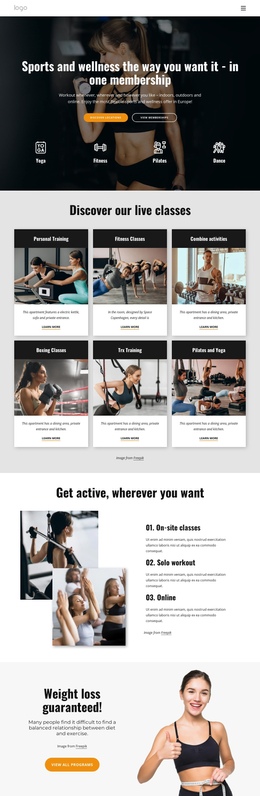
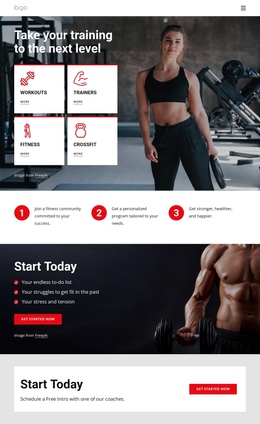
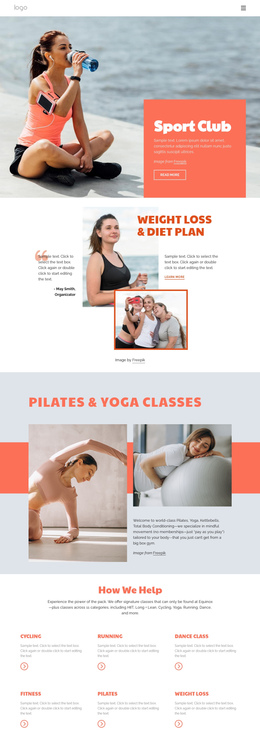
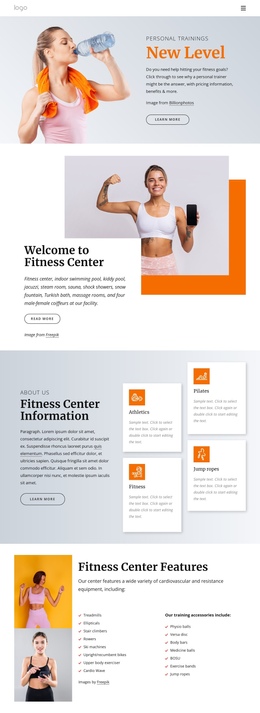
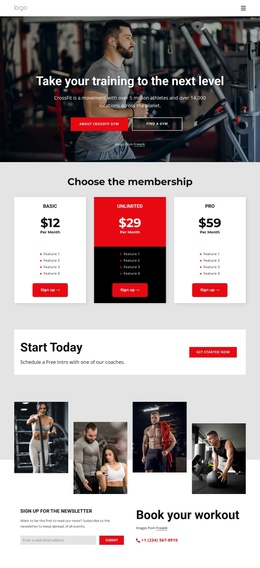
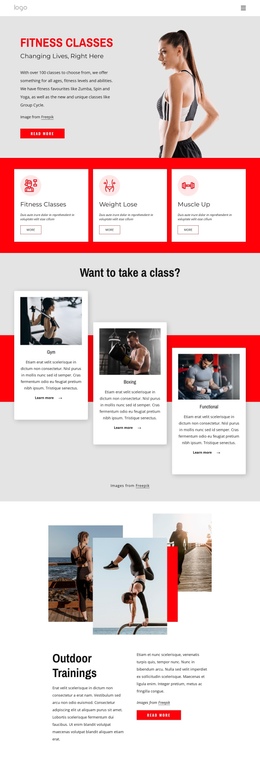
The page has enough distinct content zones to support a continuous one-page journey without flattening everything into one message. After the navigation row, the Pilates and weight-loss hero creates the opening destination with a rounded image and Read more action. The three category cards provide an early overview of Group Fitness, Workouts, and Muscle & Strength. Farther down, the Start Now section becomes a more specific program destination through Storm Fit, More Core, Pilates, and Yoga, with View More links marking the transition to additional information.
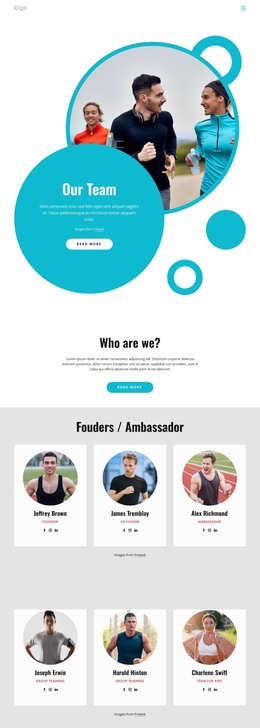
The following sections create separate stops in the same document. Our Trainers shifts attention to the people behind the programs. The yoga and meditation panel introduces online wellness content at home, while Gym and Fitness combines facility imagery with three displayed metrics. The How We Help People section gives testimonials their own destination through three cards, and the overlapping Welcome to Fitness Center block returns to the physical facility before the final contact area.
This order supports navigation between several meaningful subjects—programs, trainers, online wellness, facilities, and visitor feedback—without requiring each subject to become a separate page. The Need Help? section works as the closing destination, combining the inquiry form, Request Clarification button, and social links. The dark footer then provides a clear endpoint for the single-page sequence.
Customize with Nicepage
Open this ready-made template in the One Page Template Builder and customize it visually in the Nicepage editor. Replace demo content, edit page sections, and adapt the design to your project without rebuilding the template from scratch.
Build a Navigable One-Page Website
Connect the Menu to Page Sections
Organize the website as a sequence of sections on a single page and use the Menu For One-Page Site to connect menu items with individual page Blocks. Visitors can jump directly to sections such as About, Services, Testimonials, or Contact without opening separate pages.
Keep the Website on One URL
A one-page template can combine several parts of a small website within one continuous page. Arrange the Header, introduction, services, portfolio, company information, reviews, contact details, and other relevant sections in the order that fits the project while keeping them accessible through the same page navigation.
Make Long Pages Easier to Navigate
For longer one-page websites, keep navigation labels short and connected to meaningful sections so visitors can move through the page without relying only on scrolling. You can also use the Back To Top element to provide a quick way back to the beginning after longer sections.
This workflow makes the template suitable for compact websites that need several distinct content sections while keeping the complete visitor experience on one URL.