A results-driven trainings One Page Template


Edit Template Offline
2. Create new page and search for id 6138191
Edit Template Online
Create Awesome Websites


Free Nicepage Builder
Keywords
The Class Grid and Membership Area Create Distinct One-Page Destinations
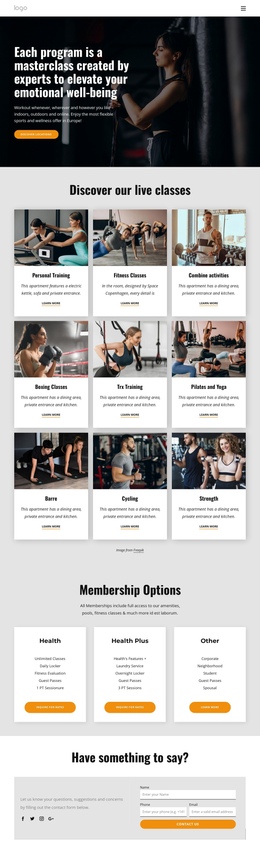
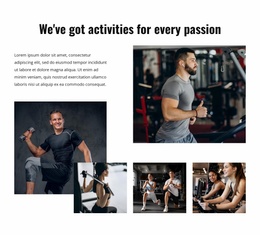
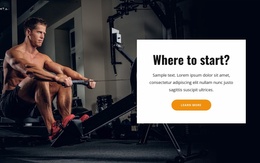
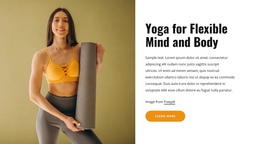
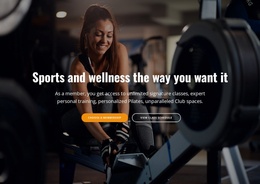
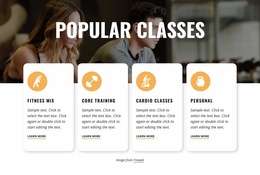
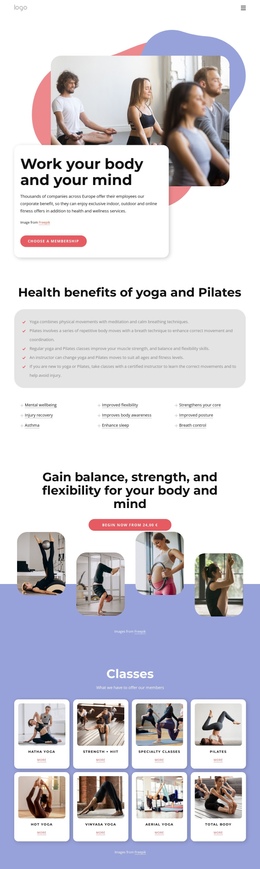
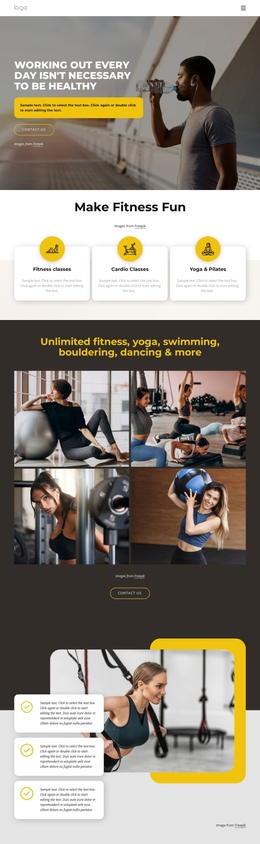
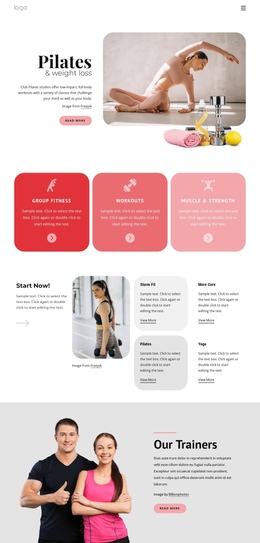
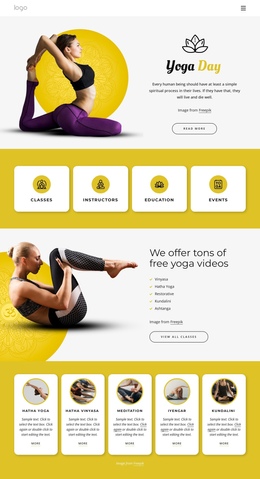
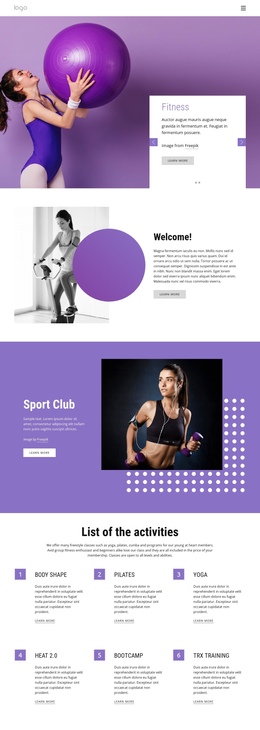
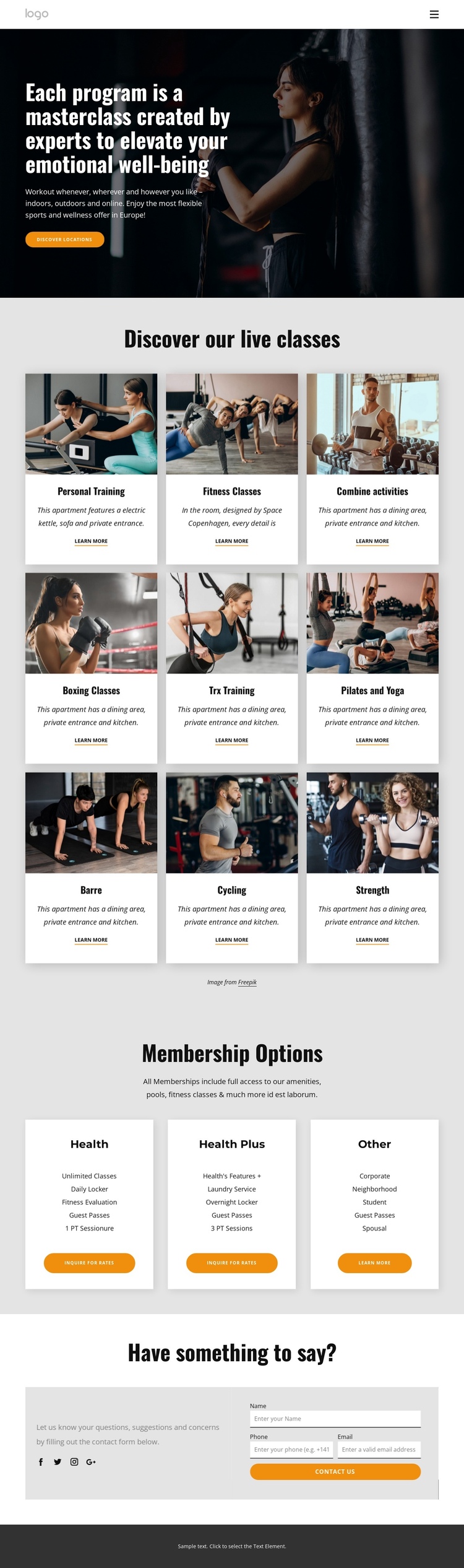
The design has enough separated content zones to support a continuous one-page journey without treating every item as a separate page. The opening hero introduces the expert-created fitness programs and flexible participation message, giving visitors a clear starting point. From there, the nine live class cards form a meaningful program destination. Personal Training, Boxing Classes, Pilates and Yoga, Cycling, Strength, and the other categories are grouped under one heading while remaining visually distinct through repeated image cards and Learn more links.
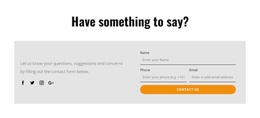
The Membership Options section creates a second destination with a different information purpose. Three horizontally arranged cards compare Health, Health Plus, and Other through feature lists and inquiry actions. Visitors can move from activities to participation choices within the same document, preserving the relationship between what the club offers and how someone might join. The contact section then provides a final destination, combining explanatory copy and Facebook, Twitter, Instagram, and Google links with a form requesting a name, phone number, and email address.
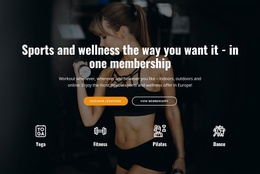
This order supports section-based navigation and scanning: introduction first, class discovery next, membership consideration after that, and contact last. It does not require a claim that anchor links already exist. Instead, the real section sequence supplies the content structure that makes a one-page format understandable, with the dark footer providing a clear visual endpoint.
Customize with Nicepage
Open this ready-made template in the One Page Template Builder and customize it visually in the Nicepage editor. Replace demo content, edit page sections, and adapt the design to your project without rebuilding the template from scratch.
Build a Navigable One-Page Website
Connect the Menu to Page Sections
Organize the website as a sequence of sections on a single page and use the Menu For One-Page Site to connect menu items with individual page Blocks. Visitors can jump directly to sections such as About, Services, Testimonials, or Contact without opening separate pages.
Keep the Website on One URL
A one-page template can combine several parts of a small website within one continuous page. Arrange the Header, introduction, services, portfolio, company information, reviews, contact details, and other relevant sections in the order that fits the project while keeping them accessible through the same page navigation.
Make Long Pages Easier to Navigate
For longer one-page websites, keep navigation labels short and connected to meaningful sections so visitors can move through the page without relying only on scrolling. You can also use the Back To Top element to provide a quick way back to the beginning after longer sections.
This workflow makes the template suitable for compact websites that need several distinct content sections while keeping the complete visitor experience on one URL.