

Blogger Wysiwyg Html Editor
Regular blog updates often involve revised headlines, new photographs, and corrections to existing articles. A blogger's WYSIWYG HTML editor shows these changes as you work, helping you keep content accurate and post presentation consistent without routine HTML editing.
More Website & HTML Templates for Blogger
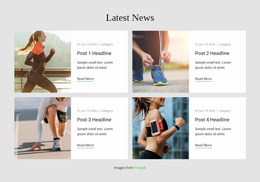
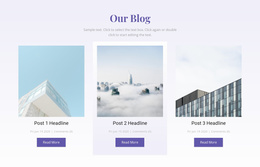
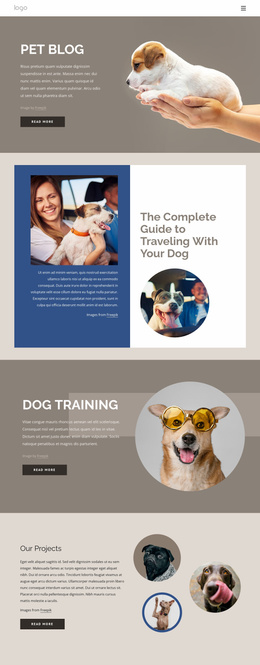
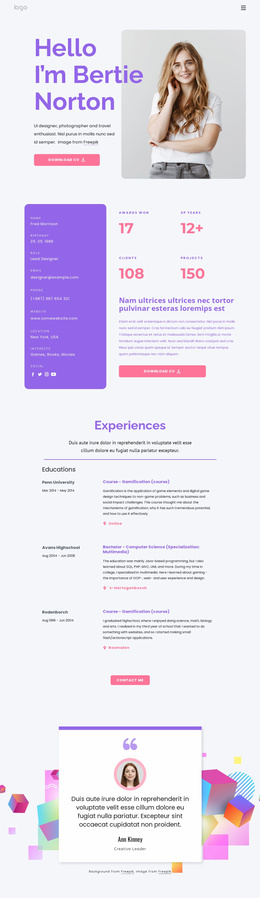
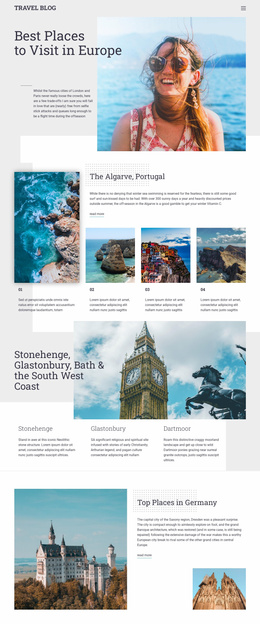
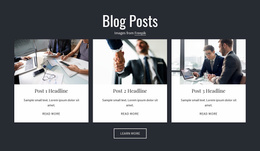
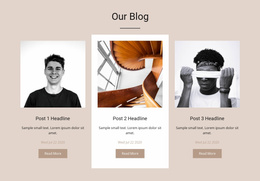
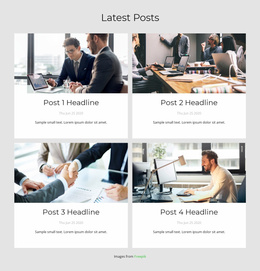
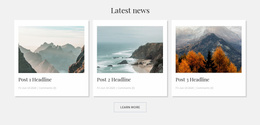

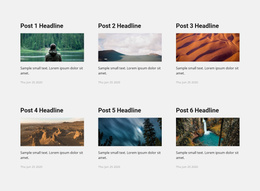

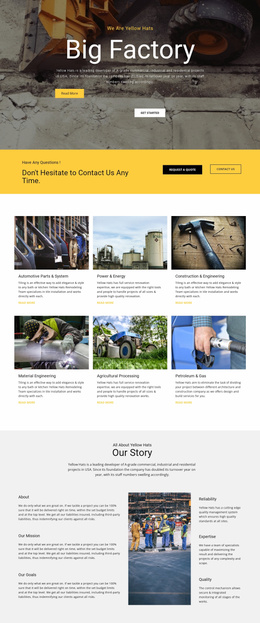
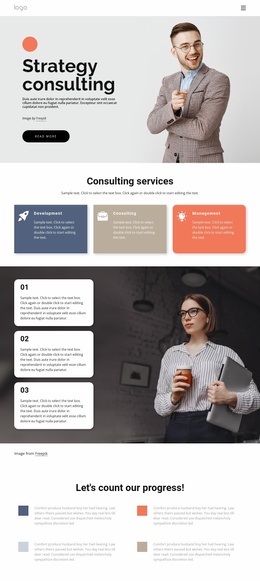



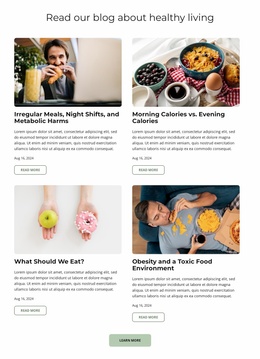

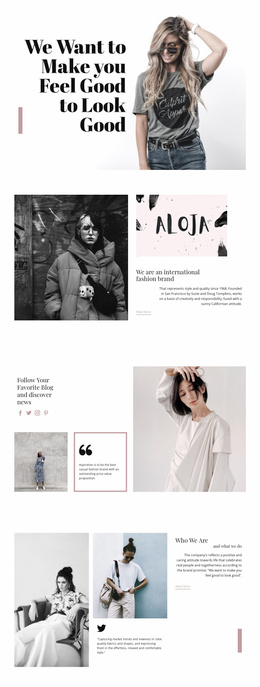


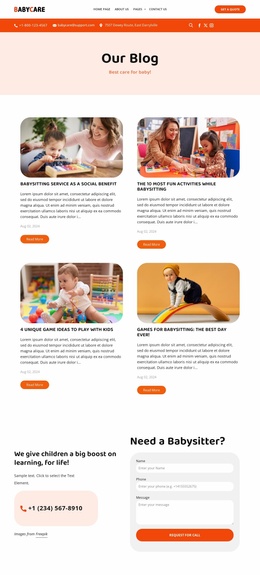
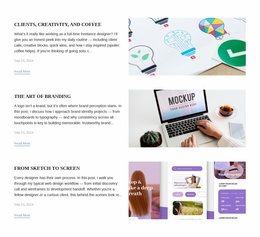
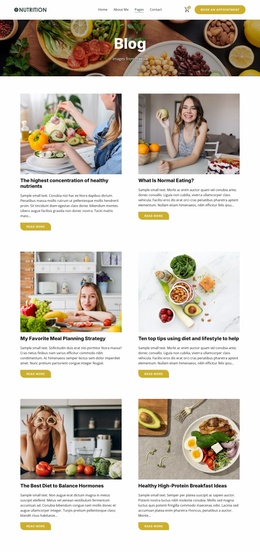
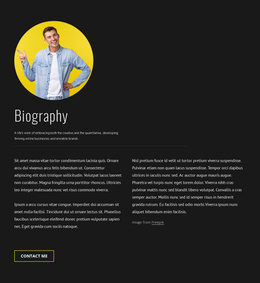

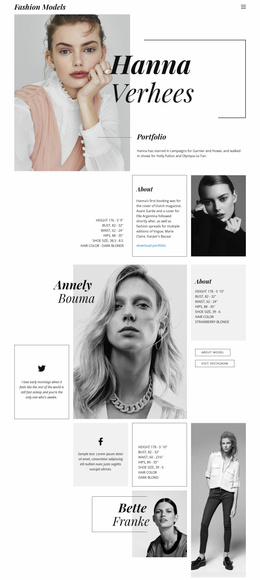
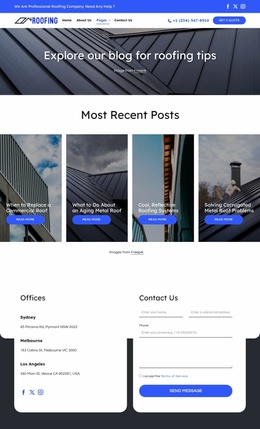

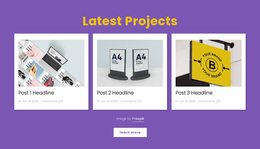
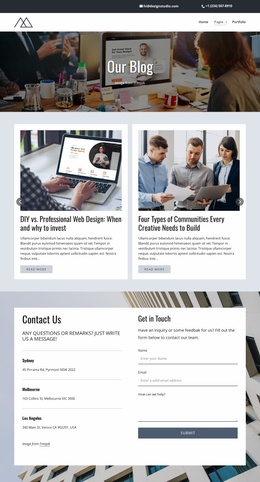


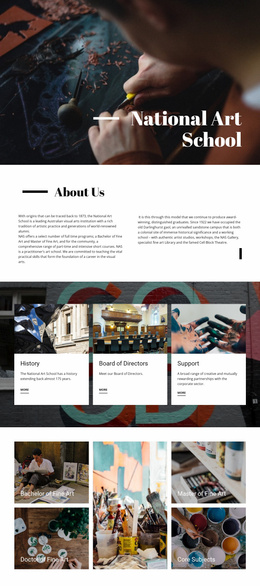
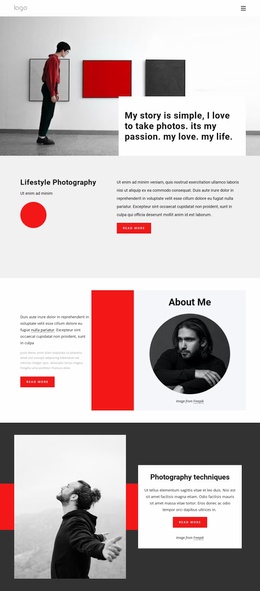
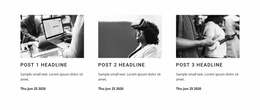
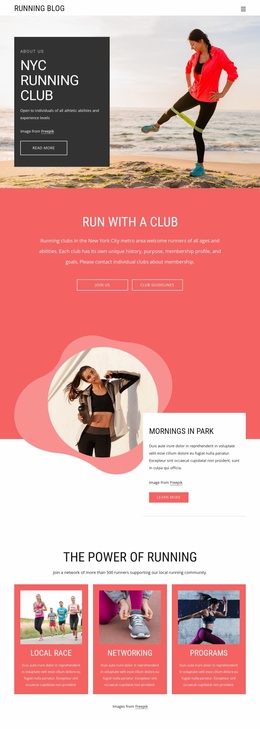
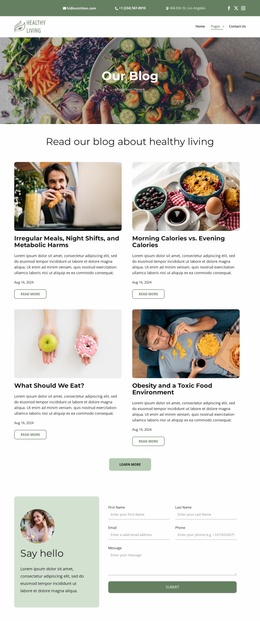

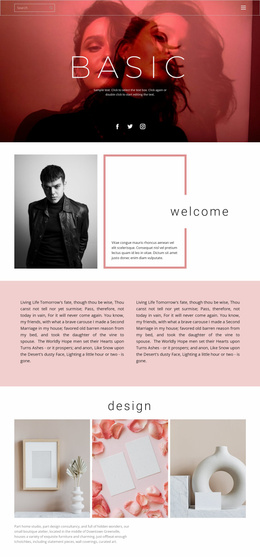

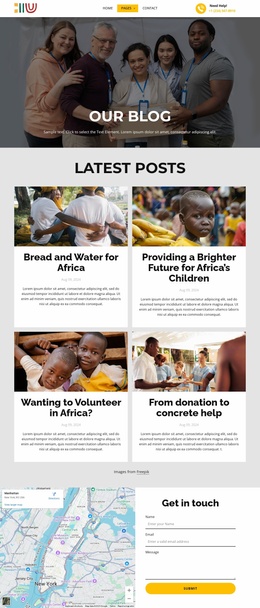
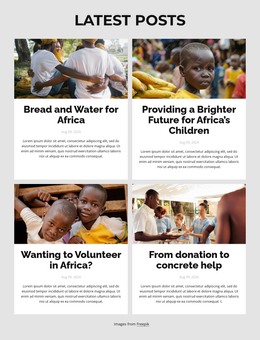
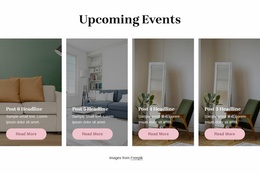



More Wysiwyg Html Editor from Blog Posts Category
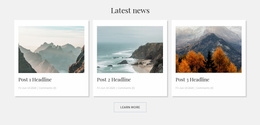
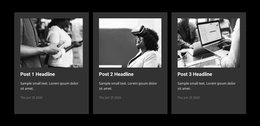
Other Blog Posts Wysiwyg Html Editor
Easy-To-Use Blogger WYSIWYG HTML Editor for Visual Content Updates
Update blog headlines, article photos, and editorial content in a visual workspace instead of manually editing HTML markup. A Blogger WYSIWYG HTML editor helps independent writers, newsletter publishers, and content managers make routine changes while seeing the page layout. Whether you need to correct an outdated recommendation or replace an article's featured photograph, direct editing makes revisions easier to understand.
Edit Blogger Content Without Manual HTML Changes
A visual editor lets bloggers work with the elements that readers actually see. Bloggers can select and adjust article titles, paragraphs, images, and other supported content components through on-screen controls.
For example, a gardening blogger may need to revise seasonal planting advice, while a book reviewer may update an article after a new edition becomes available. These changes concern the content of individual posts rather than the technical structure of the entire website.
Visual editing is especially useful when a writer handles frequent corrections, new photographs, and editorial revisions without a dedicated developer.
Drag-And-Drop Controls and Article Preview
A WYSIWYG workflow makes it easier to tell the difference between a content problem and a layout problem.
Imagine a photography blogger who replaces an outdated image in a camera review. The replacement may work well within the complete article but appear awkwardly cropped in a smaller preview. The writer needs to inspect both contexts rather than assume one change will suit every presentation.
Nicepage provides visual controls for supported text, images, and page elements. With the Post Editor, bloggers can edit post text, change featured images, and manage article details without rebuilding the overall site design.
The distinction between article content and its surrounding presentation matters. A corrected paragraph belongs in the post itself. A recurring spacing issue across multiple article previews may require adjusting the relevant layout element.
After a change, review headline wrapping, image proportions, paragraph readability, and the relationship between text and nearby components. Desktop and mobile previews can reveal issues that are hard to notice in a single-screen view.
Maintain an Accurate Blog With Visual Revisions
Keep routine post maintenance separate from site-wide design work. In Nicepage, the Post Editor supports changes to post content and featured images; changes to a shared post presentation may instead require editing the relevant Post Template or page layout. Visual controls apply to supported elements and operations, not to arbitrary HTML or third-party scripts. Before publishing, check edited links and formatting.
A blogger WYSIWYG HTML editor is most useful when everyday corrections remain straightforward. Choose a visual editing workflow that gives clear access to individual post content, shows the effect of revisions, and allows layout adjustments only when necessary. This keeps attention on editorial accuracy rather than repetitive code changes.