Modal Popup Wysiwyg Html Editor






Free Rich Text Editor Download
Use the buttons below to download Free HTML5 Editor for Windows or MacOS. Create mobile-friendly HTML pages and high-ranking websites! No coding and free.
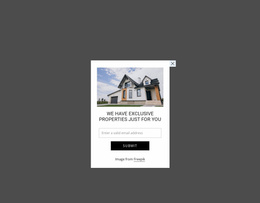
Professional Modal Popup WYSIWYG HTML Editor Blocks for Visual Overlay Editing
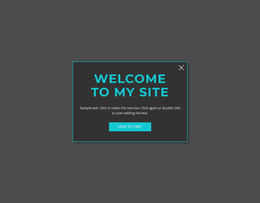
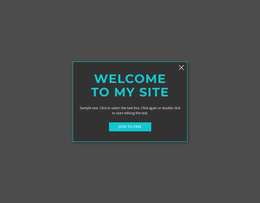
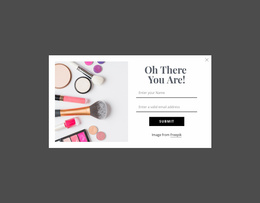
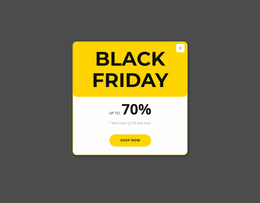
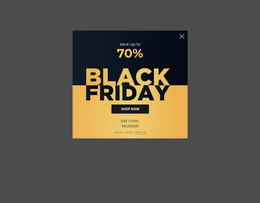
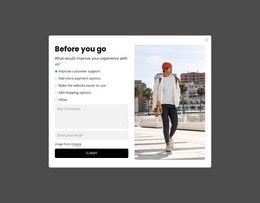
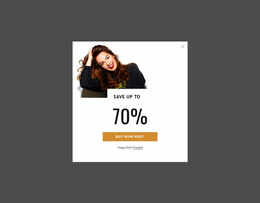
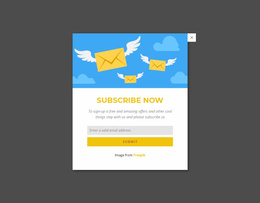
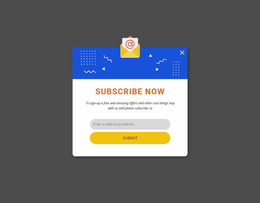
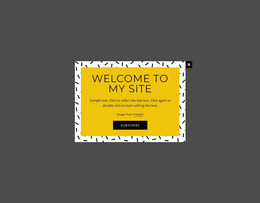
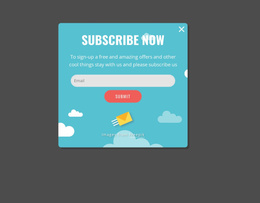
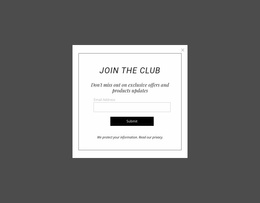
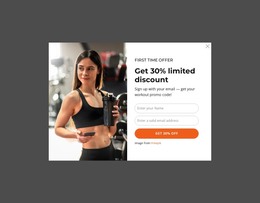
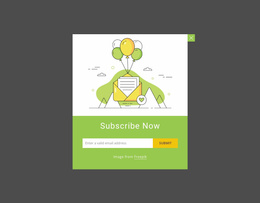
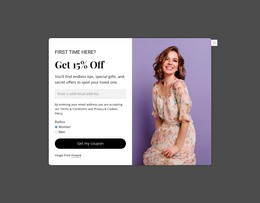
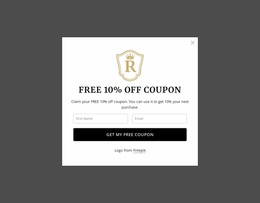
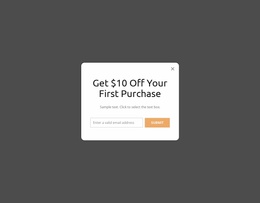
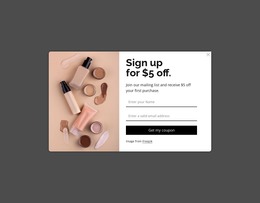
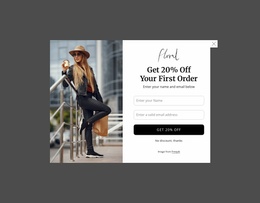
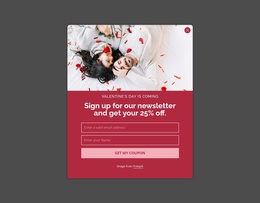
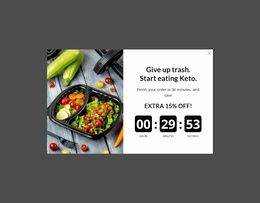
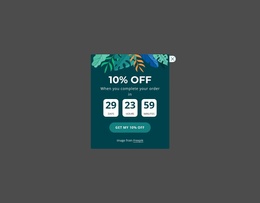
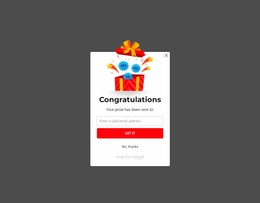
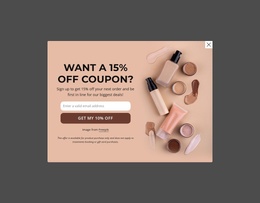
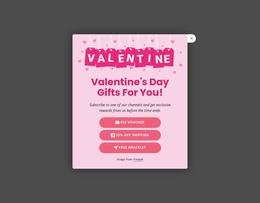
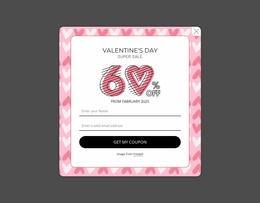
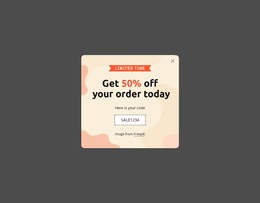
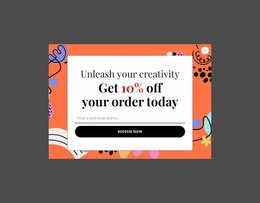
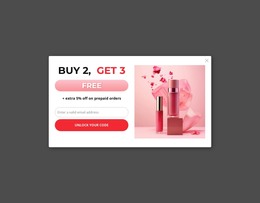
A Modal Popup WYSIWYG HTML Editor block gives focused content its own temporary layer instead of reserving permanent space in the page flow. The visitor sees a short message, form, promotion, detail, media item, or action above the existing page. At the same time, the visual editing workflow helps you shape the popup composition directly in the Nicepage editor.
What Is a Modal Popup Section Used For?
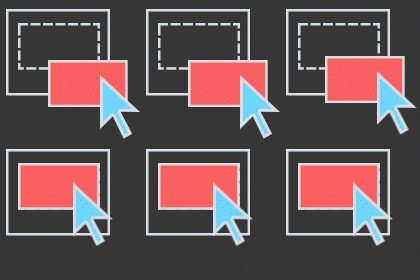
For day-to-day editing, the useful WYSIWYG tasks are concrete: - Edit popup copy in place while keeping the overlay visible. - Rearrange columns and content groups without rebuilding the section from scratch. - Replace images, buttons, and form content directly on the visual canvas. - Preview the overlay to check the trigger-to-popup experience before publishing.
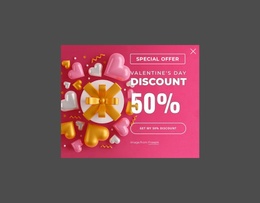
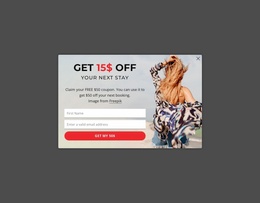
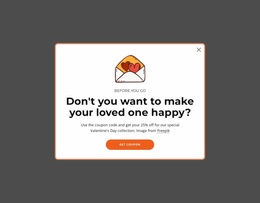
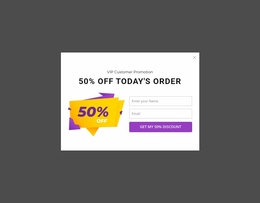
A modal popup is useful when information needs immediate attention but does not belong in the permanent content hierarchy. The defining behavior is the overlay itself: the popup appears above the current page, holds the visitor's focus, and then lets the visitor return to the underlying content after the interaction is complete.
This makes the pattern suitable for a signup prompt, limited promotion, additional product information, notice, lead form, or another compact action. The popup should remain focused. Packing a full page worth of unrelated information into the overlay weakens the reason for using a modal in the first place.
Clean Modal Popup Structure for Triggered Content
A useful popup usually starts with one clear content priority. That may be a heading and supporting sentence, an image with a short explanation, a form, or a focused CTA. Supporting elements should reinforce that primary task rather than compete with it.
The Modal Popup Element in Nicepage provides the direct product feature for this interaction. Nicepage documents Modal Popup as a dialog window that overlays page content. Because the block lives outside the normal reading flow while active, its visual hierarchy should make the temporary action immediately understandable.
The WYSIWYG HTML editor angle matters here because popup content can be treated as a visual composition rather than a code-first exercise. Adjust the text, spacing, imagery, and content arrangement while keeping the overlay's purpose visible throughout the editing process.
Edit the Popup as a Distinct Visual Layer
While working in the editor, treat the popup as its own compact composition. Check the text directly in context, resize or replace imagery, adjust columns, and make sure buttons or form controls remain easy to scan inside the dialog.
If the popup contains a form, edit the fields as part of that composition rather than letting the form dominate every other element. The practical goal is to make the dialog understandable while you are looking at the actual visual result, not to rebuild it as a separate full-page section.
Visual Editing for a Focused Popup Workflow
Start with the popup's purpose before adjusting its appearance. Decide what should trigger attention, what information belongs in the overlay, and what the visitor should do next. Then edit only the elements needed for that interaction.
This keeps the WYSIWYG workflow tied to the block's function: a compact overlay with a clear content hierarchy, rather than a detached design exercise. The result can then be integrated into the wider project as one functional page component.
Modal Popup WYSIWYG HTML Editor FAQ
Can I import an existing HTML site into the Nicepage editor?
No. Nicepage does not support importing an existing HTML or generated site into the editor. You can use its available features to recreate the required layout and content.
Can I work on a popup without an Internet connection?
Nicepage applications use online authorization, but after you sign in with an Internet connection, you can use supported Nicepage applications offline. Template and media libraries are unavailable while offline.
What makes a Modal Popup different from a normal content block?
A Modal Popup appears as a temporary overlay above the current page and requires an interaction before the visitor returns to the underlying content. A normal section remains part of the permanent page flow.
Adapt a Modal Popup in the Nicepage Editor
Select a popup block whose structure matches the intended action, open it in the Nicepage editor, and replace the sample content with the message, form, media, or CTA the project requires. Refine the visual hierarchy around that single interaction, then integrate the finished popup into the broader page workflow.