AI-Powered Digital Future Joomla Template


Edit Template Offline
2. Create new page and search for id 6369760
Edit Template Online
Create Awesome Websites


Free Nicepage Builder
Keywords
AI Projects Divide Naturally Into Managed Content Regions
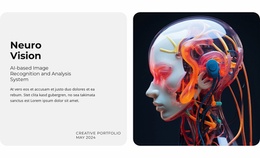
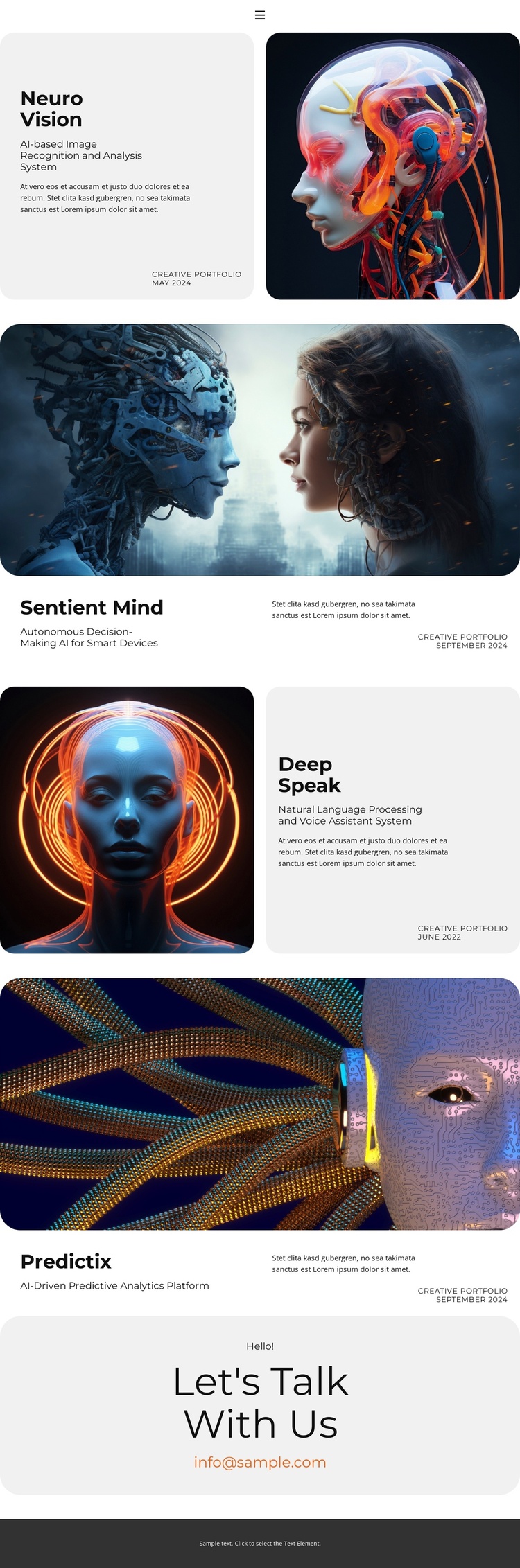
The four project areas give the design a practical content structure for a CMS-managed portfolio. Neuro Vision is associated with AI image recognition and analysis, Sentient Mind with autonomous decision-making for smart devices, Deep Speak with natural language processing and voice assistance, and Predictix with predictive analytics. Each project has a repeated information pattern, but its own title, capability label, image treatment, and displayed date keep the entries distinguishable.
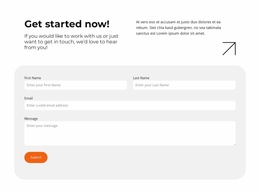
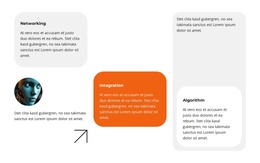
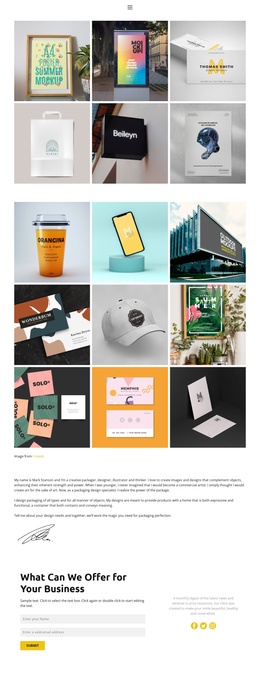
The layout also separates the page into reusable site regions. A compact navigation area provides access to Home, About, Contact, Portfolio, and other links. The project sections then carry the main informational content, alternating between split presentations and wide image-led arrangements. Near the end, the contact invitation gathers the response-oriented content into a separate light panel, while the footer remains a shared closing region.
That division is useful when the design is interpreted for Joomla because structured informational areas can remain visually coordinated while their content is organized through the CMS environment. The template does not prove that Joomla Articles, categories, or module positions already exist, so the safe interpretation is based on the visible content regions themselves. The capability labels and dates offer editorial fields around each project, while the navigation and contact areas provide distinct site-level roles.
Customize with Nicepage
Open this ready-made template in the Joomla Page Builder and customize it visually in the Nicepage editor. Replace demo content, edit page sections, and adapt the design to your project without rebuilding the template from scratch.
Work With This Template in Joomla
Customize and Install the Joomla Template
Start with this ready-made template instead of building the Joomla design from scratch. Customize its layout, content, typography, images, sections, and other design elements visually in the Nicepage application, then export and install the Joomla Template, Nicepage Extension, and supported content on your Joomla website.
Edit the Template Directly in Joomla
After installation, you can edit the Joomla Template directly in Joomla with the Nicepage Joomla Extension. Customize the Header, Footer, Colors, Fonts, typography, and Page Templates from the Joomla workflow while keeping the site design connected with your CMS content.
Edit Joomla Articles Visually
Use the Nicepage Joomla Extension to open and edit Joomla Articles visually from the Joomla Administrator. Change text, images, sections, layouts, and other page content in the Nicepage editor while continuing to manage the Articles through Joomla.
Joomla Content and Template Integration
Use the customized template together with Joomla Articles, module Positions, menus, forms, Blog Pages, and other supported CMS elements. With the Nicepage Extension used as the Site Style Source, shared design settings can be applied across Joomla Articles while Joomla continues to provide the CMS environment for managing site content.
This workflow combines a ready-made Joomla Template with visual customization, direct template editing in Joomla, and continued content management through the Nicepage Joomla Extension.