Vintage Designer Portfolio Joomla Template


Edit Template Offline
2. Create new page and search for id 6654355
Edit Template Online
Create Awesome Websites


Free Nicepage Builder
Keywords
Services, Projects, and Contact Regions Suit Structured CMS Content
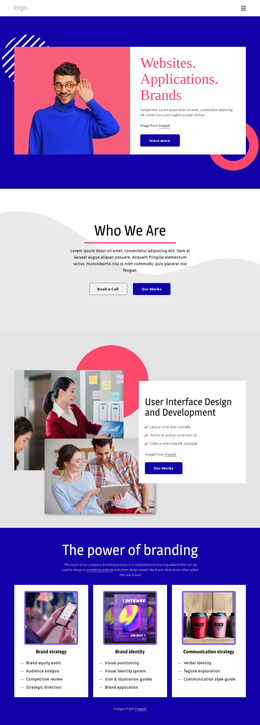
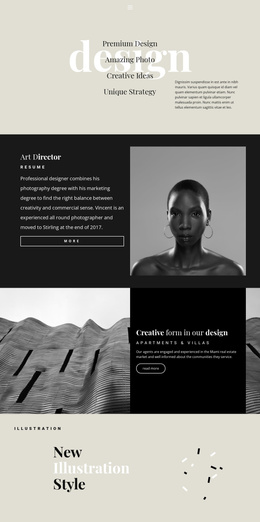
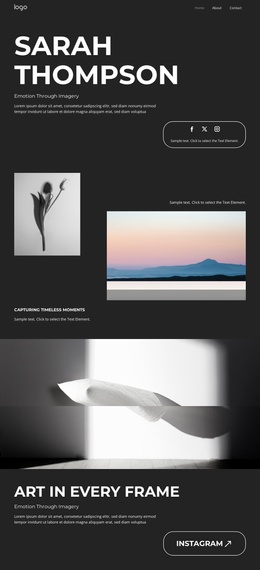
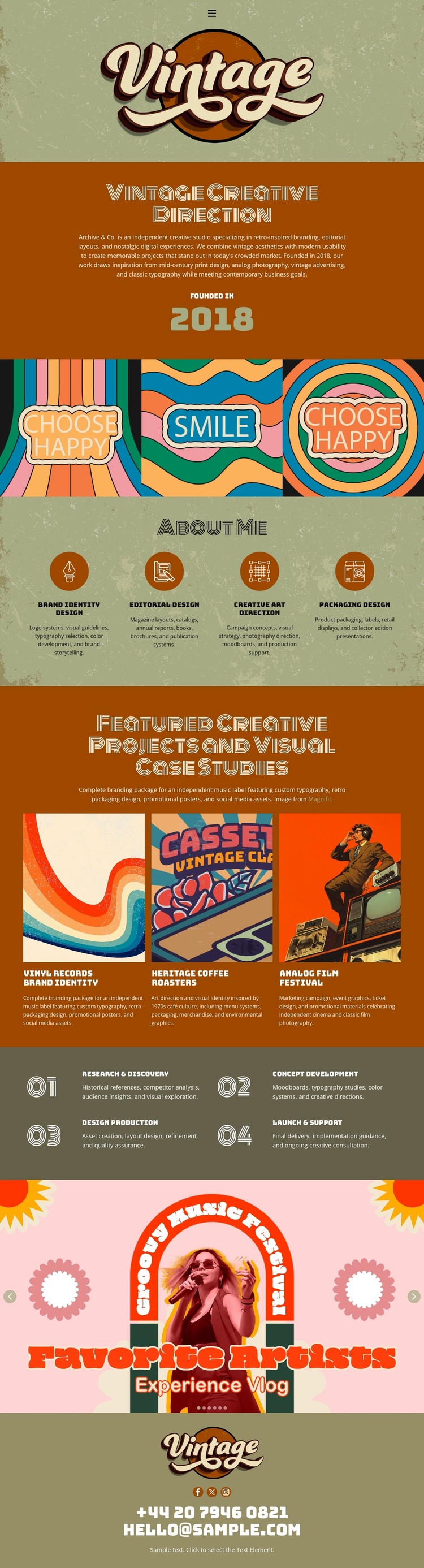
The four capability items divide the portfolio into clear informational regions: brand identity design, editorial design, creative art direction, and packaging design. That organization is useful for a CMS-managed creative site because each service area can remain part of a consistent visual system while its wording and supporting material develop over time. The three featured visual case studies offer a different content grouping, with each project card functioning as a distinct presentation unit for portfolio work.
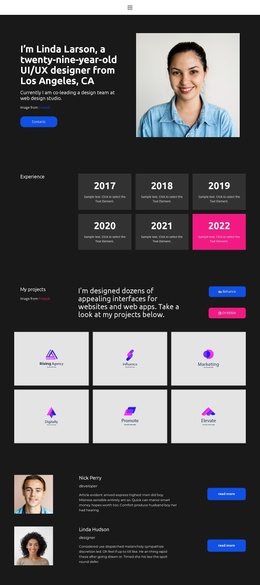
The four-stage process adds an ordered informational region rather than another decorative panel. Research and discovery, concept development, design production, and launch and support describe a progression that can sit alongside service and project content without confusing their roles. Shared identity elements remain visible through the centered logo, retro typography, illustrated graphics, and strong color blocking, while the closing contact footer gives the site a stable region for contact information. The displayed email is structural sample content and should not be treated as a verified business address.
In a Joomla project, these regions can be interpreted as CMS-managed content areas without claiming that Joomla Articles or modules already exist in the template. The design supplies the visual organization; Joomla can provide the content environment around it. A relevant bridge is the Joomla Extension, which supports creating and designing Articles, while the portfolio-specific value remains the division between services, case studies, process, and contact.
Customize with Nicepage
Open this ready-made template in the Joomla Page Builder and customize it visually in the Nicepage editor. Replace demo content, edit page sections, and adapt the design to your project without rebuilding the template from scratch.
Work With This Template in Joomla
Customize and Install the Joomla Template
Start with this ready-made template instead of building the Joomla design from scratch. Customize its layout, content, typography, images, sections, and other design elements visually in the Nicepage application, then export and install the Joomla Template, Nicepage Extension, and supported content on your Joomla website.
Edit the Template Directly in Joomla
After installation, you can edit the Joomla Template directly in Joomla with the Nicepage Joomla Extension. Customize the Header, Footer, Colors, Fonts, typography, and Page Templates from the Joomla workflow while keeping the site design connected with your CMS content.
Edit Joomla Articles Visually
Use the Nicepage Joomla Extension to open and edit Joomla Articles visually from the Joomla Administrator. Change text, images, sections, layouts, and other page content in the Nicepage editor while continuing to manage the Articles through Joomla.
Joomla Content and Template Integration
Use the customized template together with Joomla Articles, module Positions, menus, forms, Blog Pages, and other supported CMS elements. With the Nicepage Extension used as the Site Style Source, shared design settings can be applied across Joomla Articles while Joomla continues to provide the CMS environment for managing site content.
This workflow combines a ready-made Joomla Template with visual customization, direct template editing in Joomla, and continued content management through the Nicepage Joomla Extension.