Full service handwash Joomla Template


Edit Template Offline
2. Create new page and search for id 6330357
Edit Template Online
Create Awesome Websites


Free Nicepage Builder
Keywords
Service Groups and Contact Regions Suit Structured CMS Content
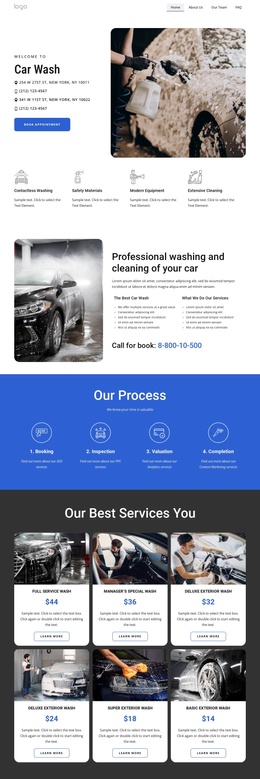
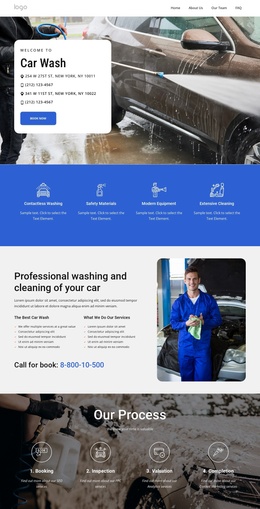
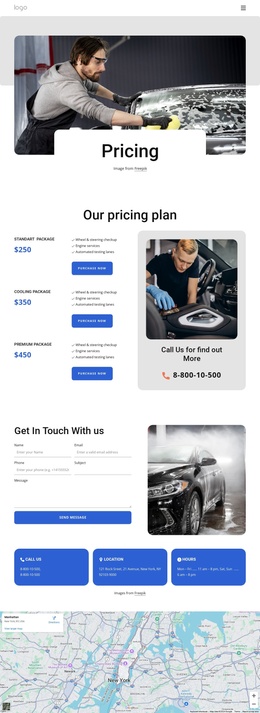
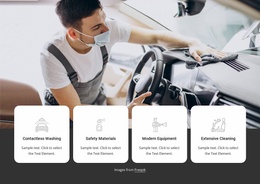
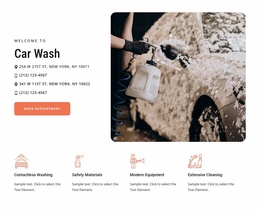
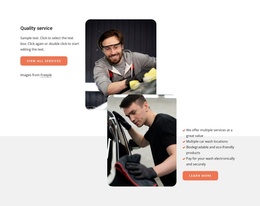
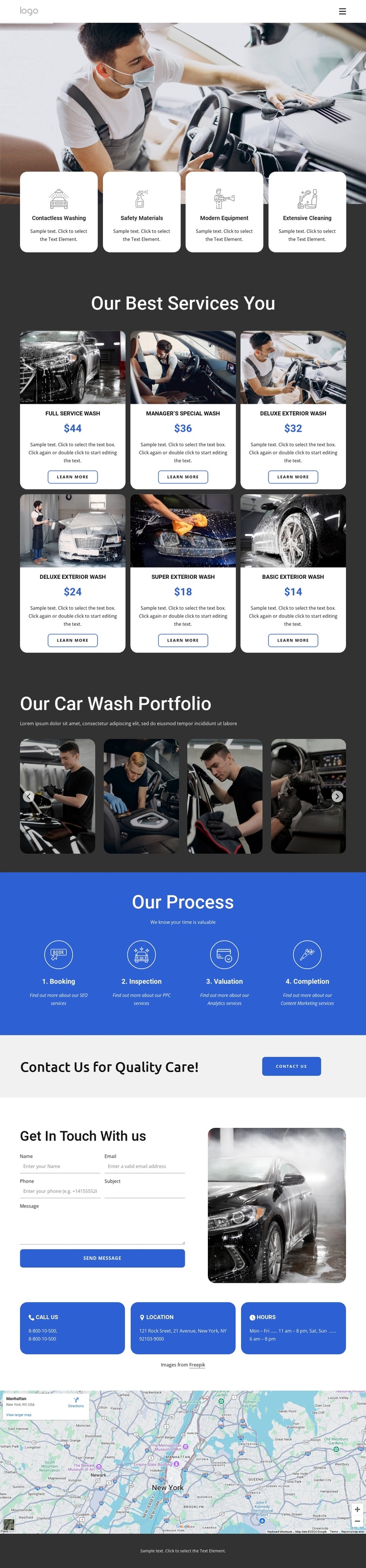
The six named wash packages divide the page into clear informational units: Full Service Wash, Manager’s Special Wash, Deluxe Exterior Wash, Super Exterior Wash, and Basic Exterior Wash are presented as repeated service cards with images, descriptions, displayed prices, and Learn More actions. That repeated structure can serve as an organized content region in a Joomla project, while the four feature cards above provide a separate summary of Contactless Washing, Safety Materials, Modern Equipment, and Extensive Cleaning.
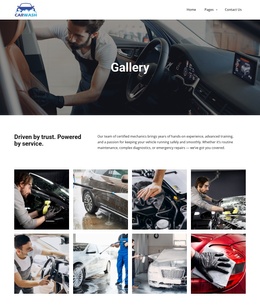
The page also contains several reusable site regions that support structured navigation. The header exposes primary links and a Pages submenu, the portfolio gallery groups automotive imagery, and the blue process section organizes the customer journey into Booking, Inspection, Valuation, and Completion. These areas give the service information a readable relationship instead of treating every item as an isolated content fragment.
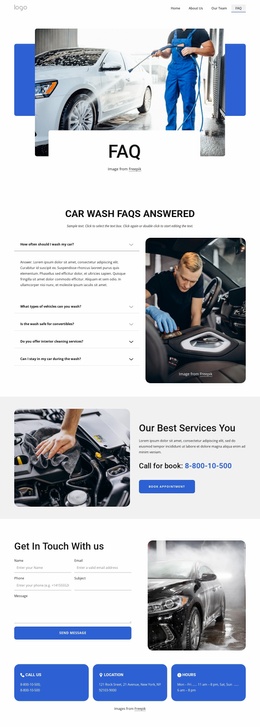
Near the bottom, the contact form, Call Us, Location, and Hours cards, and the map create a dedicated contact region. The footer then separates brand information, useful links, service links, social icons, and copyright content. This division is relevant to Joomla because the design has identifiable navigation, service, media, process, and contact areas that can remain visually coordinated as site content is maintained. The Joomla Extension can support visual article work when that CMS connection is required.
Customize with Nicepage
Open this ready-made template in the Joomla Page Builder and customize it visually in the Nicepage editor. Replace demo content, edit page sections, and adapt the design to your project without rebuilding the template from scratch.
Work With This Template in Joomla
Customize and Install the Joomla Template
Start with this ready-made template instead of building the Joomla design from scratch. Customize its layout, content, typography, images, sections, and other design elements visually in the Nicepage application, then export and install the Joomla Template, Nicepage Extension, and supported content on your Joomla website.
Edit the Template Directly in Joomla
After installation, you can edit the Joomla Template directly in Joomla with the Nicepage Joomla Extension. Customize the Header, Footer, Colors, Fonts, typography, and Page Templates from the Joomla workflow while keeping the site design connected with your CMS content.
Edit Joomla Articles Visually
Use the Nicepage Joomla Extension to open and edit Joomla Articles visually from the Joomla Administrator. Change text, images, sections, layouts, and other page content in the Nicepage editor while continuing to manage the Articles through Joomla.
Joomla Content and Template Integration
Use the customized template together with Joomla Articles, module Positions, menus, forms, Blog Pages, and other supported CMS elements. With the Nicepage Extension used as the Site Style Source, shared design settings can be applied across Joomla Articles while Joomla continues to provide the CMS environment for managing site content.
This workflow combines a ready-made Joomla Template with visual customization, direct template editing in Joomla, and continued content management through the Nicepage Joomla Extension.