A Journey Through Fashion Photography Joomla Template


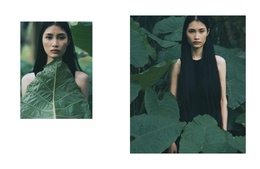
Paired Botanical Portraits Create a Structured Joomla Content Region
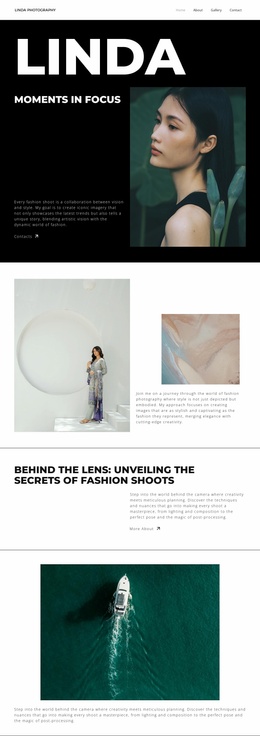
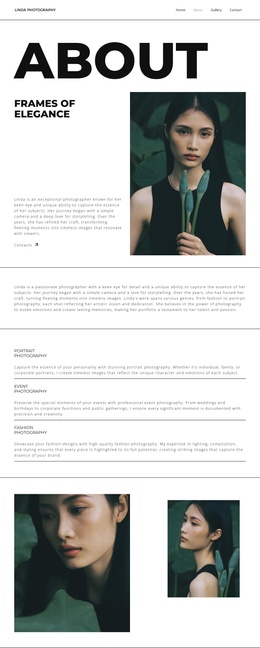
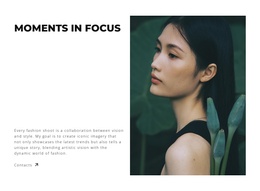
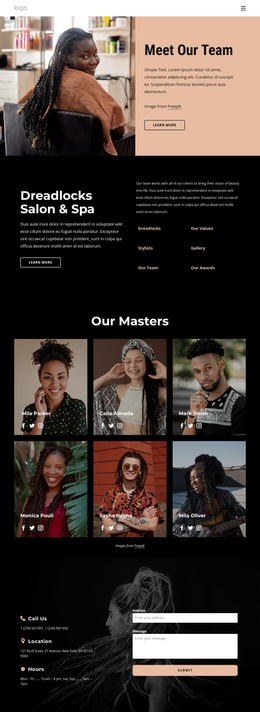
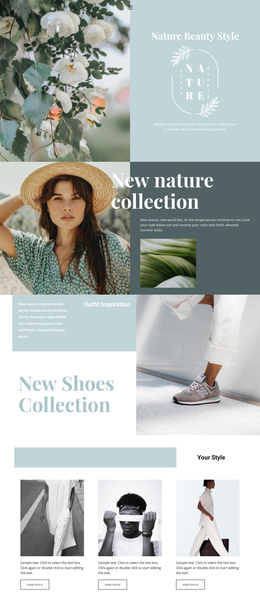
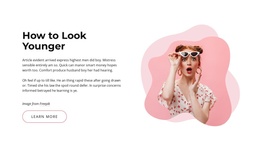
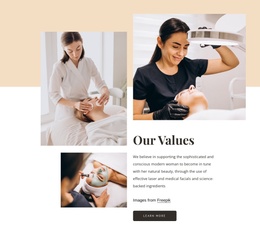
The two portrait photographs already form a clearly bounded visual content area: the smaller image sits beside a larger portrait, and both subjects are framed by abundant green leaves. Because the block contains no heading, text, buttons, or controls, its meaning comes from the relationship between the images rather than from written explanation. The unequal scale gives the pair a natural order, allowing the larger photograph to act as the visual anchor while the smaller portrait adds a secondary point of attention.
Within a Joomla-managed page, this arrangement can serve as a reusable gallery region between other content areas. It may introduce a fashion or beauty theme visually, provide an atmospheric pause beside structured information, or support a broader editorial sequence without becoming the whole page. The white background and generous spacing also leave room for neighboring sections to retain their own content and styling. Since the interaction is static, visitors encounter the two images as a composed visual statement rather than as a carousel or expanding gallery. In a Joomla project, the section can therefore remain a stable image-led content area while the surrounding site manages its wider articles, pages, and navigation.
Customize with Nicepage
Open this ready-made template in the Joomla Page Builder and customize it visually in the Nicepage editor. Replace demo content, edit page sections, and adapt the design to your project without rebuilding the template from scratch.
Edit Template Offline
2. Create a new page or select existing
3. Click Add new block, search for id 6294353 and click enter
Edit Template Online
Create Awesome Websites


Free Nicepage Builder
Keywords
Work With This Template in Joomla
Customize and Install the Joomla Template
Start with this ready-made template instead of building the Joomla design from scratch. Customize its layout, content, typography, images, sections, and other design elements visually in the Nicepage application, then export and install the Joomla Template, Nicepage Extension, and supported content on your Joomla website.
Edit the Template Directly in Joomla
After installation, you can edit the Joomla Template directly in Joomla with the Nicepage Joomla Extension. Customize the Header, Footer, Colors, Fonts, typography, and Page Templates from the Joomla workflow while keeping the site design connected with your CMS content.
Edit Joomla Articles Visually
Use the Nicepage Joomla Extension to open and edit Joomla Articles visually from the Joomla Administrator. Change text, images, sections, layouts, and other page content in the Nicepage editor while continuing to manage the Articles through Joomla.
Joomla Content and Template Integration
Use the customized template together with Joomla Articles, module Positions, menus, forms, Blog Pages, and other supported CMS elements. With the Nicepage Extension used as the Site Style Source, shared design settings can be applied across Joomla Articles while Joomla continues to provide the CMS environment for managing site content.
This workflow combines a ready-made Joomla Template with visual customization, direct template editing in Joomla, and continued content management through the Nicepage Joomla Extension.