French fashion Joomla Template


Edit Template Offline
2. Create new page and search for id 145915
Edit Template Online
Create Awesome Websites


Free Nicepage Builder
Keywords
Workshop, Studio, and Contact Regions Create a Structured CMS Layout
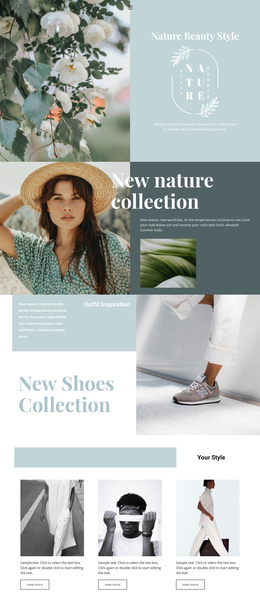
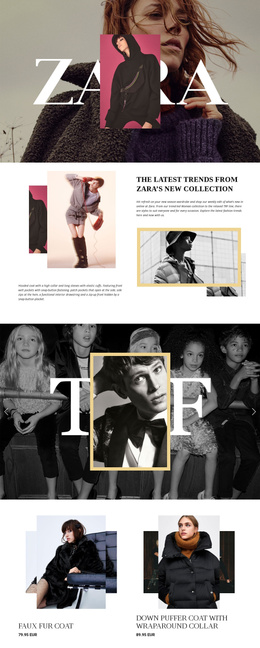
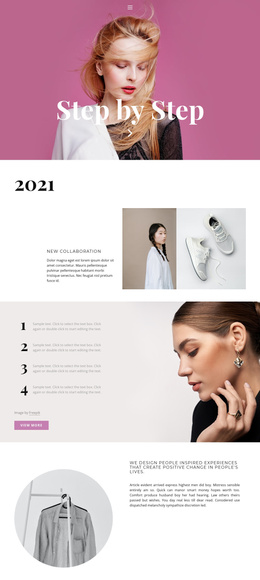
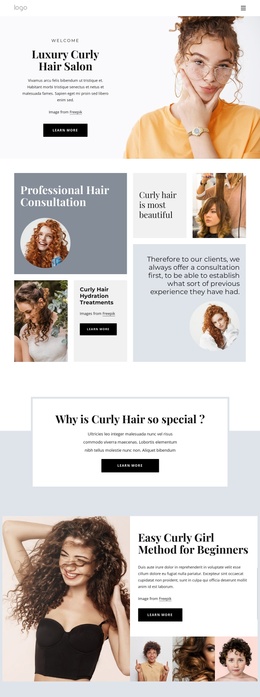
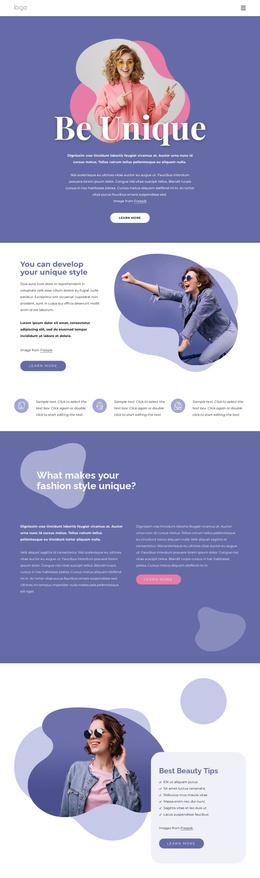
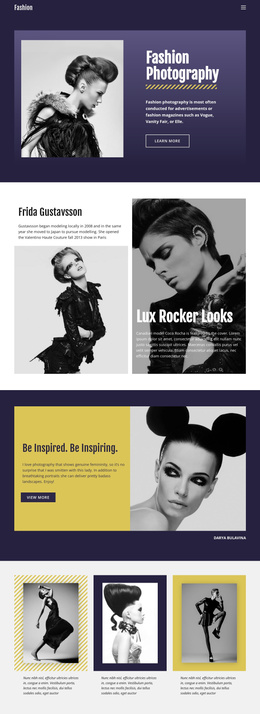
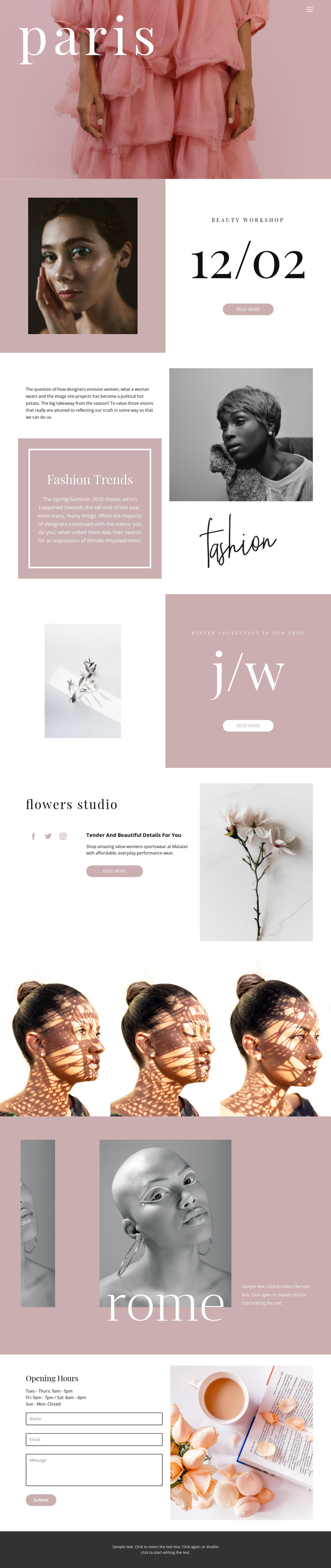
The page divides its subject matter into recognizable content regions that can be maintained separately in a Joomla project. The beauty workshop section combines a portrait, date information, and a Read more action, giving event-oriented content a defined place. Fashion Trends provides a different editorial region, while the winter collection section organizes product-focused imagery and promotional text in a compact two-panel arrangement. These areas are not interchangeable; each supports a different kind of fashion or beauty information.
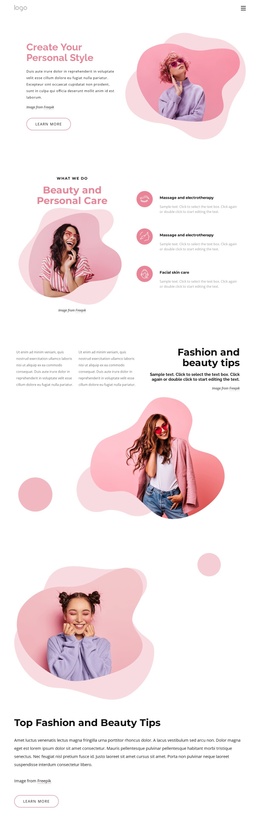
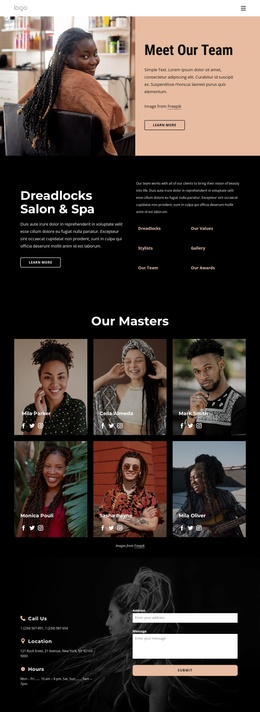
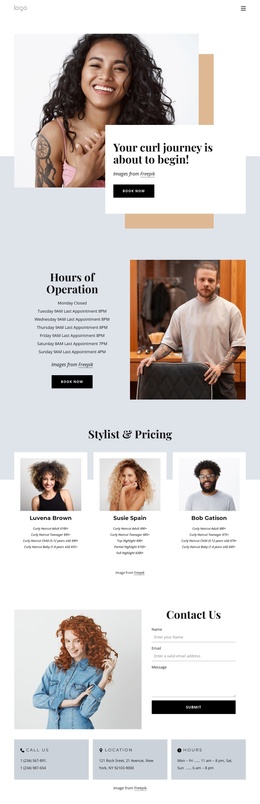
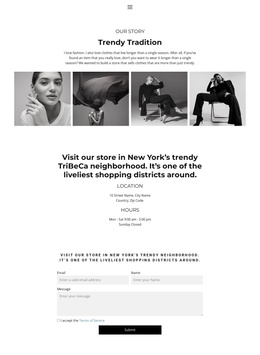
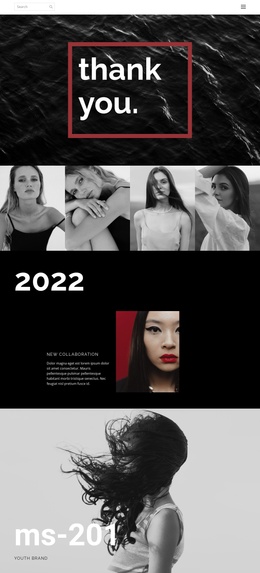
The flowers studio section adds a named brand-like region with supporting copy and Facebook, Twitter, and Instagram links. The three-image portrait gallery then creates a repeated visual area, and the Rome feature extends the page with location-led content and several image panels. At the end, the Opening Hours region pairs a Tuesday-through-Sunday schedule with Monday closure information and a contact form containing name, email, and message fields.
Together, these regions give menus and CMS-managed content a clear visual framework without claiming that Joomla Articles or module positions already exist in the template. A Joomla implementation could preserve the shared navigation, recurring footer boundary, and section relationships while editors replace the sample labels and editorial material with verified site content.
Customize with Nicepage
Open this ready-made template in the Joomla Page Builder and customize it visually in the Nicepage editor. Replace demo content, edit page sections, and adapt the design to your project without rebuilding the template from scratch.
Work With This Template in Joomla
Customize and Install the Joomla Template
Start with this ready-made template instead of building the Joomla design from scratch. Customize its layout, content, typography, images, sections, and other design elements visually in the Nicepage application, then export and install the Joomla Template, Nicepage Extension, and supported content on your Joomla website.
Edit the Template Directly in Joomla
After installation, you can edit the Joomla Template directly in Joomla with the Nicepage Joomla Extension. Customize the Header, Footer, Colors, Fonts, typography, and Page Templates from the Joomla workflow while keeping the site design connected with your CMS content.
Edit Joomla Articles Visually
Use the Nicepage Joomla Extension to open and edit Joomla Articles visually from the Joomla Administrator. Change text, images, sections, layouts, and other page content in the Nicepage editor while continuing to manage the Articles through Joomla.
Joomla Content and Template Integration
Use the customized template together with Joomla Articles, module Positions, menus, forms, Blog Pages, and other supported CMS elements. With the Nicepage Extension used as the Site Style Source, shared design settings can be applied across Joomla Articles while Joomla continues to provide the CMS environment for managing site content.
This workflow combines a ready-made Joomla Template with visual customization, direct template editing in Joomla, and continued content management through the Nicepage Joomla Extension.