Scale to greater success Joomla Template



Edit Template Offline
2. Create new page and search for id 6249650
Edit Template Online
Create Awesome Websites


Free Nicepage Builder
Keywords
Five service regions give the agency content a structured CMS shape
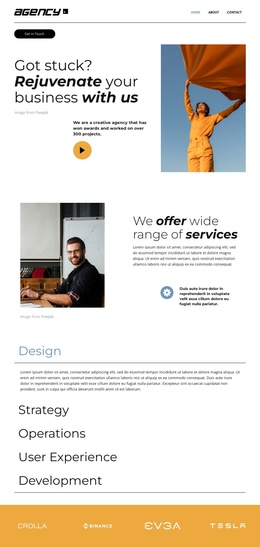
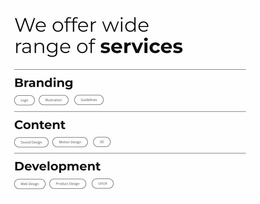
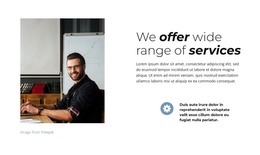
The five named service categories create the clearest content divisions in this design. Design, Strategy, Operations, User Experience, and Development are presented in a vertical accordion, so each area can remain part of one visual page while still having a distinct informational role. That structure works well for organized agency content: the introductory split section can establish the service offer, and the expandable region can hold the separate descriptions without turning the page into an uninterrupted block of text.
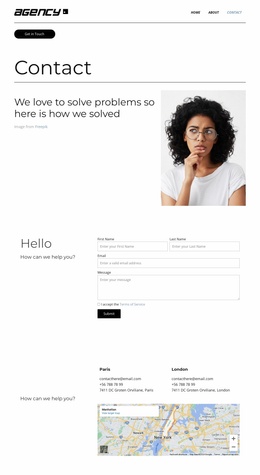
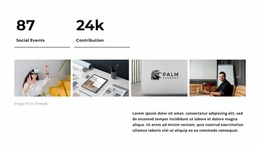
The surrounding regions add complementary site areas rather than competing with the service hierarchy. The navigation and contact access establish shared entry points, the yellow logo band provides a recognizable transition, and the three-slide project carousel connects the service story with examples of visual work. The email inquiry form gives the page a dedicated contact region, while the footer groups Important, Social, and Contact information into reusable-looking site areas. In a Joomla project, this combination offers a practical content structure for a creative-services homepage: editorial service information, visual portfolio material, contact content, and navigation can remain coordinated within the same design direction.
Customize with Nicepage
Open this ready-made template in the Joomla Page Builder and customize it visually in the Nicepage editor. Replace demo content, edit page sections, and adapt the design to your project without rebuilding the template from scratch.
Work With This Template in Joomla
Customize and Install the Joomla Template
Start with this ready-made template instead of building the Joomla design from scratch. Customize its layout, content, typography, images, sections, and other design elements visually in the Nicepage application, then export and install the Joomla Template, Nicepage Extension, and supported content on your Joomla website.
Edit the Template Directly in Joomla
After installation, you can edit the Joomla Template directly in Joomla with the Nicepage Joomla Extension. Customize the Header, Footer, Colors, Fonts, typography, and Page Templates from the Joomla workflow while keeping the site design connected with your CMS content.
Edit Joomla Articles Visually
Use the Nicepage Joomla Extension to open and edit Joomla Articles visually from the Joomla Administrator. Change text, images, sections, layouts, and other page content in the Nicepage editor while continuing to manage the Articles through Joomla.
Joomla Content and Template Integration
Use the customized template together with Joomla Articles, module Positions, menus, forms, Blog Pages, and other supported CMS elements. With the Nicepage Extension used as the Site Style Source, shared design settings can be applied across Joomla Articles while Joomla continues to provide the CMS environment for managing site content.
This workflow combines a ready-made Joomla Template with visual customization, direct template editing in Joomla, and continued content management through the Nicepage Joomla Extension.