Electric Vehicle Charging Joomla Template


Edit Template Offline
2. Create new page and search for id 6437113
Edit Template Online
Create Awesome Websites


Free Nicepage Builder
Keywords
Charging Services Divided Into Manageable CMS Content Areas
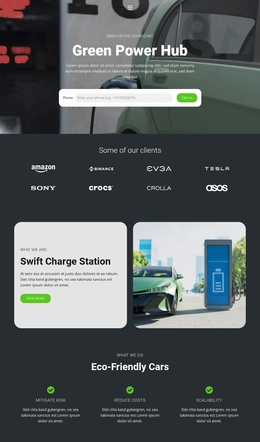
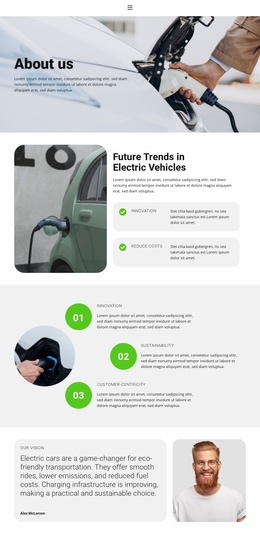
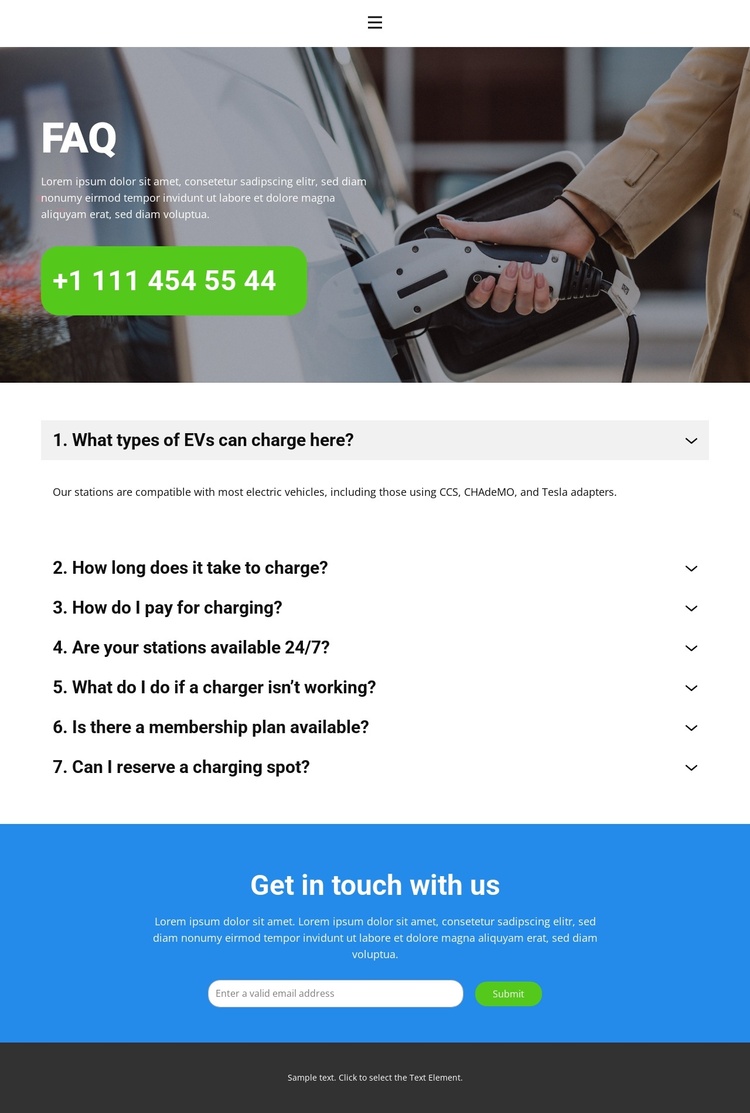
The page divides its subject into recurring information areas that can be understood as structured CMS content. The FAQ sequence separates compatibility, charging time, payment, availability, troubleshooting, membership, and reservations, allowing each topic to retain a distinct place within the overall navigation path. Compatibility content names CCS, CHAdeMO, and Tesla adapters, while the timing answers distinguish fast charging at 20–40 minutes for an 80% charge from Level 2 charging at 4–6 hours for a full charge.
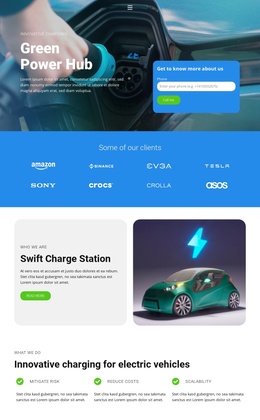
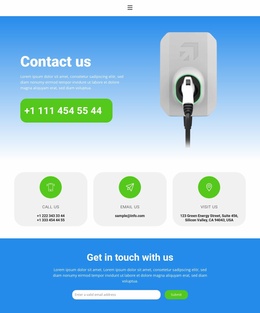
That structure is complemented by shared site regions. The compact header carries Home, About, and Contact links alongside a hamburger control, the dark hero establishes the page context, and the closing dark footer provides a repeated endpoint for site content. The blue contact area has a separate role: it gathers an email inquiry through its Submit control after visitors have reviewed the answers. These divisions make the design suitable for a Joomla-managed information page where charging topics, navigation, and contact content need to remain visually coordinated. The template fact base confirms the content areas themselves; it does not imply that Joomla Articles, modules, or other CMS structures already exist in the source page.
Customize with Nicepage
Open this ready-made template in the Joomla Page Builder and customize it visually in the Nicepage editor. Replace demo content, edit page sections, and adapt the design to your project without rebuilding the template from scratch.
Work With This Template in Joomla
Customize and Install the Joomla Template
Start with this ready-made template instead of building the Joomla design from scratch. Customize its layout, content, typography, images, sections, and other design elements visually in the Nicepage application, then export and install the Joomla Template, Nicepage Extension, and supported content on your Joomla website.
Edit the Template Directly in Joomla
After installation, you can edit the Joomla Template directly in Joomla with the Nicepage Joomla Extension. Customize the Header, Footer, Colors, Fonts, typography, and Page Templates from the Joomla workflow while keeping the site design connected with your CMS content.
Edit Joomla Articles Visually
Use the Nicepage Joomla Extension to open and edit Joomla Articles visually from the Joomla Administrator. Change text, images, sections, layouts, and other page content in the Nicepage editor while continuing to manage the Articles through Joomla.
Joomla Content and Template Integration
Use the customized template together with Joomla Articles, module Positions, menus, forms, Blog Pages, and other supported CMS elements. With the Nicepage Extension used as the Site Style Source, shared design settings can be applied across Joomla Articles while Joomla continues to provide the CMS environment for managing site content.
This workflow combines a ready-made Joomla Template with visual customization, direct template editing in Joomla, and continued content management through the Nicepage Joomla Extension.