This is a new property Joomla Template


Edit Template Offline
2. Create new page and search for id 6026550
Edit Template Online
Create Awesome Websites


Free Nicepage Builder
Keywords
Gallery and office sections divide the site content into usable regions
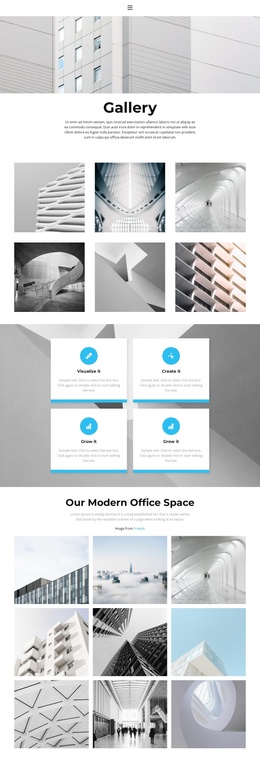
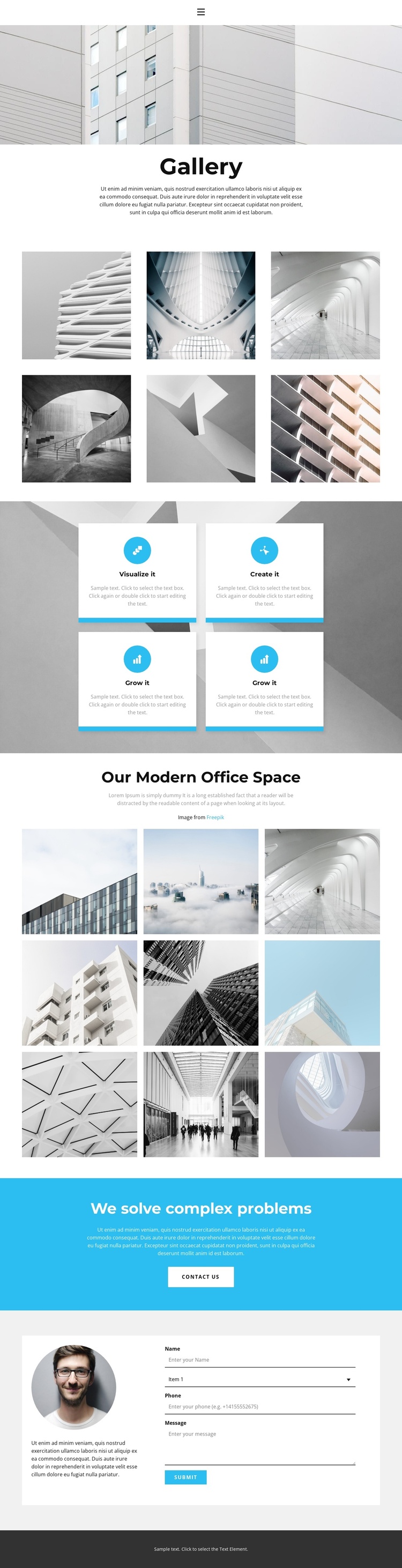
The page’s two galleries create different content roles that can be maintained as separate areas in a CMS-managed Joomla site. The first six-image arrangement follows the Gallery introduction and works as the broad visual entry point. The later nine-image collection is tied to the Our Modern Office Space heading and supporting copy, giving the design a more focused office and building content region. Keeping those relationships visible helps preserve the distinction between general presentation and a specific gallery subject.
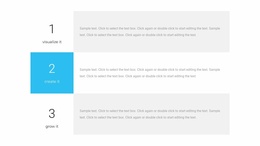
Between them, four repeated feature cards provide a compact structured-information area. Visualize it, Create it, and Grow it are presented with circular icons and short text, so the block can accommodate recurring informational content without disrupting the photography. The shared navigation, consistent section styling, and footer also provide stable regions around which additional site content can be organized.
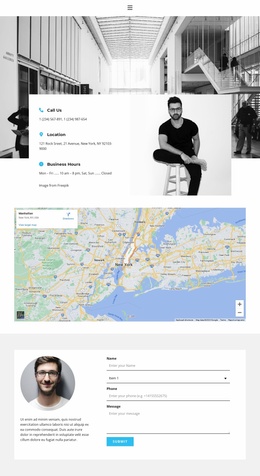
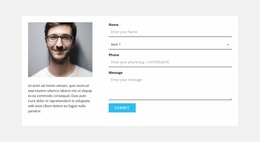
The cyan We solve complex problems band and Contact us button introduce a clear transition from visual information to communication. That intent continues in the final area, where a portrait and descriptive copy sit beside a vertically arranged contact form with a Submit button. Joomla content areas can therefore be interpreted through the page’s existing sequence: image collections establish context, cards summarize themes, and the closing regions support contact-oriented information. The design remains specific to this template rather than requiring an invented article or category structure.
Customize with Nicepage
Open this ready-made template in the Joomla Page Builder and customize it visually in the Nicepage editor. Replace demo content, edit page sections, and adapt the design to your project without rebuilding the template from scratch.
Work With This Template in Joomla
Customize and Install the Joomla Template
Start with this ready-made template instead of building the Joomla design from scratch. Customize its layout, content, typography, images, sections, and other design elements visually in the Nicepage application, then export and install the Joomla Template, Nicepage Extension, and supported content on your Joomla website.
Edit the Template Directly in Joomla
After installation, you can edit the Joomla Template directly in Joomla with the Nicepage Joomla Extension. Customize the Header, Footer, Colors, Fonts, typography, and Page Templates from the Joomla workflow while keeping the site design connected with your CMS content.
Edit Joomla Articles Visually
Use the Nicepage Joomla Extension to open and edit Joomla Articles visually from the Joomla Administrator. Change text, images, sections, layouts, and other page content in the Nicepage editor while continuing to manage the Articles through Joomla.
Joomla Content and Template Integration
Use the customized template together with Joomla Articles, module Positions, menus, forms, Blog Pages, and other supported CMS elements. With the Nicepage Extension used as the Site Style Source, shared design settings can be applied across Joomla Articles while Joomla continues to provide the CMS environment for managing site content.
This workflow combines a ready-made Joomla Template with visual customization, direct template editing in Joomla, and continued content management through the Nicepage Joomla Extension.