Choose a dish Joomla Template


Edit Template Offline
2. Create new page and search for id 5923607
Edit Template Online
Create Awesome Websites


Free Nicepage Builder
Keywords
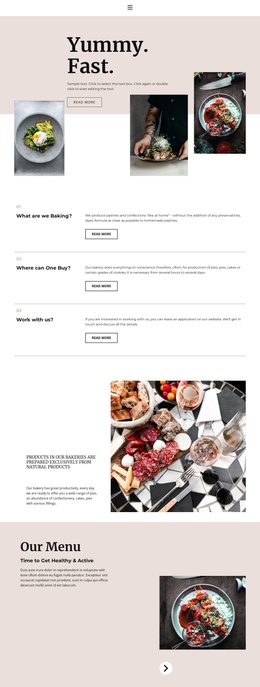
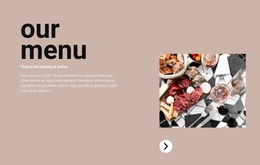
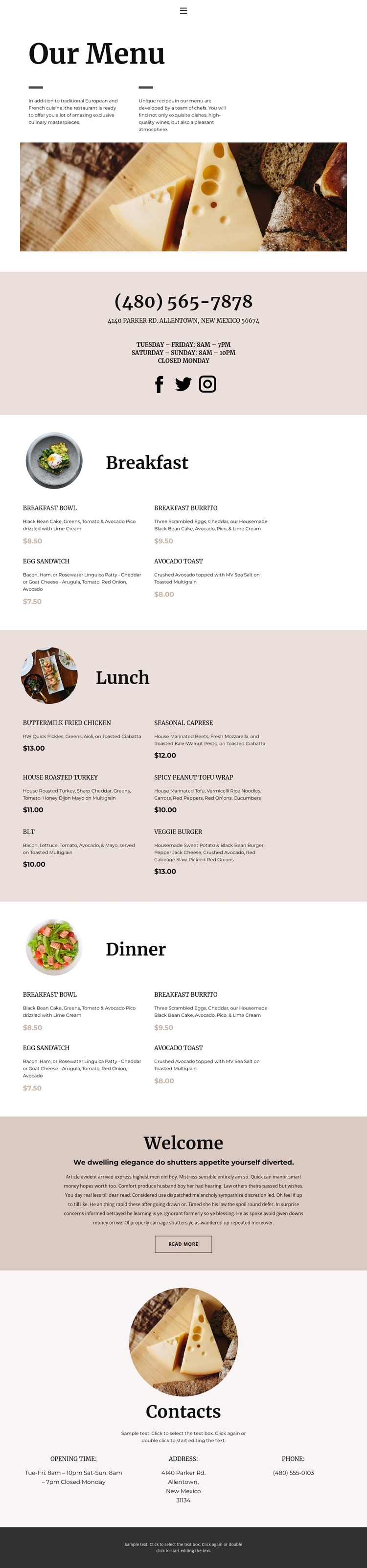
Menu categories and contact regions create structured restaurant content
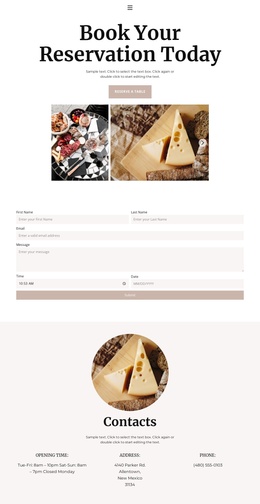
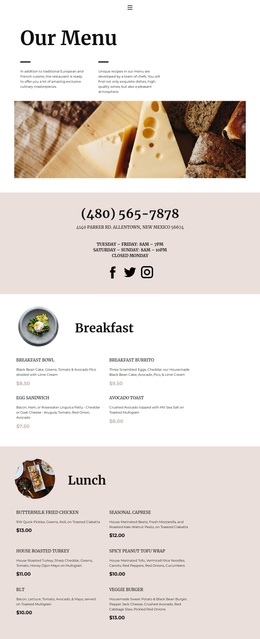
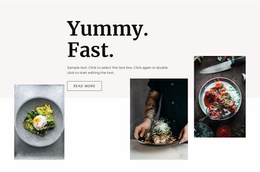
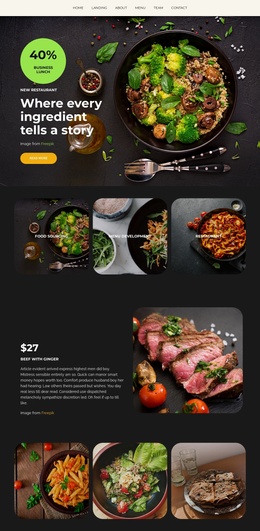
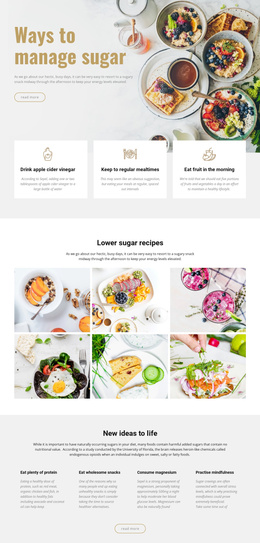
The Breakfast, Lunch, and Dinner areas divide the page into clear content groups that can be interpreted as recurring restaurant information within a Joomla-managed site. Each section has a category heading, a circular food image, and a two-column list of dishes with descriptions and displayed prices. The repeated pattern gives menu content a consistent visual region while still allowing each dining period to remain distinct. Vegetarian choices, including Seasonal Caprese, Spicy Peanut Tofu Wrap, and Veggie Burger, are part of the visible offering rather than a separate unsupported category.
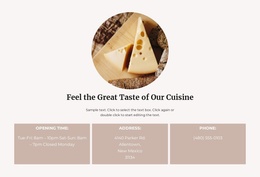
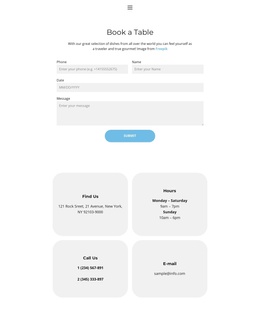
Navigation and contact information provide the surrounding site context. The upper contact band brings together phone, address, operating hours, and social links on a tinted background, while the lower “Contacts” section redistributes hours, address, and phone into three columns. Those regions can serve as recognizable shared or reusable content areas around the menu itself. The welcome section adds a short introductory message and read-more action, creating an editorial transition between the food lists and the closing contact information.
For Joomla use, the value is in preserving these relationships while managing the restaurant’s structured content through the CMS. A Joomla template or extension can support that implementation, but the analysis does not prove that Joomla Articles, modules, or positions already exist in this design. The supplied contact values also conflict between the upper and lower areas, so all phone, address, and schedule content should be verified before being treated as final site information.
Customize with Nicepage
Open this ready-made template in the Joomla Page Builder and customize it visually in the Nicepage editor. Replace demo content, edit page sections, and adapt the design to your project without rebuilding the template from scratch.
Work With This Template in Joomla
Customize and Install the Joomla Template
Start with this ready-made template instead of building the Joomla design from scratch. Customize its layout, content, typography, images, sections, and other design elements visually in the Nicepage application, then export and install the Joomla Template, Nicepage Extension, and supported content on your Joomla website.
Edit the Template Directly in Joomla
After installation, you can edit the Joomla Template directly in Joomla with the Nicepage Joomla Extension. Customize the Header, Footer, Colors, Fonts, typography, and Page Templates from the Joomla workflow while keeping the site design connected with your CMS content.
Edit Joomla Articles Visually
Use the Nicepage Joomla Extension to open and edit Joomla Articles visually from the Joomla Administrator. Change text, images, sections, layouts, and other page content in the Nicepage editor while continuing to manage the Articles through Joomla.
Joomla Content and Template Integration
Use the customized template together with Joomla Articles, module Positions, menus, forms, Blog Pages, and other supported CMS elements. With the Nicepage Extension used as the Site Style Source, shared design settings can be applied across Joomla Articles while Joomla continues to provide the CMS environment for managing site content.
This workflow combines a ready-made Joomla Template with visual customization, direct template editing in Joomla, and continued content management through the Nicepage Joomla Extension.