Run With Us Joomla Template



Six Running Images Frame a Structured Community Invitation
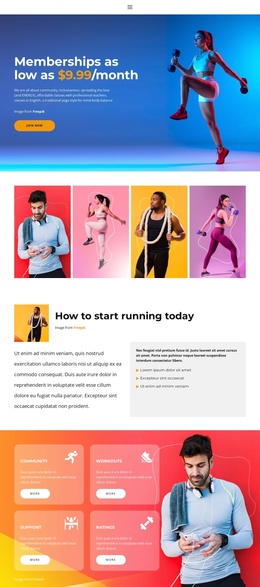
The centered “Run With Us” heading and supporting paragraph establish a clear informational unit before the visual content begins. Mentioning Tuesdays, Thursdays, and Saturdays gives the section a concrete schedule context, while the description of athletes and friends of all levels presents the run club as an open community rather than a narrowly defined training group. These details can be retained as structured content in a Joomla-managed page section.
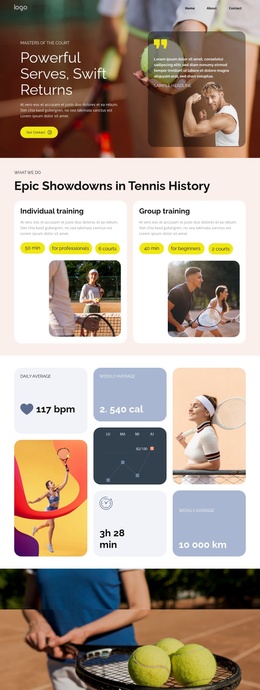
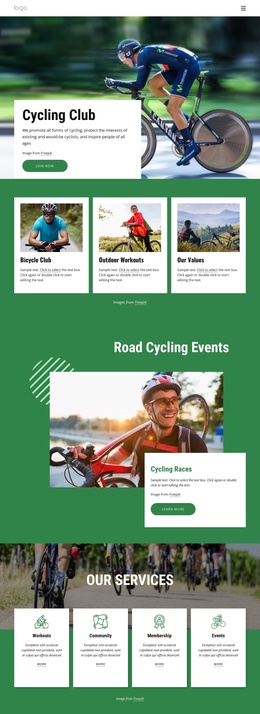
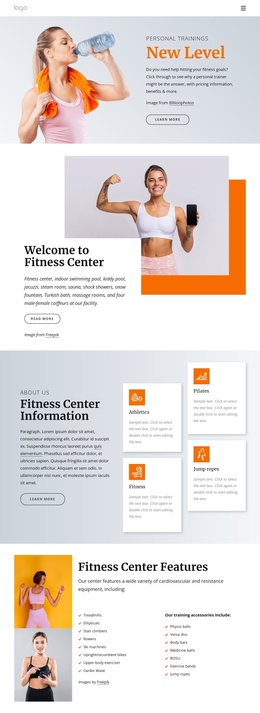
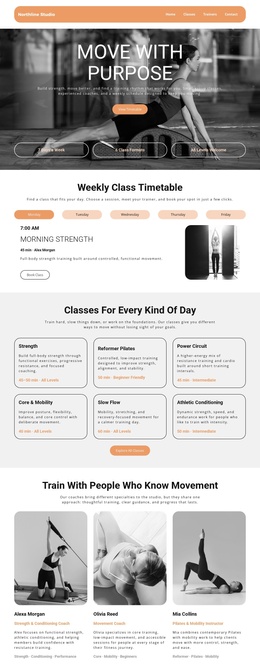
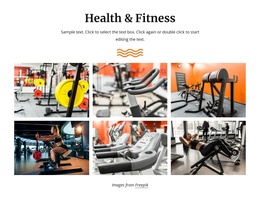
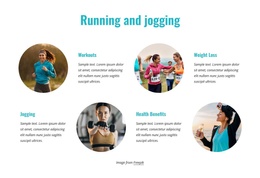
Below the introduction, six running photographs are arranged across three vertical columns. The central column includes a pale message tile carrying “We look forward to running with you,” so the collage alternates visual evidence with a readable encouragement point. Consistent gutters and the warm accent treatment help separate the image tiles without breaking the overall group. This arrangement can function as a stable sports or fitness information region while related Joomla-managed content surrounds it.
The “Join now” button provides the section’s clearest participation cue. In a Joomla-oriented project, the block can present the recurring session information and community invitation as one reusable content area, while the wider site handles navigation, additional program details, and any separate registration process. Its internal progression—from introduction, to community imagery, to invitation—keeps the section understandable without requiring it to carry the entire site experience.
Customize with Nicepage
Open this ready-made template in the Joomla Page Builder and customize it visually in the Nicepage editor. Replace demo content, edit page sections, and adapt the design to your project without rebuilding the template from scratch.
Edit Template Offline
2. Create a new page or select existing
3. Click Add new block, search for id 52592 and click enter
Edit Template Online
Create Awesome Websites


Free Nicepage Builder
Keywords
Work With This Template in Joomla
Customize and Install the Joomla Template
Start with this ready-made template instead of building the Joomla design from scratch. Customize its layout, content, typography, images, sections, and other design elements visually in the Nicepage application, then export and install the Joomla Template, Nicepage Extension, and supported content on your Joomla website.
Edit the Template Directly in Joomla
After installation, you can edit the Joomla Template directly in Joomla with the Nicepage Joomla Extension. Customize the Header, Footer, Colors, Fonts, typography, and Page Templates from the Joomla workflow while keeping the site design connected with your CMS content.
Edit Joomla Articles Visually
Use the Nicepage Joomla Extension to open and edit Joomla Articles visually from the Joomla Administrator. Change text, images, sections, layouts, and other page content in the Nicepage editor while continuing to manage the Articles through Joomla.
Joomla Content and Template Integration
Use the customized template together with Joomla Articles, module Positions, menus, forms, Blog Pages, and other supported CMS elements. With the Nicepage Extension used as the Site Style Source, shared design settings can be applied across Joomla Articles while Joomla continues to provide the CMS environment for managing site content.
This workflow combines a ready-made Joomla Template with visual customization, direct template editing in Joomla, and continued content management through the Nicepage Joomla Extension.