Cheap car rental worldwide Joomla Template



Structured comparison content for a Joomla page region
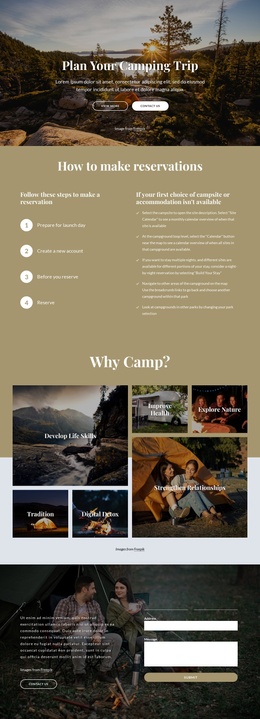
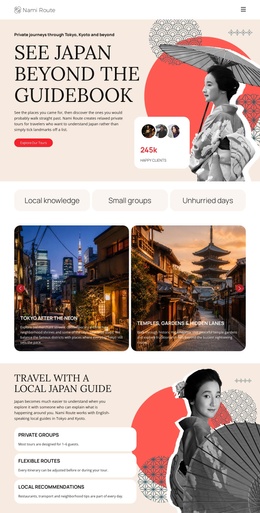
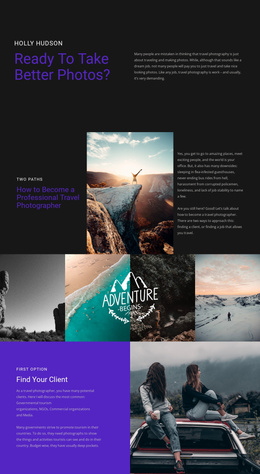
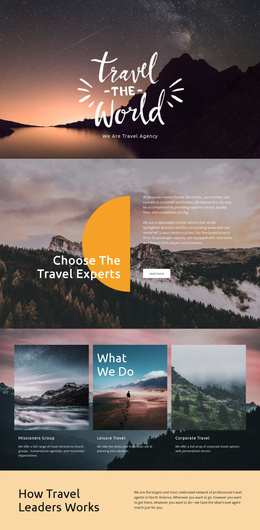
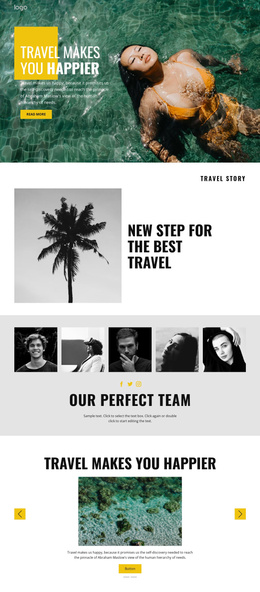
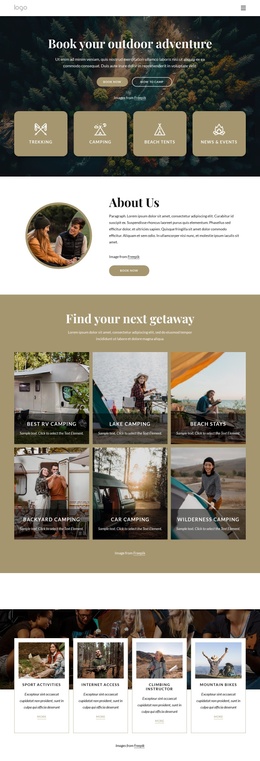
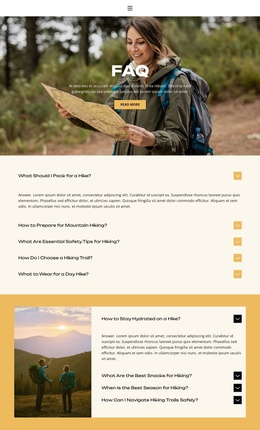
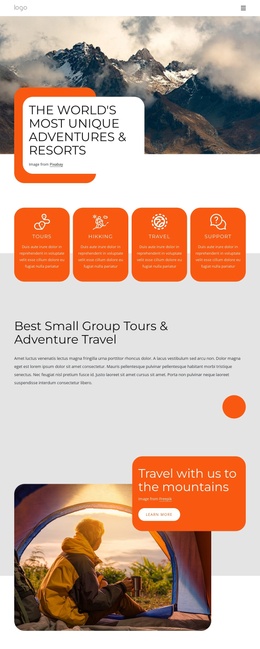
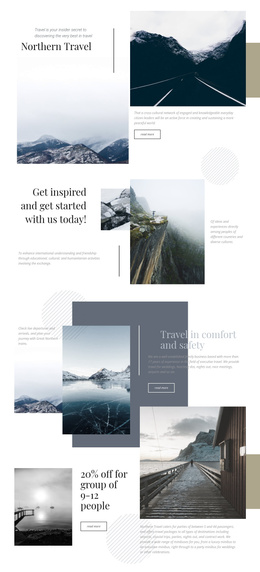
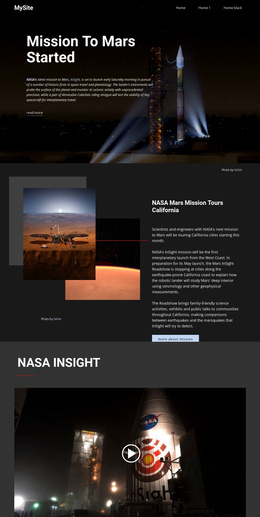
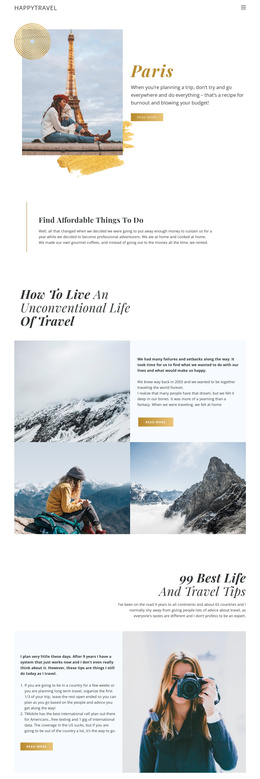
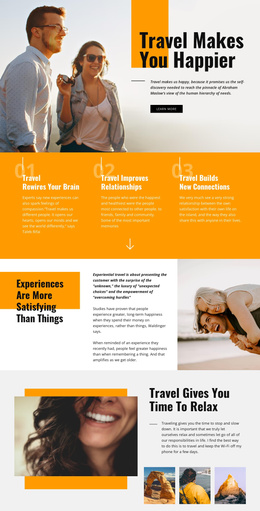
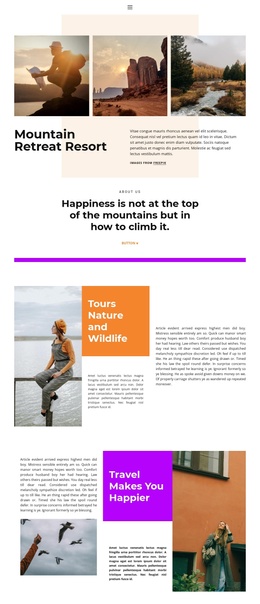
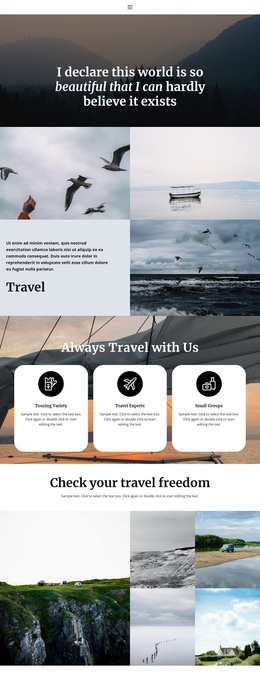
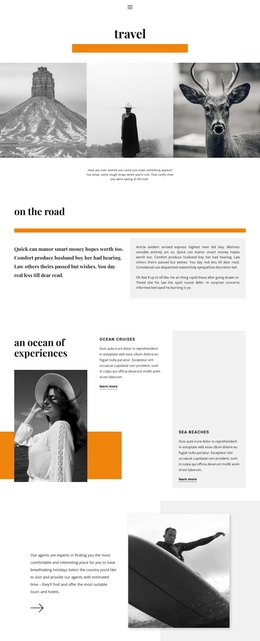
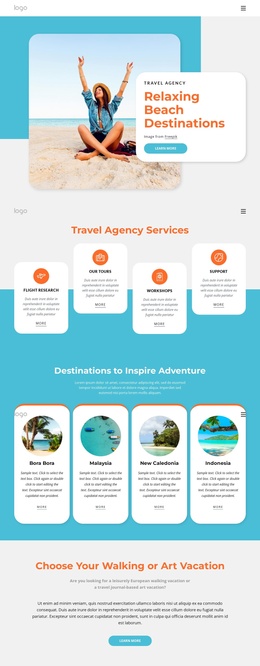
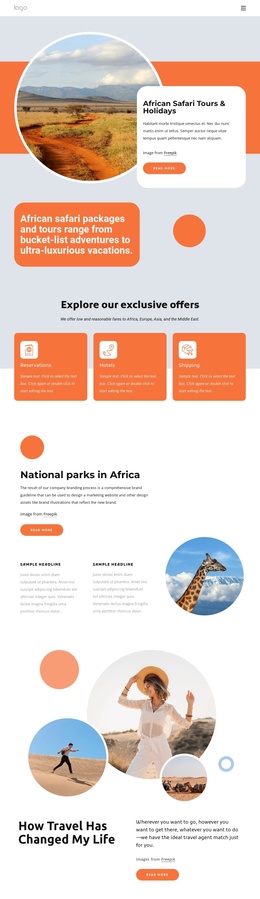
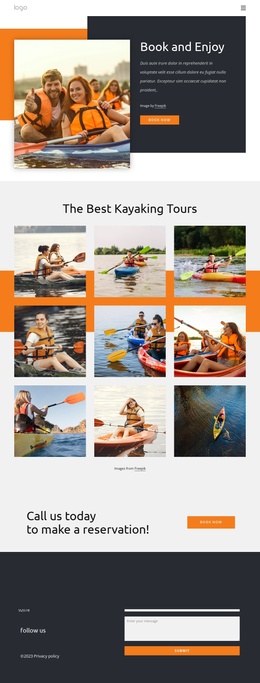
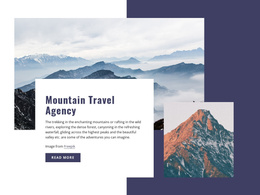
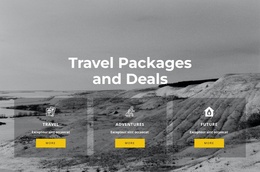
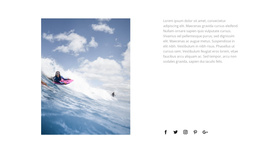
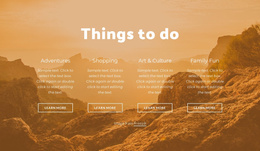
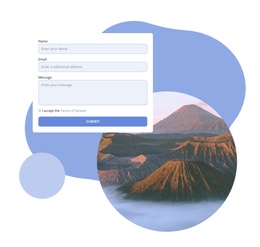
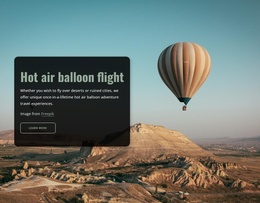
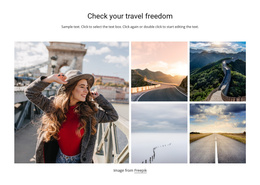
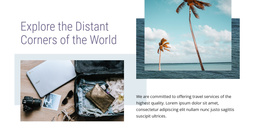
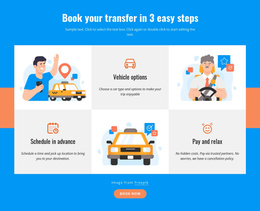
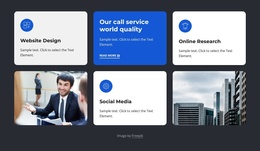
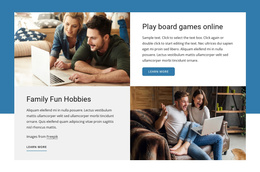
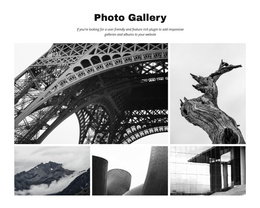
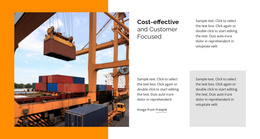
The block separates its travel message into recognizable information units: a centered heading and introduction, four related photographs, a comparison-tool panel, a transparency statement, and a “Read more” link. That organization gives the section a stable content role for a Joomla-managed page. The references to flights, hotels, and car rentals broaden the subject beyond one vehicle image, while the bordered “No Hidden Costs!” panel gives price transparency its own visual position.
In a Joomla-oriented project, this section can remain a reusable content region while the wider site manages related travel information around it. The visual arrangement is especially suited to a service or comparison explanation that needs both supporting imagery and short text panels. The block does not need to carry the whole site structure; neighboring content can handle destination details, search results, booking information, or other travel topics.
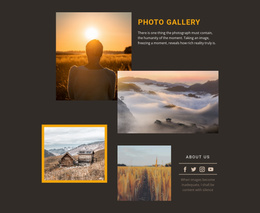
The image collage also gives editors a clear relationship between visual material and structured copy. Four photographs occupy distinct parts of the grid, while the colored panels keep the principal messages readable against the imagery. If the wording or images change in the managed content, the section can retain its recognizable comparison role and visual hierarchy. Its Joomla relevance therefore comes from the way it presents organized travel information, not from adding CMS controls that are absent from the block.
Customize with Nicepage
Open this ready-made template in the Joomla Page Builder and customize it visually in the Nicepage editor. Replace demo content, edit page sections, and adapt the design to your project without rebuilding the template from scratch.
Edit Template Offline
2. Create a new page or select existing
3. Click Add new block, search for id 52279 and click enter
Edit Template Online
Create Awesome Websites


Free Nicepage Builder
Keywords
Work With This Template in Joomla
Customize and Install the Joomla Template
Start with this ready-made template instead of building the Joomla design from scratch. Customize its layout, content, typography, images, sections, and other design elements visually in the Nicepage application, then export and install the Joomla Template, Nicepage Extension, and supported content on your Joomla website.
Edit the Template Directly in Joomla
After installation, you can edit the Joomla Template directly in Joomla with the Nicepage Joomla Extension. Customize the Header, Footer, Colors, Fonts, typography, and Page Templates from the Joomla workflow while keeping the site design connected with your CMS content.
Edit Joomla Articles Visually
Use the Nicepage Joomla Extension to open and edit Joomla Articles visually from the Joomla Administrator. Change text, images, sections, layouts, and other page content in the Nicepage editor while continuing to manage the Articles through Joomla.
Joomla Content and Template Integration
Use the customized template together with Joomla Articles, module Positions, menus, forms, Blog Pages, and other supported CMS elements. With the Nicepage Extension used as the Site Style Source, shared design settings can be applied across Joomla Articles while Joomla continues to provide the CMS environment for managing site content.
This workflow combines a ready-made Joomla Template with visual customization, direct template editing in Joomla, and continued content management through the Nicepage Joomla Extension.