High quality grooming services Joomla Template



Edit Template Offline
2. Create new page and search for id 2455180
Edit Template Online
Create Awesome Websites


Free Nicepage Builder
Keywords
Service Menus, Price Areas, and Contact Regions for Joomla Content
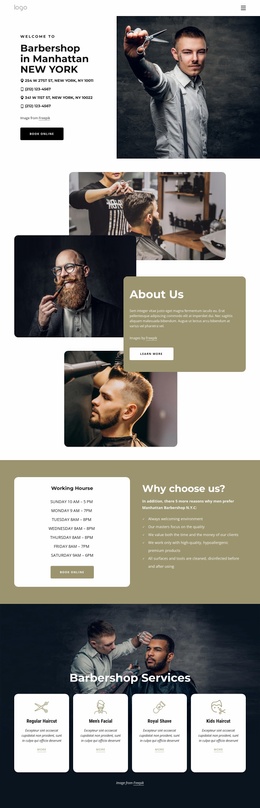
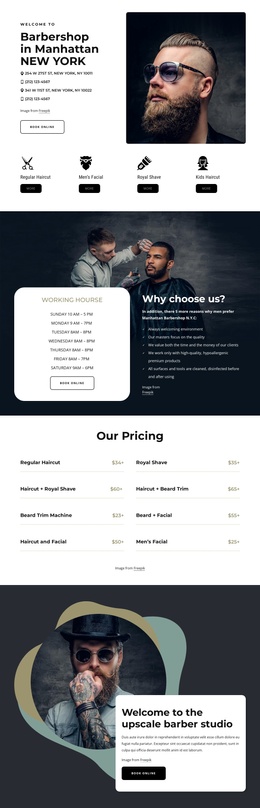
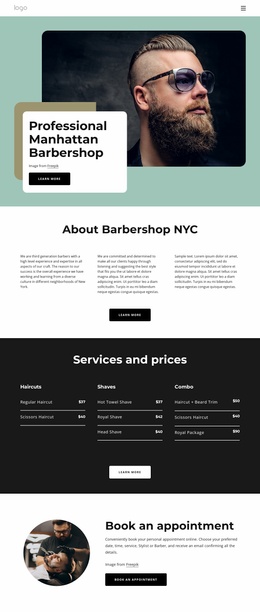
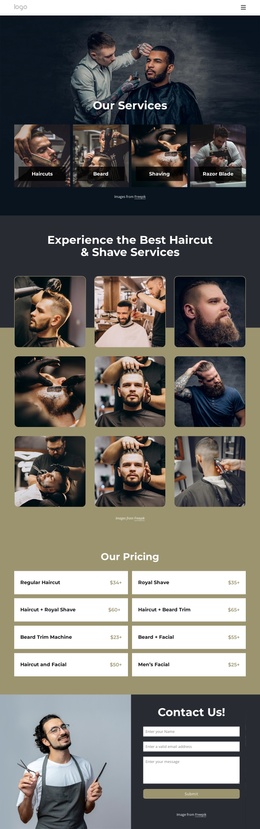
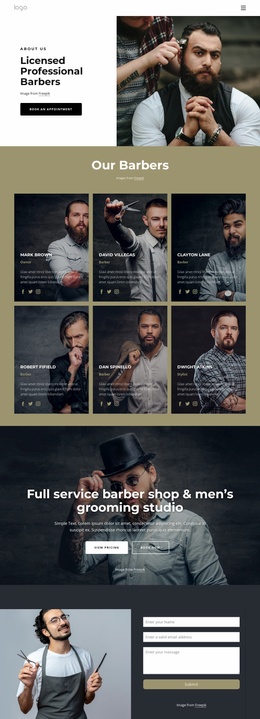
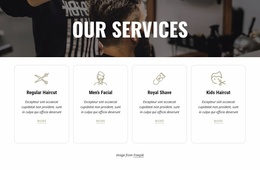
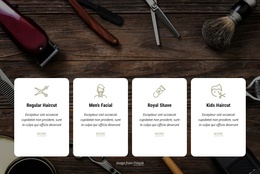
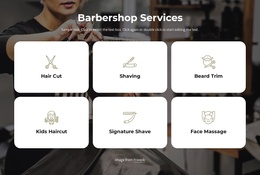
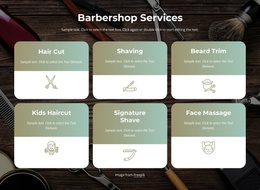
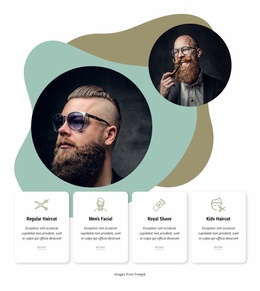
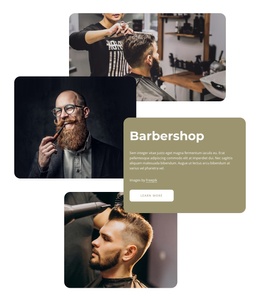
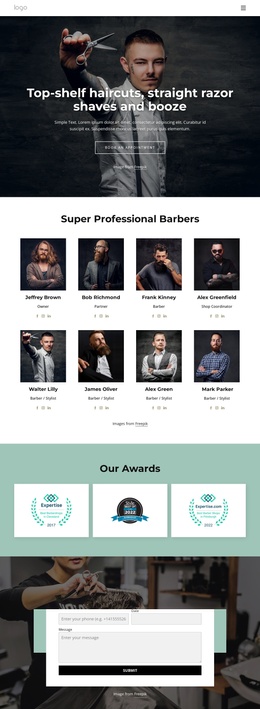
The design divides the barbershop offering into recurring information areas that can be understood as managed site content. The featured service tiles provide a concise entry point for Regular Haircut, Men’s Facial, Royal Shave, and Kids Haircut, while the later service overview repeats the main categories beside a large grooming image. The separate pricing list adds a more detailed content region for named service combinations and individual grooming options.
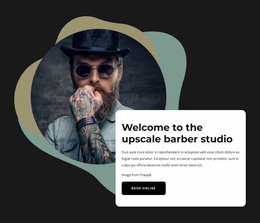
Working hours and the “Why choose us?” section create another structured region, distinct from the promotional welcome and consultation blocks. Together, these areas give a Joomla project recognizable places for informational content, service descriptions, schedules, and calls to contact the barbershop. The gallery and three testimonial cards add repeated content patterns that can remain visually coordinated with the service sections, while the shared dark-and-sage treatment keeps the page coherent.
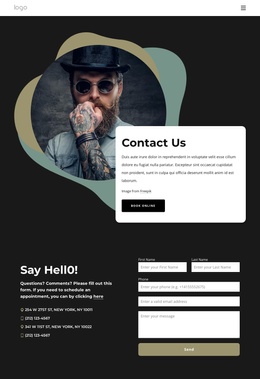
The final contact block is especially important because it combines a barber image with a form containing name, email, and message inputs. It provides a defined contact region rather than an isolated button. Joomla can manage the site’s content environment while the design continues to organize navigation, service information, visual material, customer feedback, and inquiries as related regions. The template therefore offers a practical visual arrangement for CMS-managed barbershop content without claiming that the displayed demo names, prices, or contact details are verified business data.
Customize with Nicepage
Open this ready-made template in the Joomla Page Builder and customize it visually in the Nicepage editor. Replace demo content, edit page sections, and adapt the design to your project without rebuilding the template from scratch.
Work With This Template in Joomla
Customize and Install the Joomla Template
Start with this ready-made template instead of building the Joomla design from scratch. Customize its layout, content, typography, images, sections, and other design elements visually in the Nicepage application, then export and install the Joomla Template, Nicepage Extension, and supported content on your Joomla website.
Edit the Template Directly in Joomla
After installation, you can edit the Joomla Template directly in Joomla with the Nicepage Joomla Extension. Customize the Header, Footer, Colors, Fonts, typography, and Page Templates from the Joomla workflow while keeping the site design connected with your CMS content.
Edit Joomla Articles Visually
Use the Nicepage Joomla Extension to open and edit Joomla Articles visually from the Joomla Administrator. Change text, images, sections, layouts, and other page content in the Nicepage editor while continuing to manage the Articles through Joomla.
Joomla Content and Template Integration
Use the customized template together with Joomla Articles, module Positions, menus, forms, Blog Pages, and other supported CMS elements. With the Nicepage Extension used as the Site Style Source, shared design settings can be applied across Joomla Articles while Joomla continues to provide the CMS environment for managing site content.
This workflow combines a ready-made Joomla Template with visual customization, direct template editing in Joomla, and continued content management through the Nicepage Joomla Extension.