Zara Joomla Template


Edit Template Offline
2. Create new page and search for id 21448
Edit Template Online
Create Awesome Websites


Free Nicepage Builder
Keywords
Collection Regions Give the Fashion Content a Structured CMS Shape
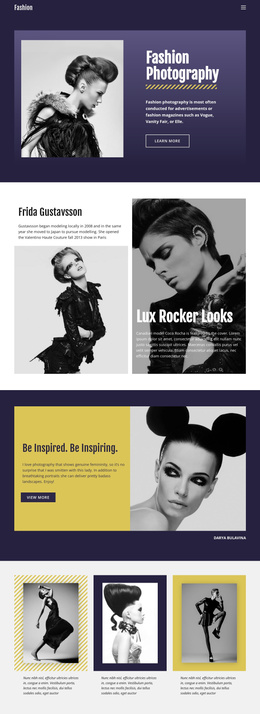
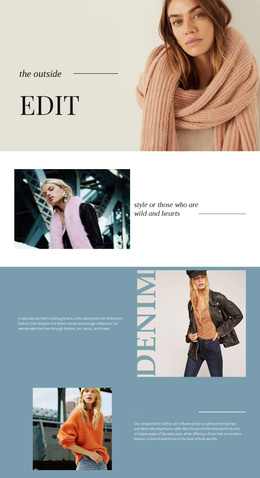
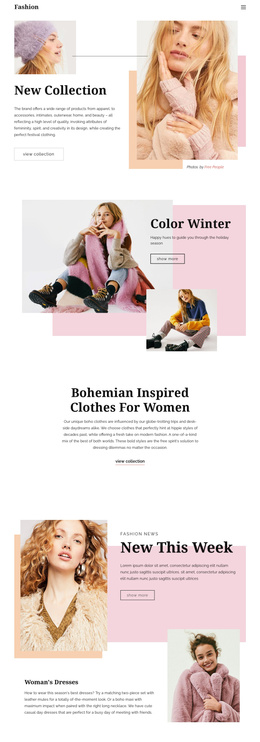
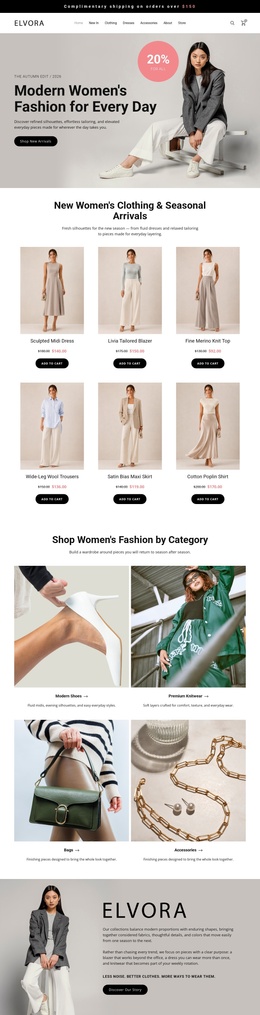
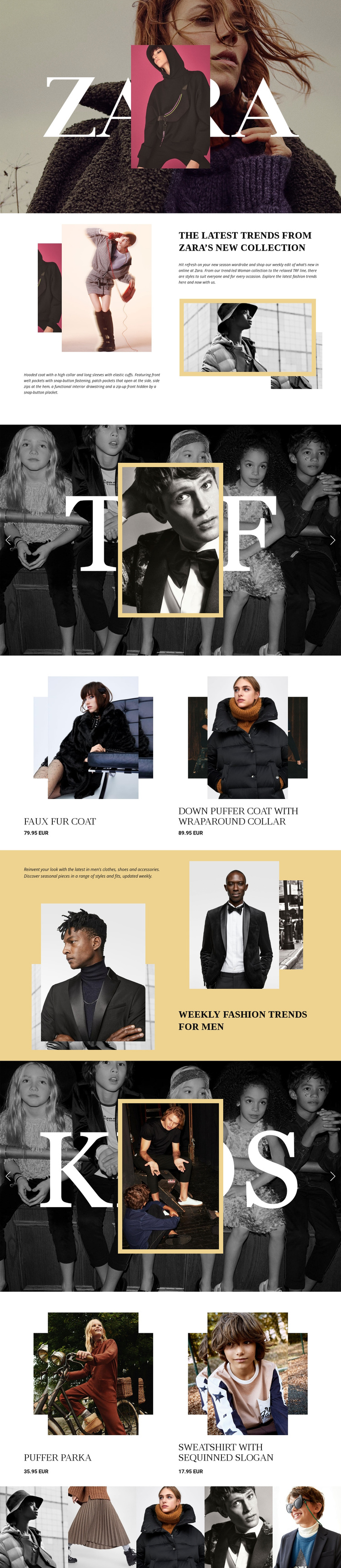
The design divides the fashion material into recognizable content regions that can be understood independently. The opening hero establishes the brand-facing layer, while the women’s split section supplies editorial context before the TRF slider presents a named collection feature. The adjacent two-item product area adds clothing names and displayed EUR prices, creating a clear relationship between collection storytelling and merchandise information.
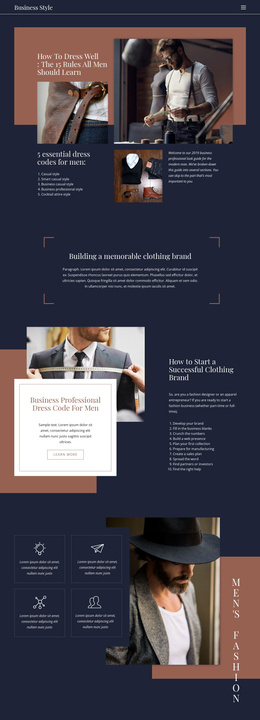
The later men’s introduction and KIDS feature broaden the content coverage without disrupting the page’s visual system. Men’s fashion is handled through descriptive editorial copy and layered imagery, while the KIDS slider uses a large photographic presentation, category branding, controls, and indicators. Its following product list repeats the merchandise pattern for children’s clothing. The closing five-image strip then acts as a shared visual region rather than another product category.
This division suits a CMS-managed project because recurring informational areas, navigation destinations, collection features, and product-related content have visibly different roles. Joomla Articles, module positions, or other CMS structures should not be assumed to already exist in this template, but the design’s separation of brand, editorial, collection, product, and gallery content gives those areas a logical organizational basis. The result is a design that can keep its shared visual language while its fashion content is arranged into manageable site regions.
Customize with Nicepage
Open this ready-made template in the Joomla Page Builder and customize it visually in the Nicepage editor. Replace demo content, edit page sections, and adapt the design to your project without rebuilding the template from scratch.
Work With This Template in Joomla
Customize and Install the Joomla Template
Start with this ready-made template instead of building the Joomla design from scratch. Customize its layout, content, typography, images, sections, and other design elements visually in the Nicepage application, then export and install the Joomla Template, Nicepage Extension, and supported content on your Joomla website.
Edit the Template Directly in Joomla
After installation, you can edit the Joomla Template directly in Joomla with the Nicepage Joomla Extension. Customize the Header, Footer, Colors, Fonts, typography, and Page Templates from the Joomla workflow while keeping the site design connected with your CMS content.
Edit Joomla Articles Visually
Use the Nicepage Joomla Extension to open and edit Joomla Articles visually from the Joomla Administrator. Change text, images, sections, layouts, and other page content in the Nicepage editor while continuing to manage the Articles through Joomla.
Joomla Content and Template Integration
Use the customized template together with Joomla Articles, module Positions, menus, forms, Blog Pages, and other supported CMS elements. With the Nicepage Extension used as the Site Style Source, shared design settings can be applied across Joomla Articles while Joomla continues to provide the CMS environment for managing site content.
This workflow combines a ready-made Joomla Template with visual customization, direct template editing in Joomla, and continued content management through the Nicepage Joomla Extension.