Leading real estate company Joomla Template


Structured Real-Estate Information in Three Managed Content Areas
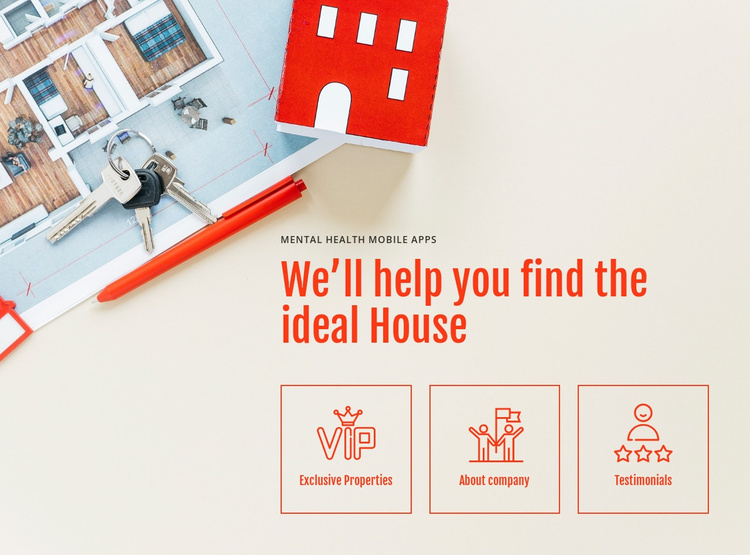
The heading “We’ll help you find the ideal House” gives the section a clear editorial starting point, while the three tile labels divide the supporting information into separate content areas. Exclusive Properties identifies the central property-related direction; About company and Testimonials create adjacent areas for organizational context and social proof. Each area uses the same bordered tile treatment and centered line icon, so the content remains visually coordinated even when the surrounding Joomla-managed page contains other material.
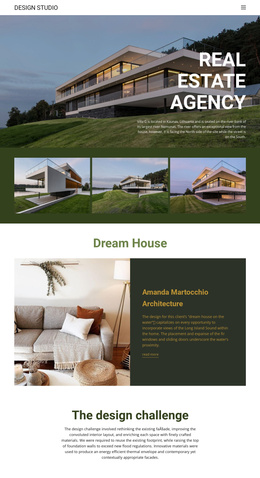
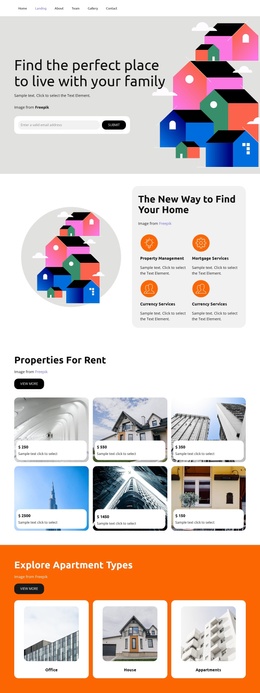
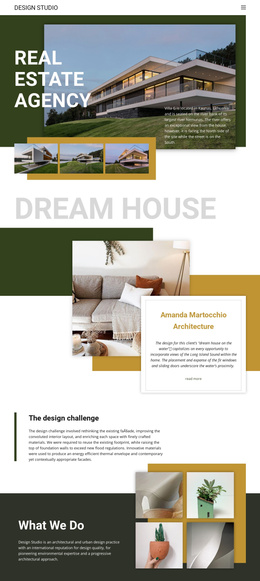
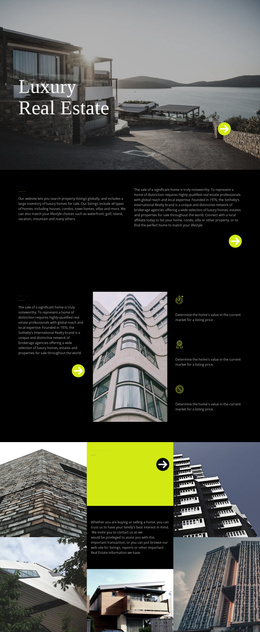
In a Joomla-oriented project, this block can serve as a stable visual region for structured real-estate information. The section may sit near broader article-like content, listing details, or contact information, while its own heading and three labels continue to provide the concise overview. The property-themed image adds context to the upper part of the section without turning the sample wording into a specific business claim or location.
The block’s value in this setting comes from the relationship between its content groups: a prominent introduction followed by three clearly bounded areas. Joomla can provide the wider content environment, but this reusable section remains responsible for its own image, heading, icons, labels, spacing, and visual hierarchy. That separation makes it possible to coordinate the block with related managed content without treating it as a complete CMS template or site.
Customize with Nicepage
Open this ready-made template in the Joomla Page Builder and customize it visually in the Nicepage editor. Replace demo content, edit page sections, and adapt the design to your project without rebuilding the template from scratch.
Edit Template Offline
2. Create a new page or select existing
3. Click Add new block, search for id 48501 and click enter
Edit Template Online
Create Awesome Websites


Free Nicepage Builder
Keywords
Work With This Template in Joomla
Customize and Install the Joomla Template
Start with this ready-made template instead of building the Joomla design from scratch. Customize its layout, content, typography, images, sections, and other design elements visually in the Nicepage application, then export and install the Joomla Template, Nicepage Extension, and supported content on your Joomla website.
Edit the Template Directly in Joomla
After installation, you can edit the Joomla Template directly in Joomla with the Nicepage Joomla Extension. Customize the Header, Footer, Colors, Fonts, typography, and Page Templates from the Joomla workflow while keeping the site design connected with your CMS content.
Edit Joomla Articles Visually
Use the Nicepage Joomla Extension to open and edit Joomla Articles visually from the Joomla Administrator. Change text, images, sections, layouts, and other page content in the Nicepage editor while continuing to manage the Articles through Joomla.
Joomla Content and Template Integration
Use the customized template together with Joomla Articles, module Positions, menus, forms, Blog Pages, and other supported CMS elements. With the Nicepage Extension used as the Site Style Source, shared design settings can be applied across Joomla Articles while Joomla continues to provide the CMS environment for managing site content.
This workflow combines a ready-made Joomla Template with visual customization, direct template editing in Joomla, and continued content management through the Nicepage Joomla Extension.