Sports is wellness Joomla Template


Numbered Activity Content Forms a Structured Joomla Page Region
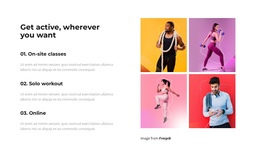
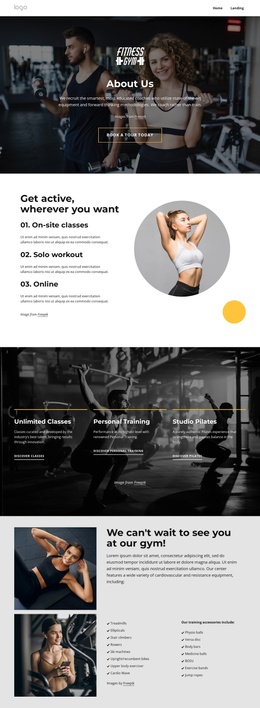
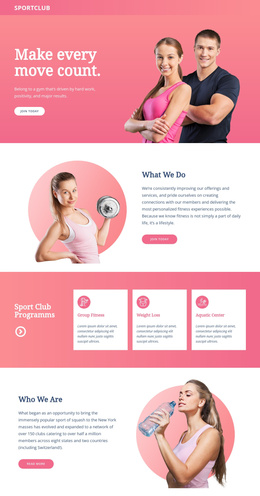
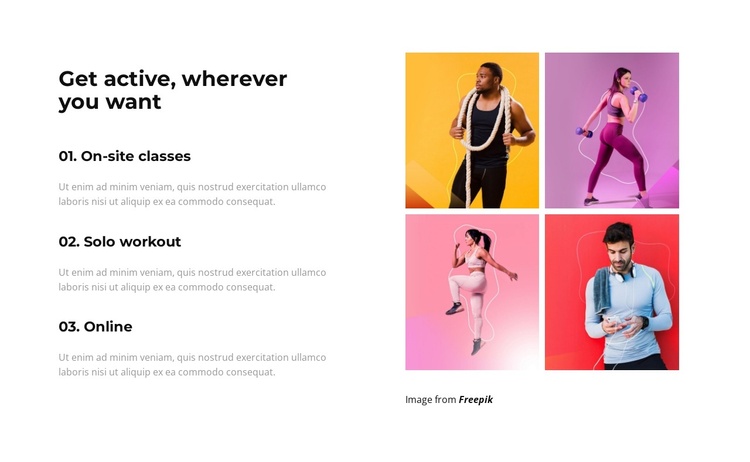
The left column separates the section into three recognizable informational units: On-site classes, Solo workout, and Online. Each option has a number, a title, and supporting text, creating a compact structure that can represent different exercise offerings within a Joomla-managed page. The heading, “Get active, wherever you want,” gives the region a shared subject, while the repeated item pattern keeps the choices easy to distinguish. The descriptions are repeated placeholder content, so the section is best understood as a prepared content arrangement whose final editorial details can be adapted to the surrounding project.
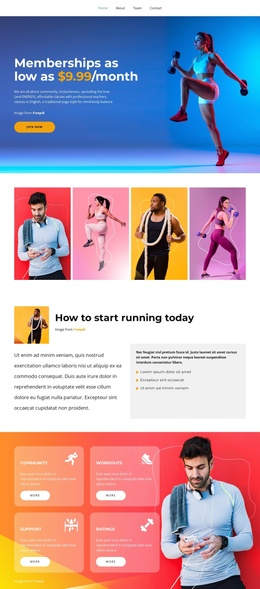
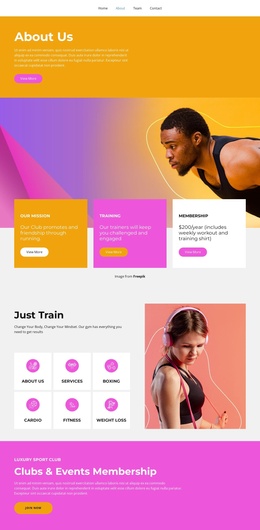
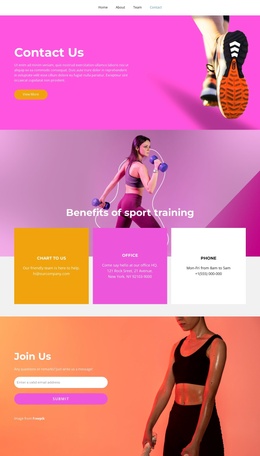
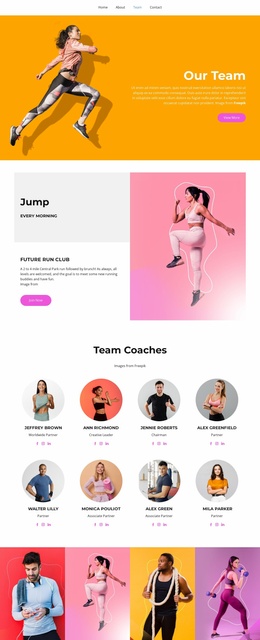
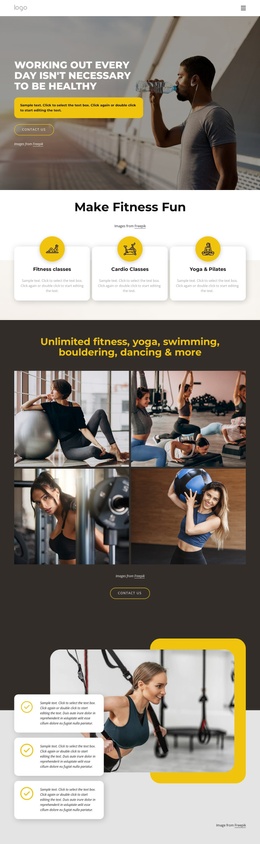
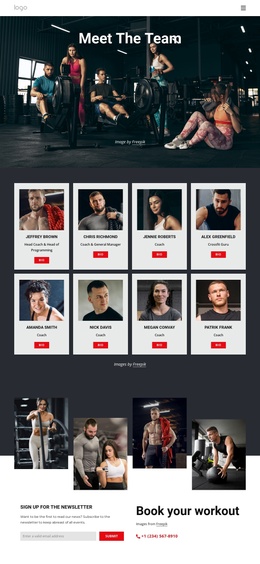
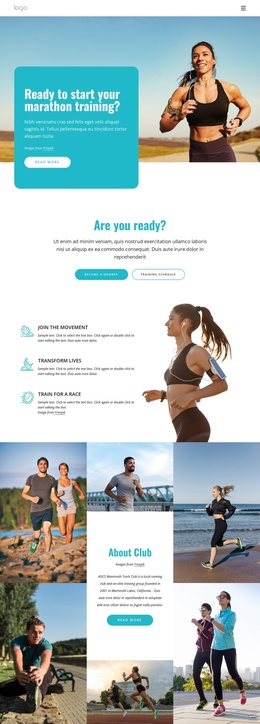
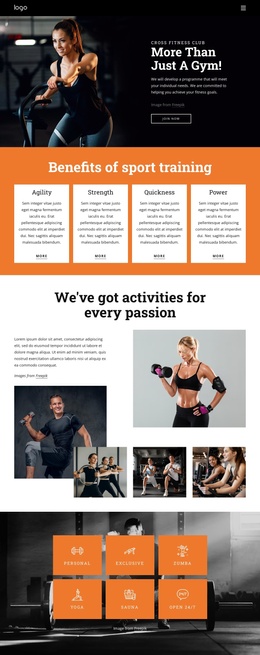
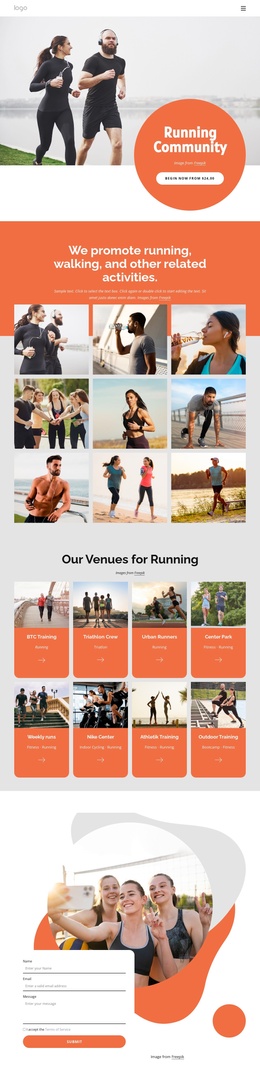
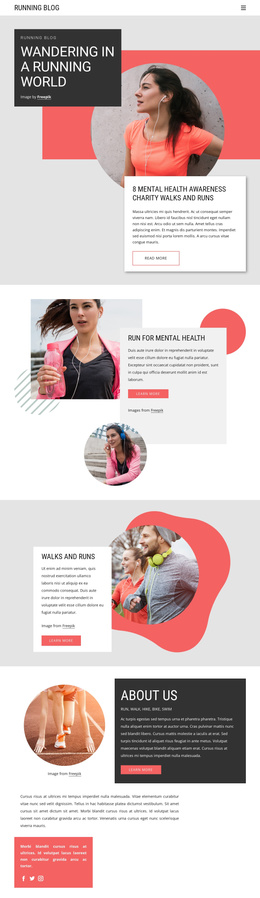
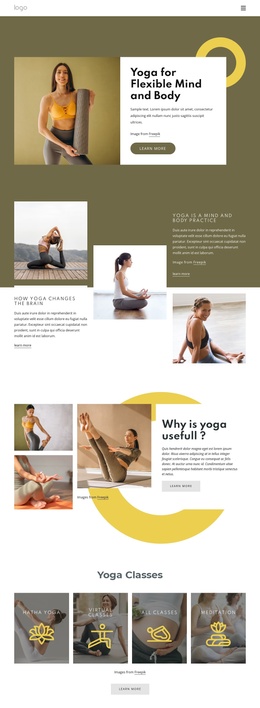
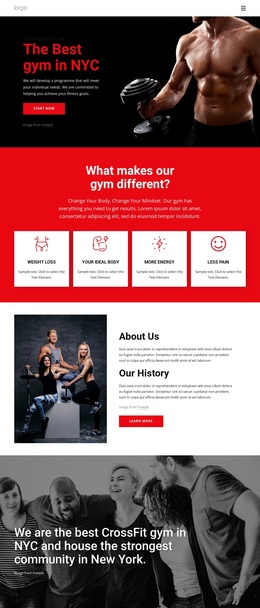
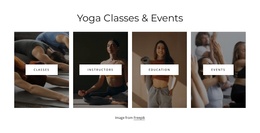
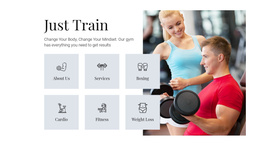
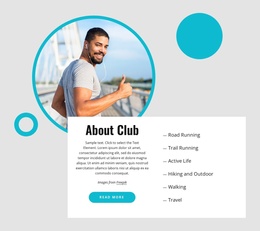
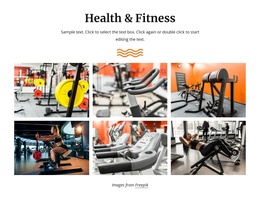
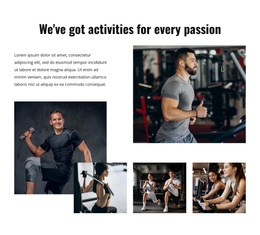
A four-image gallery occupies the right column and supplies a visual counterpart to the activity list. Its two-by-two arrangement creates a defined media region rather than blending the photographs into the text column. Lightbox viewing adds a focused way to inspect the fitness images while preserving the main split composition. In a Joomla context, this block can remain a stable exercise-information region inside a CMS-managed page, while related editorial content, navigation, schedules, or contact material are handled elsewhere in the broader site. The visual section therefore supports structured content without becoming a complete Joomla template.
Customize with Nicepage
Open this ready-made template in the Joomla Page Builder and customize it visually in the Nicepage editor. Replace demo content, edit page sections, and adapt the design to your project without rebuilding the template from scratch.
Edit Template Offline
2. Create a new page or select existing
3. Click Add new block, search for id 3889019 and click enter
Edit Template Online
Create Awesome Websites


Free Nicepage Builder
Keywords
Work With This Template in Joomla
Customize and Install the Joomla Template
Start with this ready-made template instead of building the Joomla design from scratch. Customize its layout, content, typography, images, sections, and other design elements visually in the Nicepage application, then export and install the Joomla Template, Nicepage Extension, and supported content on your Joomla website.
Edit the Template Directly in Joomla
After installation, you can edit the Joomla Template directly in Joomla with the Nicepage Joomla Extension. Customize the Header, Footer, Colors, Fonts, typography, and Page Templates from the Joomla workflow while keeping the site design connected with your CMS content.
Edit Joomla Articles Visually
Use the Nicepage Joomla Extension to open and edit Joomla Articles visually from the Joomla Administrator. Change text, images, sections, layouts, and other page content in the Nicepage editor while continuing to manage the Articles through Joomla.
Joomla Content and Template Integration
Use the customized template together with Joomla Articles, module Positions, menus, forms, Blog Pages, and other supported CMS elements. With the Nicepage Extension used as the Site Style Source, shared design settings can be applied across Joomla Articles while Joomla continues to provide the CMS environment for managing site content.
This workflow combines a ready-made Joomla Template with visual customization, direct template editing in Joomla, and continued content management through the Nicepage Joomla Extension.