Make your life lighter Joomla Template

Edit Template Offline
2. Create new page and search for id 26118
Edit Template Online
Create Awesome Websites


Free Nicepage Builder
Keywords
Editorial guidance divides naturally into Joomla content regions
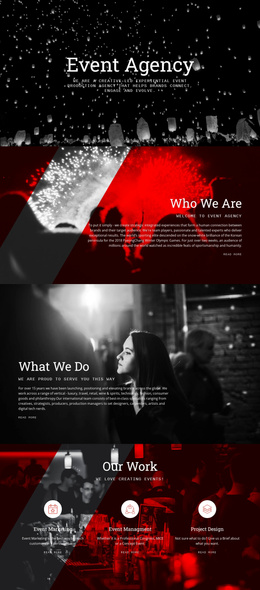
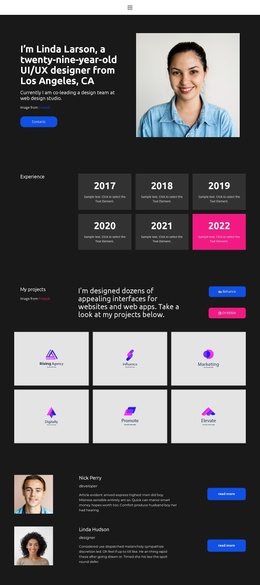
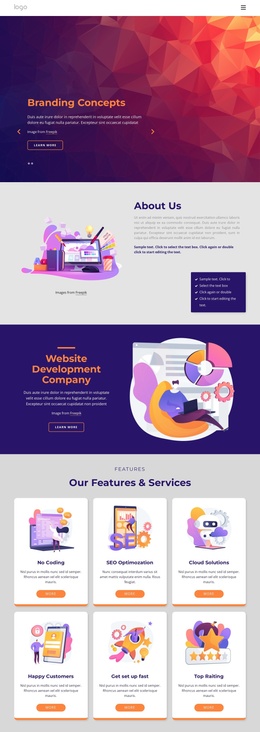
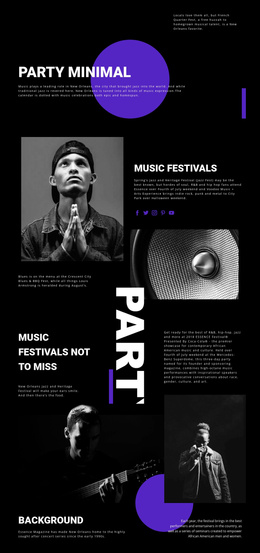
The page separates its subject into recognizable information areas that can be understood as structured CMS content. The opening section introduces happiness through How To Simplify Your Life and a related Learn more action, while the next split section places two connected themes side by side: stopping behaviors that interfere with happiness and identifying keys to happier living. This division gives the design more than one editorial topic without losing a shared visual direction.
Positive Reminders and the centered timing statement provide shorter informational regions, whereas the harmony section functions as a larger visual-and-text feature built around seven photographic items. The Be Inspired. Be Inspiring. section then gives self-love its own content relationship before the final Want to Join? panel presents Contact Us as a distinct closing area. These boundaries make the page suitable for a Joomla-managed structure in which navigation, recurring informational content, images, and contact material remain organized as separate site regions. The three footer columns can preserve shared closing information across the design. A Joomla project could therefore retain the page's editorial sequence while managing the guidance, imagery, and invitation as coordinated content rather than treating the layout as one undifferentiated text block.
Customize with Nicepage
Open this ready-made template in the Joomla Page Builder and customize it visually in the Nicepage editor. Replace demo content, edit page sections, and adapt the design to your project without rebuilding the template from scratch.
Work With This Template in Joomla
Customize and Install the Joomla Template
Start with this ready-made template instead of building the Joomla design from scratch. Customize its layout, content, typography, images, sections, and other design elements visually in the Nicepage application, then export and install the Joomla Template, Nicepage Extension, and supported content on your Joomla website.
Edit the Template Directly in Joomla
After installation, you can edit the Joomla Template directly in Joomla with the Nicepage Joomla Extension. Customize the Header, Footer, Colors, Fonts, typography, and Page Templates from the Joomla workflow while keeping the site design connected with your CMS content.
Edit Joomla Articles Visually
Use the Nicepage Joomla Extension to open and edit Joomla Articles visually from the Joomla Administrator. Change text, images, sections, layouts, and other page content in the Nicepage editor while continuing to manage the Articles through Joomla.
Joomla Content and Template Integration
Use the customized template together with Joomla Articles, module Positions, menus, forms, Blog Pages, and other supported CMS elements. With the Nicepage Extension used as the Site Style Source, shared design settings can be applied across Joomla Articles while Joomla continues to provide the CMS environment for managing site content.
This workflow combines a ready-made Joomla Template with visual customization, direct template editing in Joomla, and continued content management through the Nicepage Joomla Extension.