Website design with hosting Joomla Template


Edit Template Offline
2. Create new page and search for id 531771
Edit Template Online
Create Awesome Websites


Free Nicepage Builder
Keywords
Hosting sections divide naturally into managed content regions
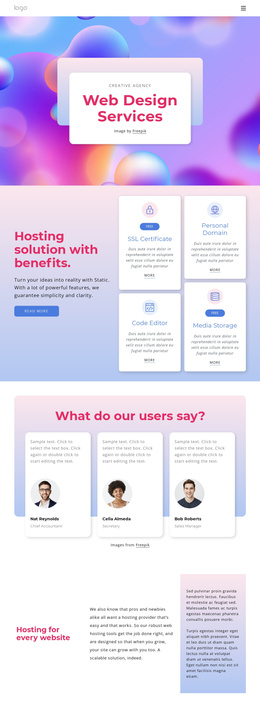
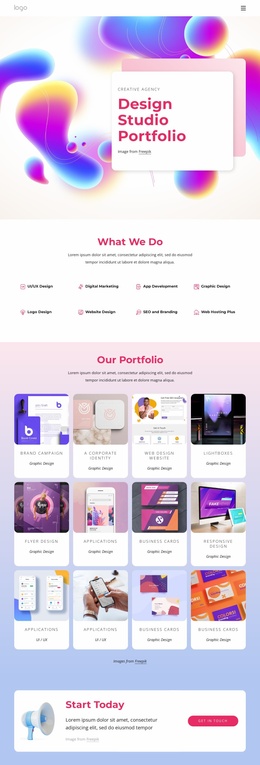
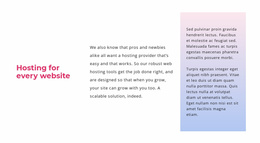
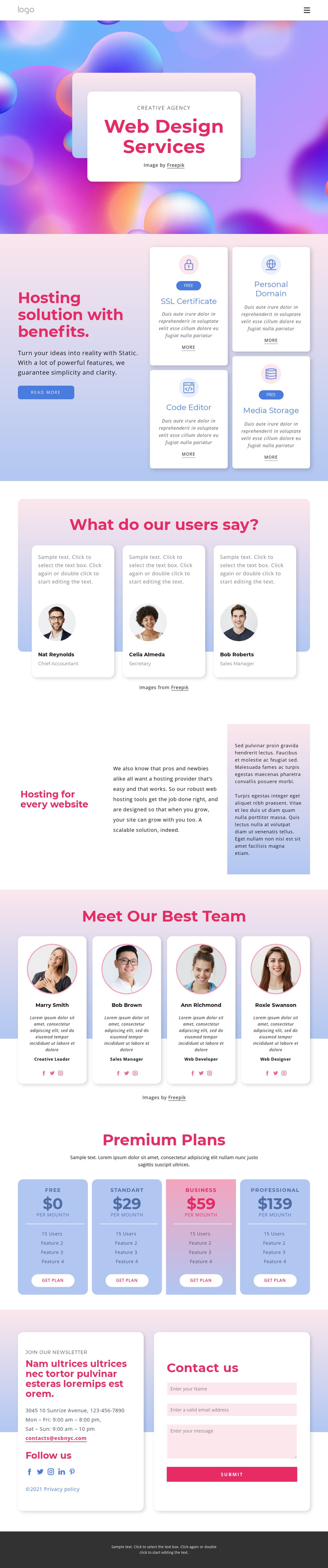
The service area gives this design a clear set of structured information regions. Four hosting feature cards identify SSL Certificate, Code Editor, Personal Domain, and Media Storage as separate items beside an introductory explanation. In a Joomla-oriented project, those recurring service details can remain visually grouped while the surrounding site organizes related information through its navigation and content regions. The page does not need to treat every item as one undifferentiated text block.
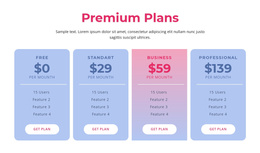
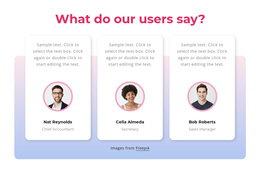
The testimonial and team sections offer a second kind of recurring content. Three testimonial cards provide profile-based statements and portrait imagery, while four team cards combine portraits, role labels, and social profile links. Their repeated format makes them suitable for maintaining consistent content areas as profiles or supporting information change. The pricing section uses the same principle at a commercial level: four plan cards separate Free, Standard, Business, and Professional options, each with its own summary and action.
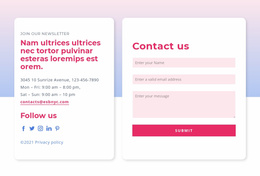
The closing contact region connects contact details, newsletter content, social links, and a form. This gives the site a recognizable destination for inquiries after visitors have moved through services, proof, team information, and plans. A Joomla implementation can therefore use the design as a coordinated set of navigable and reusable content regions rather than as a single undifferentiated visual page. The strongest interpretation comes from the relationship between the service cards, repeated profile areas, plan comparison, and final contact block.
Customize with Nicepage
Open this ready-made template in the Joomla Page Builder and customize it visually in the Nicepage editor. Replace demo content, edit page sections, and adapt the design to your project without rebuilding the template from scratch.
Work With This Template in Joomla
Customize and Install the Joomla Template
Start with this ready-made template instead of building the Joomla design from scratch. Customize its layout, content, typography, images, sections, and other design elements visually in the Nicepage application, then export and install the Joomla Template, Nicepage Extension, and supported content on your Joomla website.
Edit the Template Directly in Joomla
After installation, you can edit the Joomla Template directly in Joomla with the Nicepage Joomla Extension. Customize the Header, Footer, Colors, Fonts, typography, and Page Templates from the Joomla workflow while keeping the site design connected with your CMS content.
Edit Joomla Articles Visually
Use the Nicepage Joomla Extension to open and edit Joomla Articles visually from the Joomla Administrator. Change text, images, sections, layouts, and other page content in the Nicepage editor while continuing to manage the Articles through Joomla.
Joomla Content and Template Integration
Use the customized template together with Joomla Articles, module Positions, menus, forms, Blog Pages, and other supported CMS elements. With the Nicepage Extension used as the Site Style Source, shared design settings can be applied across Joomla Articles while Joomla continues to provide the CMS environment for managing site content.
This workflow combines a ready-made Joomla Template with visual customization, direct template editing in Joomla, and continued content management through the Nicepage Joomla Extension.