We make beautiful clothes Joomla Template


Edit Template Offline
2. Create new page and search for id 6157938
Edit Template Online
Create Awesome Websites


Free Nicepage Builder
Keywords
Profile, Gallery, and Contact Regions Shape a Joomla Content Layout
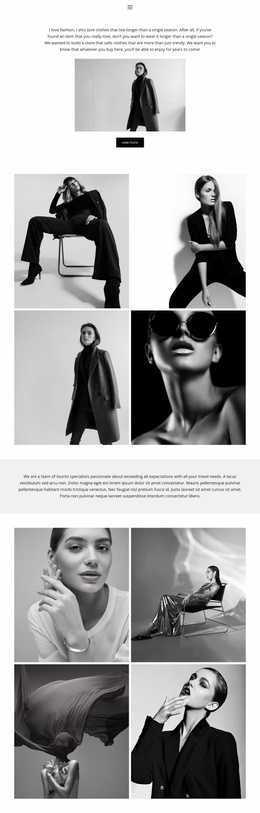
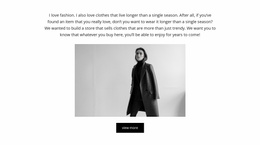
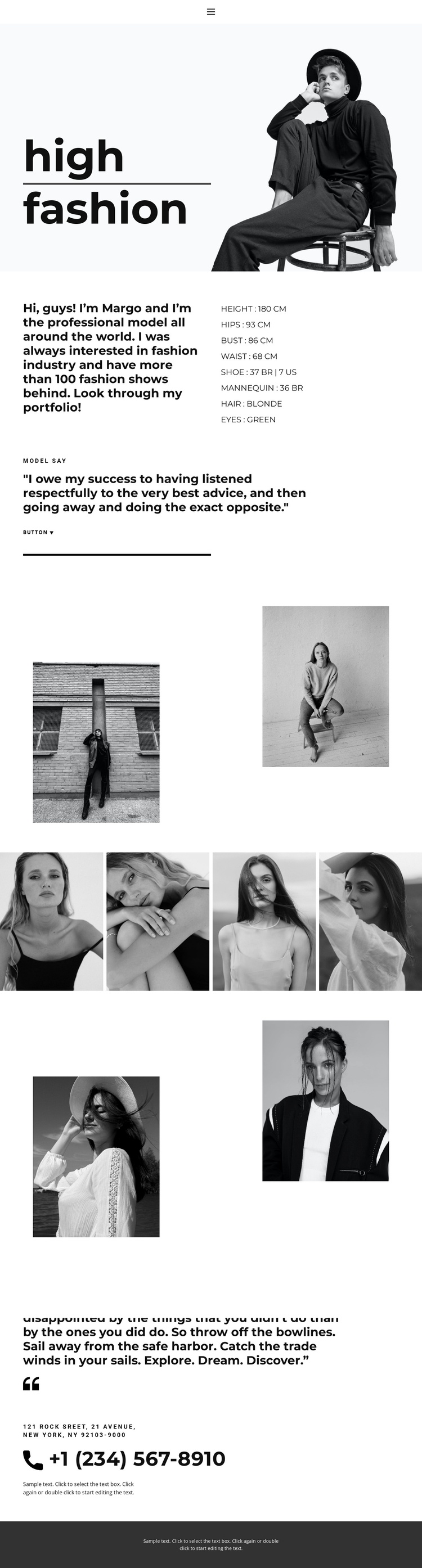
The profile section divides the design into recognizable information areas: biography copy explains the model presentation, the measurement list supplies structured profile information, and the accompanying portraits reinforce the editorial subject. That organization is useful when the design is adapted for a Joomla-managed site because the page does not depend on one uninterrupted image composition. Its content can be understood as coordinated regions connected by the shared monochrome treatment and bold typography.
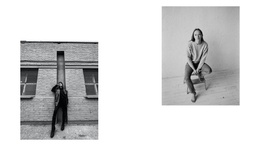
The gallery provides a separate visual content area containing seven model portfolio photographs. Its asymmetrical arrangement and horizontal strip give the image material a distinct role from the profile text, while the closing section brings the visitor back to a personal statement and a prominently displayed telephone contact. Together, these regions create a practical relationship between informational content, repeated editorial imagery, and direct contact content. The mobile-navigation component also indicates that the page includes a navigation consideration rather than functioning only as a poster-like image.
For a Joomla project, the design can therefore serve as a visual framework for organized fashion content: profile information, portfolio imagery, contact details, and a shared footer region remain visibly related without claiming that Joomla Articles or modules already exist in the template. The result is a CMS-oriented interpretation grounded in the template’s actual content divisions rather than in generic Joomla workflow.
Customize with Nicepage
Open this ready-made template in the Joomla Page Builder and customize it visually in the Nicepage editor. Replace demo content, edit page sections, and adapt the design to your project without rebuilding the template from scratch.
Work With This Template in Joomla
Customize and Install the Joomla Template
Start with this ready-made template instead of building the Joomla design from scratch. Customize its layout, content, typography, images, sections, and other design elements visually in the Nicepage application, then export and install the Joomla Template, Nicepage Extension, and supported content on your Joomla website.
Edit the Template Directly in Joomla
After installation, you can edit the Joomla Template directly in Joomla with the Nicepage Joomla Extension. Customize the Header, Footer, Colors, Fonts, typography, and Page Templates from the Joomla workflow while keeping the site design connected with your CMS content.
Edit Joomla Articles Visually
Use the Nicepage Joomla Extension to open and edit Joomla Articles visually from the Joomla Administrator. Change text, images, sections, layouts, and other page content in the Nicepage editor while continuing to manage the Articles through Joomla.
Joomla Content and Template Integration
Use the customized template together with Joomla Articles, module Positions, menus, forms, Blog Pages, and other supported CMS elements. With the Nicepage Extension used as the Site Style Source, shared design settings can be applied across Joomla Articles while Joomla continues to provide the CMS environment for managing site content.
This workflow combines a ready-made Joomla Template with visual customization, direct template editing in Joomla, and continued content management through the Nicepage Joomla Extension.