Free people Joomla Template


Edit Template Offline
2. Create new page and search for id 18342
Edit Template Online
Create Awesome Websites


Free Nicepage Builder
Keywords
Article Groups and Shared Regions Shape the Fashion Content
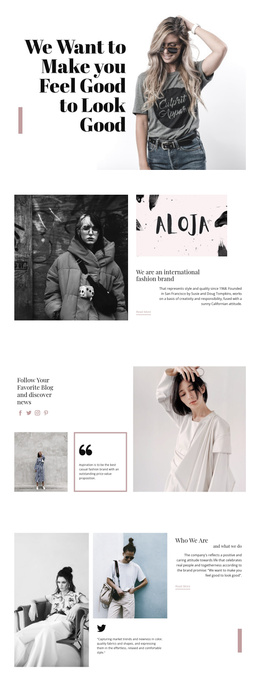
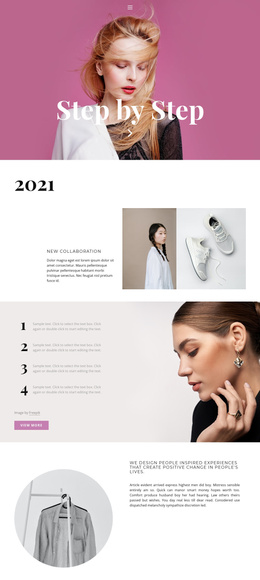
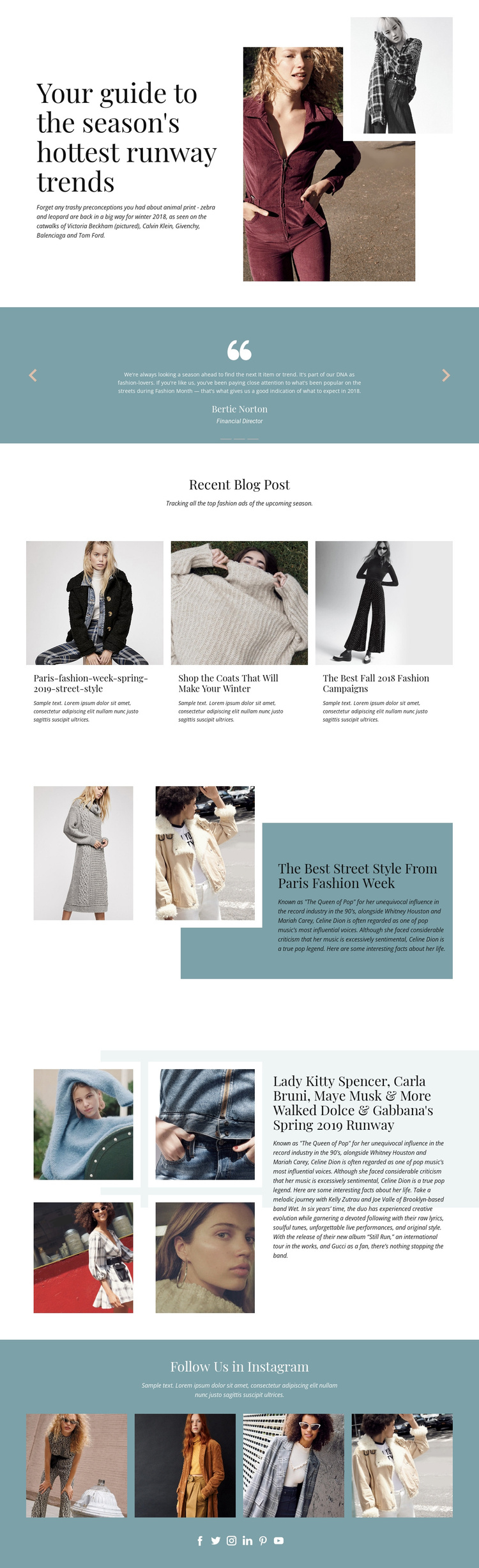
Three recent fashion article cards create a useful editorial grouping in the middle of the page. They sit below the introductory runway section and give recurring stories a shared visual treatment, while the Paris Fashion Week feature and the four-image runway section provide larger spaces for individual subjects. This relationship separates brief article discovery from more prominent feature content, which is important when the design is interpreted as a CMS-managed fashion publication.
The three-slide testimonial carousel adds another repeatable content region, but its role differs from the article cards. It interrupts the sequence with centered quotation content inside a muted blue panel, creating a supporting voice between visual fashion stories. The closing social section then collects four fashion photographs with links to Facebook, Twitter, Instagram, LinkedIn, Pinterest, and YouTube. Together, these regions suggest a structured site arrangement containing editorial content, supporting statements, and shared audience links.
For Joomla, the design can therefore serve as a coordinated presentation for article-like information and recurring content areas without claiming that the existing sample text is a real publication archive. A Joomla Template interpretation keeps the visual relationship between cards, feature panels, gallery imagery, and social navigation intact while the project’s verified articles and media replace the placeholders. The page’s clear divisions also leave room for managing related fashion topics without turning the design into an undifferentiated wall of text.
Customize with Nicepage
Open this ready-made template in the Joomla Page Builder and customize it visually in the Nicepage editor. Replace demo content, edit page sections, and adapt the design to your project without rebuilding the template from scratch.
Work With This Template in Joomla
Customize and Install the Joomla Template
Start with this ready-made template instead of building the Joomla design from scratch. Customize its layout, content, typography, images, sections, and other design elements visually in the Nicepage application, then export and install the Joomla Template, Nicepage Extension, and supported content on your Joomla website.
Edit the Template Directly in Joomla
After installation, you can edit the Joomla Template directly in Joomla with the Nicepage Joomla Extension. Customize the Header, Footer, Colors, Fonts, typography, and Page Templates from the Joomla workflow while keeping the site design connected with your CMS content.
Edit Joomla Articles Visually
Use the Nicepage Joomla Extension to open and edit Joomla Articles visually from the Joomla Administrator. Change text, images, sections, layouts, and other page content in the Nicepage editor while continuing to manage the Articles through Joomla.
Joomla Content and Template Integration
Use the customized template together with Joomla Articles, module Positions, menus, forms, Blog Pages, and other supported CMS elements. With the Nicepage Extension used as the Site Style Source, shared design settings can be applied across Joomla Articles while Joomla continues to provide the CMS environment for managing site content.
This workflow combines a ready-made Joomla Template with visual customization, direct template editing in Joomla, and continued content management through the Nicepage Joomla Extension.