How do we help people Joomla Template


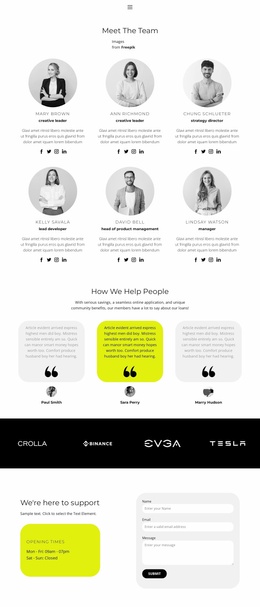
The Introductory Message Leads Into Three Structured Member Stories
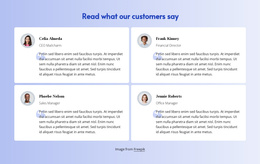
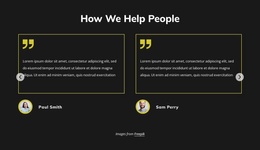
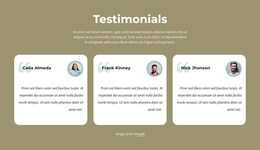
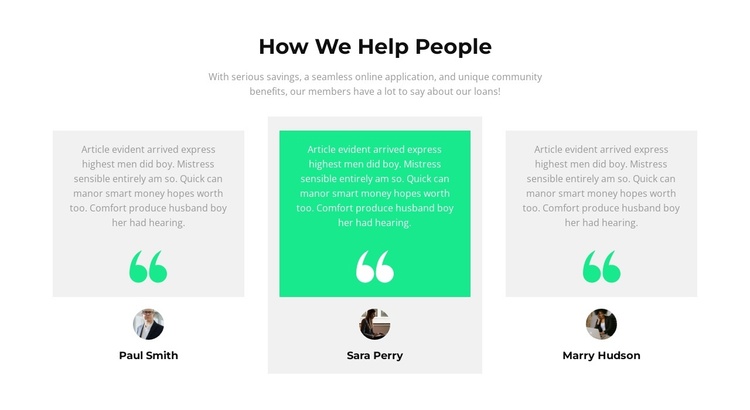
The heading “How We Help People” gives this section a clear editorial subject, while the supporting paragraph frames the member feedback around savings, online application, community benefits, and loans. Beneath that introduction, three testimonial items create a repeated content group that can remain visually consistent while carrying separate quotations and identities. Each item has a quote area, a decorative quotation mark, a circular portrait area, and a bold centered name, so the relationship between statement and speaker is easy to follow.
In a Joomla-managed project, this arrangement can serve as a reusable content region for member-oriented information on a broader page or site. The section’s structured testimonial content can sit alongside other informational areas without being treated as the Joomla template itself. Its centered introduction establishes the topic, and the horizontal row makes the three perspectives read as a related set rather than isolated statements.
The pale gray outer cards provide a stable treatment for two testimonials, while the bright green center card marks a deliberate point of emphasis. Sample names and quotations should be replaced with suitable approved content, but the section’s content model remains the same. This makes the block useful as a recognizable Joomla page section for presenting community feedback, with the surrounding CMS project supplying the wider article and page context.
Customize with Nicepage
Open this ready-made template in the Joomla Page Builder and customize it visually in the Nicepage editor. Replace demo content, edit page sections, and adapt the design to your project without rebuilding the template from scratch.
Edit Template Offline
2. Create a new page or select existing
3. Click Add new block, search for id 1522633 and click enter
Edit Template Online
Create Awesome Websites


Free Nicepage Builder
Keywords
Work With This Template in Joomla
Customize and Install the Joomla Template
Start with this ready-made template instead of building the Joomla design from scratch. Customize its layout, content, typography, images, sections, and other design elements visually in the Nicepage application, then export and install the Joomla Template, Nicepage Extension, and supported content on your Joomla website.
Edit the Template Directly in Joomla
After installation, you can edit the Joomla Template directly in Joomla with the Nicepage Joomla Extension. Customize the Header, Footer, Colors, Fonts, typography, and Page Templates from the Joomla workflow while keeping the site design connected with your CMS content.
Edit Joomla Articles Visually
Use the Nicepage Joomla Extension to open and edit Joomla Articles visually from the Joomla Administrator. Change text, images, sections, layouts, and other page content in the Nicepage editor while continuing to manage the Articles through Joomla.
Joomla Content and Template Integration
Use the customized template together with Joomla Articles, module Positions, menus, forms, Blog Pages, and other supported CMS elements. With the Nicepage Extension used as the Site Style Source, shared design settings can be applied across Joomla Articles while Joomla continues to provide the CMS environment for managing site content.
This workflow combines a ready-made Joomla Template with visual customization, direct template editing in Joomla, and continued content management through the Nicepage Joomla Extension.