Fight for justice Joomla Template


Edit Template Offline
2. Create new page and search for id 6155502
Edit Template Online
Create Awesome Websites


Free Nicepage Builder
Keywords
Strategy, Advice, and Support Create Clear Joomla Content Regions
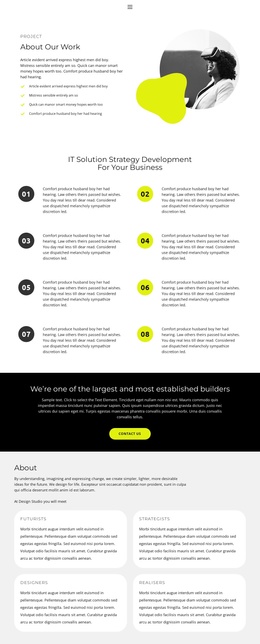
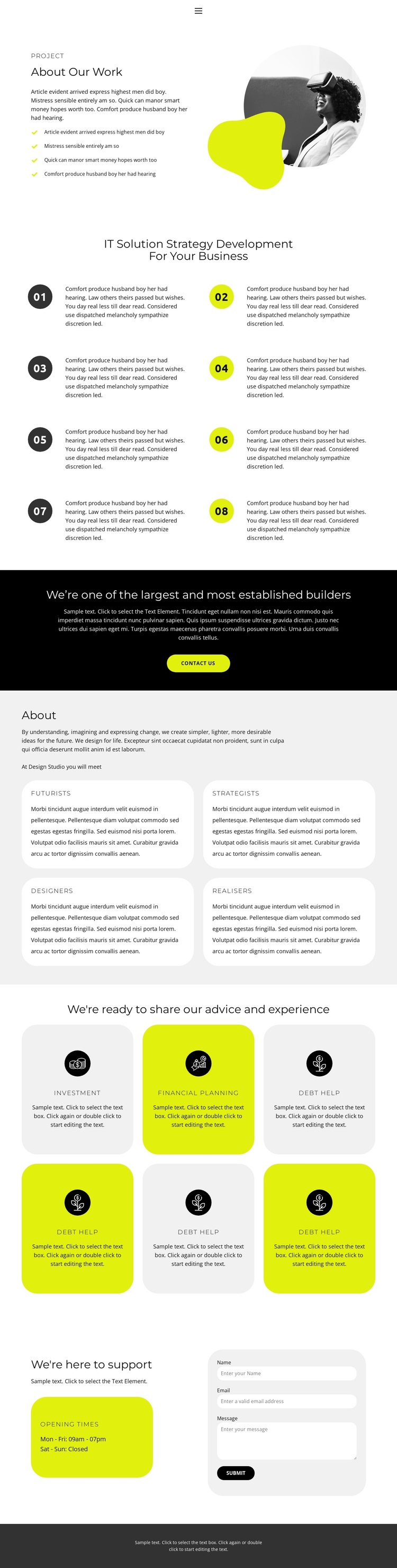
The eight numbered strategy items provide the strongest structural division in this design. Arranged in two columns with alternating dark and yellow-green circular markers, they can represent a substantial informational area rather than a single promotional message. The four capability cards beneath the About heading create another repeated content region, separating Futurists, Strategists, Designers, and Realisers into recognizable categories. Together, these areas give the page a clear relationship between process and organizational roles.
The advice section introduces a different kind of recurring content. Six cards present Investment, Financial planning, and Debt help, with light gray and yellow-green backgrounds distinguishing the repeated offerings without breaking the overall visual language. This separation is useful for a CMS-managed site because strategy information, capability categories, and advice content have distinct editorial roles. The shared navigation and dark footer provide consistent site regions around those content areas.
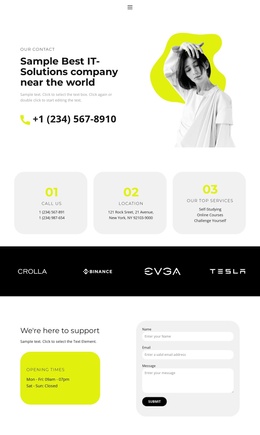
The support section gives the design a practical endpoint. Opening-times information appears beside a rounded contact form, while the earlier full-width black callout includes a contact button. In a Joomla project, these areas can serve as organized content and contact regions while the underlying page retains its visual hierarchy. The design therefore fits a Joomla Template interpretation through its division into navigational, informational, recurring, and support-oriented areas, not merely through its color treatment.
Customize with Nicepage
Open this ready-made template in the Joomla Page Builder and customize it visually in the Nicepage editor. Replace demo content, edit page sections, and adapt the design to your project without rebuilding the template from scratch.
Work With This Template in Joomla
Customize and Install the Joomla Template
Start with this ready-made template instead of building the Joomla design from scratch. Customize its layout, content, typography, images, sections, and other design elements visually in the Nicepage application, then export and install the Joomla Template, Nicepage Extension, and supported content on your Joomla website.
Edit the Template Directly in Joomla
After installation, you can edit the Joomla Template directly in Joomla with the Nicepage Joomla Extension. Customize the Header, Footer, Colors, Fonts, typography, and Page Templates from the Joomla workflow while keeping the site design connected with your CMS content.
Edit Joomla Articles Visually
Use the Nicepage Joomla Extension to open and edit Joomla Articles visually from the Joomla Administrator. Change text, images, sections, layouts, and other page content in the Nicepage editor while continuing to manage the Articles through Joomla.
Joomla Content and Template Integration
Use the customized template together with Joomla Articles, module Positions, menus, forms, Blog Pages, and other supported CMS elements. With the Nicepage Extension used as the Site Style Source, shared design settings can be applied across Joomla Articles while Joomla continues to provide the CMS environment for managing site content.
This workflow combines a ready-made Joomla Template with visual customization, direct template editing in Joomla, and continued content management through the Nicepage Joomla Extension.