Best quality music Joomla Template


Edit Template Offline
2. Create new page and search for id 14662
Edit Template Online
Create Awesome Websites


Free Nicepage Builder
Keywords
Artist, Event, and Ticket Content Divide the Page Naturally
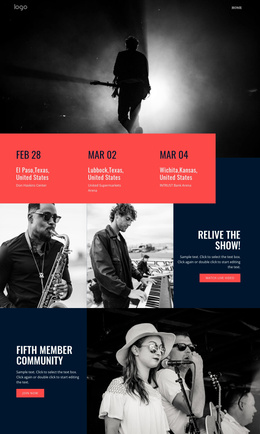
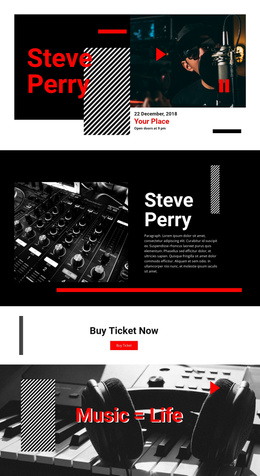
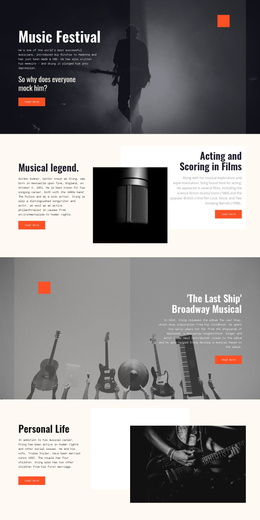
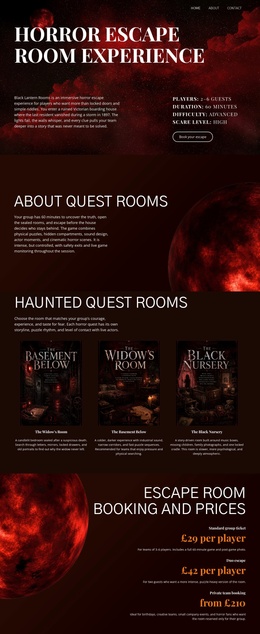
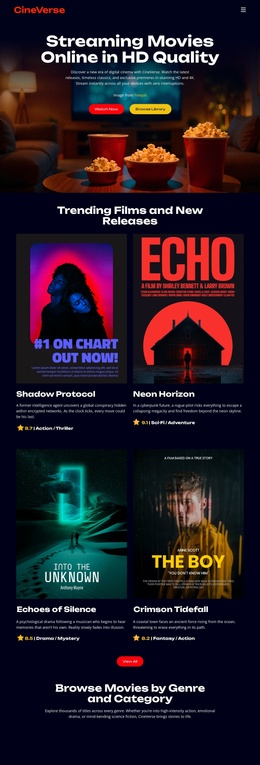
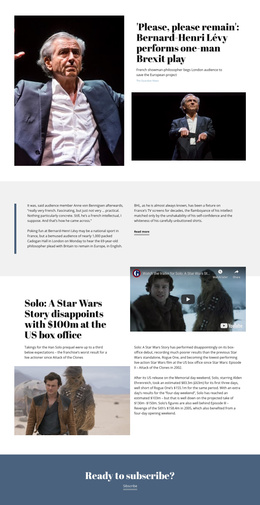
The Steve Perry heading, event timing details, biography, and ticket prompt already divide the design into recognizable content areas for a structured CMS-managed presentation. The opening block can introduce the event through its concert photograph and displayed date and time, while the following two-column area gives the artist context a separate editorial region. This separation is useful for keeping event information, profile-style content, and supporting imagery distinct rather than combining everything into one undifferentiated text block.
The Buy Ticket Now section provides another clearly defined region, with the purchase button separated from the biography and longer story content. After that action point, Music = Life and the keyboard-and-headphones image create an atmospheric content area, while Your Best Weekend pairs a concert photograph with extended copy. The closing record image and Welcome! message provide a final shared visual region. In a Joomla project, this arrangement can serve as a coordinated set of CMS-managed content areas: event information, artist introduction, ticket communication, feature storytelling, and closing contact or welcome content. The design’s common black, white, and red language can connect those regions even as their text and images are updated. Its value lies in the existing division between content purposes, not in any unverified assumption about particular Joomla article types or modules.
Customize with Nicepage
Open this ready-made template in the Joomla Page Builder and customize it visually in the Nicepage editor. Replace demo content, edit page sections, and adapt the design to your project without rebuilding the template from scratch.
Work With This Template in Joomla
Customize and Install the Joomla Template
Start with this ready-made template instead of building the Joomla design from scratch. Customize its layout, content, typography, images, sections, and other design elements visually in the Nicepage application, then export and install the Joomla Template, Nicepage Extension, and supported content on your Joomla website.
Edit the Template Directly in Joomla
After installation, you can edit the Joomla Template directly in Joomla with the Nicepage Joomla Extension. Customize the Header, Footer, Colors, Fonts, typography, and Page Templates from the Joomla workflow while keeping the site design connected with your CMS content.
Edit Joomla Articles Visually
Use the Nicepage Joomla Extension to open and edit Joomla Articles visually from the Joomla Administrator. Change text, images, sections, layouts, and other page content in the Nicepage editor while continuing to manage the Articles through Joomla.
Joomla Content and Template Integration
Use the customized template together with Joomla Articles, module Positions, menus, forms, Blog Pages, and other supported CMS elements. With the Nicepage Extension used as the Site Style Source, shared design settings can be applied across Joomla Articles while Joomla continues to provide the CMS environment for managing site content.
This workflow combines a ready-made Joomla Template with visual customization, direct template editing in Joomla, and continued content management through the Nicepage Joomla Extension.