Modern Television Channel Joomla Template



Edit Template Offline
2. Create new page and search for id 6668487
Edit Template Online
Create Awesome Websites


Free Nicepage Builder
Keywords
Programming Regions Give Nova View a Structured CMS Content Model
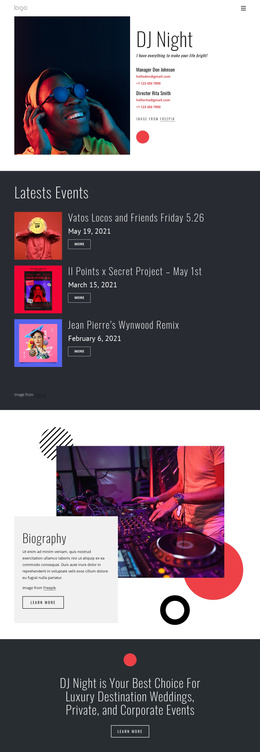
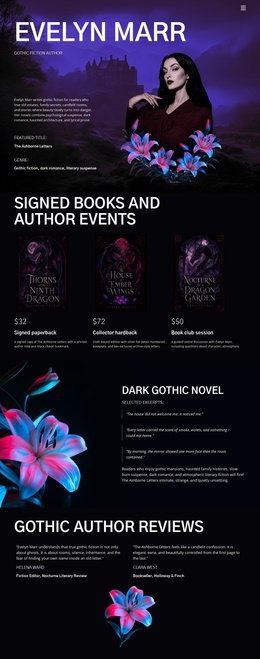
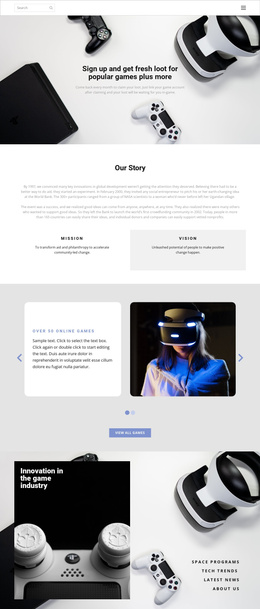
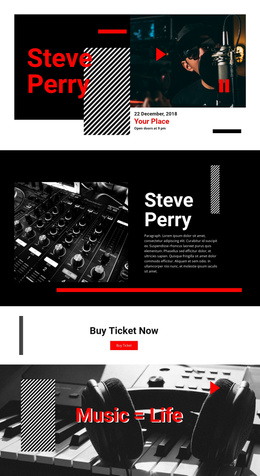
The design divides television content into recognizable regions that can support a CMS-managed site structure. The hero introduces Nova View and its viewing actions, while the four-poster gallery provides a separate visual area for program discovery. The Entertainment, Live Shows, and Documentaries cards then describe broad programming categories rather than individual titles. This separation is useful when recurring network information needs to remain distinct from more specific show content.
The middle sections add further structured regions: the independent-network statement establishes the channel’s positioning, the Popular TV Programs area groups Night Talk, Wild North, and City Life, and the Featured Television Shows section presents Beyond The Map, Open Studio, and Final Play as another set of program entries. Shared navigation and centered branding can connect those regions while their content remains organized by purpose. In a Joomla project, this arrangement can therefore serve as a visual framework for structured informational areas, menus, galleries, and recurring program content. The interpretation comes from the page’s existing divisions, not from assuming that Joomla Articles or modules are already present in the template.
Customize with Nicepage
Open this ready-made template in the Joomla Page Builder and customize it visually in the Nicepage editor. Replace demo content, edit page sections, and adapt the design to your project without rebuilding the template from scratch.
Work With This Template in Joomla
Customize and Install the Joomla Template
Start with this ready-made template instead of building the Joomla design from scratch. Customize its layout, content, typography, images, sections, and other design elements visually in the Nicepage application, then export and install the Joomla Template, Nicepage Extension, and supported content on your Joomla website.
Edit the Template Directly in Joomla
After installation, you can edit the Joomla Template directly in Joomla with the Nicepage Joomla Extension. Customize the Header, Footer, Colors, Fonts, typography, and Page Templates from the Joomla workflow while keeping the site design connected with your CMS content.
Edit Joomla Articles Visually
Use the Nicepage Joomla Extension to open and edit Joomla Articles visually from the Joomla Administrator. Change text, images, sections, layouts, and other page content in the Nicepage editor while continuing to manage the Articles through Joomla.
Joomla Content and Template Integration
Use the customized template together with Joomla Articles, module Positions, menus, forms, Blog Pages, and other supported CMS elements. With the Nicepage Extension used as the Site Style Source, shared design settings can be applied across Joomla Articles while Joomla continues to provide the CMS environment for managing site content.
This workflow combines a ready-made Joomla Template with visual customization, direct template editing in Joomla, and continued content management through the Nicepage Joomla Extension.