Latest organized events Joomla Template


Edit Template Offline
2. Create new page and search for id 5100331
Edit Template Online
Create Awesome Websites


Free Nicepage Builder
Keywords
Project, Social, and Contact Regions Create a CMS-Ready Layout
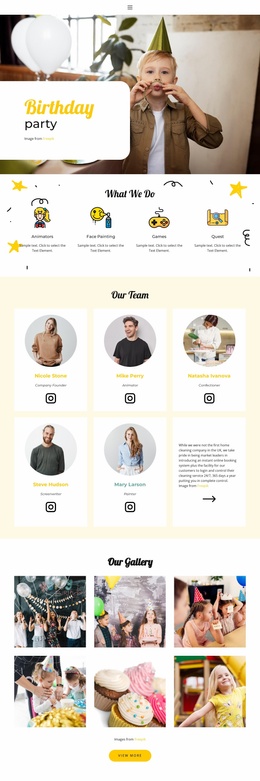
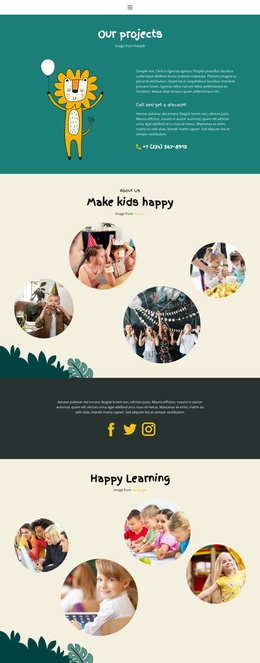
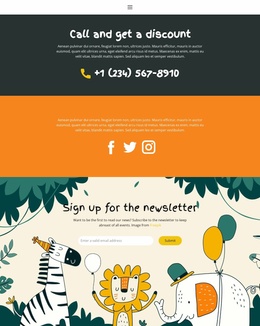
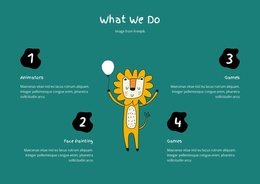
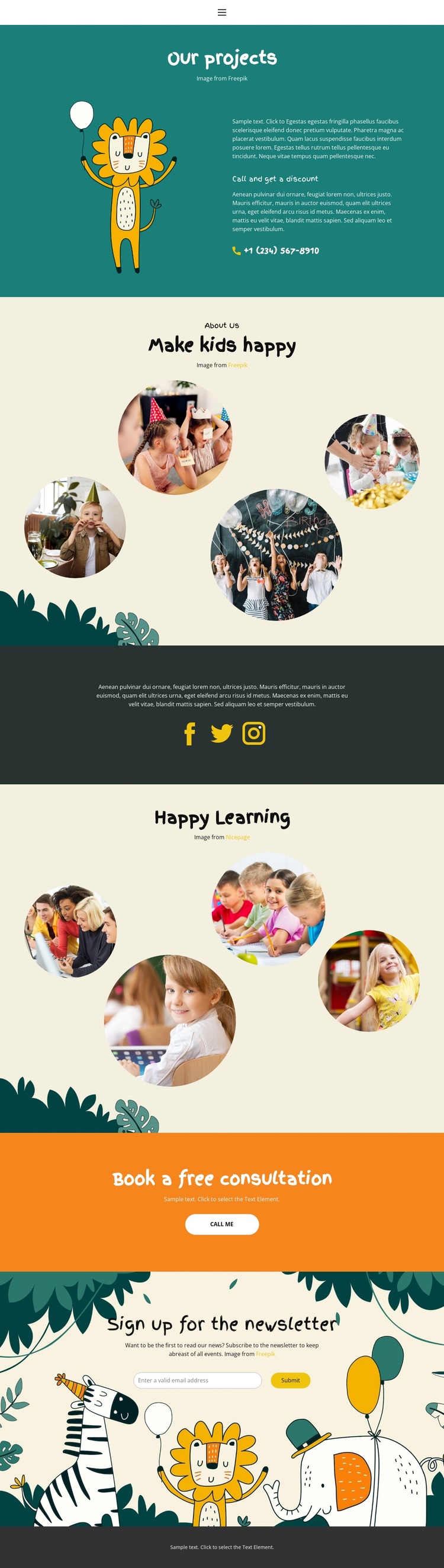
The project introduction, learning galleries, social band, consultation prompt, and newsletter area divide the design into recognizable content regions. “Our projects” provides an information-led starting point with an illustration, supporting text, a phone action, and a discount prompt. The two circular-image areas then supply visual material for children’s activities, while the dark social section creates a separate region for external connections rather than mixing those links into the gallery content.
This separation is useful when the design is adapted to a Joomla-managed site because each region can represent a different kind of maintained information without losing the shared visual direction. The navigation links give the page a broader site context, and the footer closes the layout with a consistent text band. At the end of the content sequence, “Book a free consultation” and “Sign up for the newsletter” serve different communication purposes: one invites a direct call or inquiry, while the other supports email-based follow-up. That distinction makes the page easier to organize as structured site content rather than treating every element as part of one undifferentiated gallery. Joomla content areas can therefore be mapped to the page’s existing roles while the teal, cream, orange, and charcoal visual system continues to connect the regions. The design provides a clear foundation for education-related pages that need navigation, recurring activity imagery, social links, and contact-oriented content together.
Customize with Nicepage
Open this ready-made template in the Joomla Page Builder and customize it visually in the Nicepage editor. Replace demo content, edit page sections, and adapt the design to your project without rebuilding the template from scratch.
Work With This Template in Joomla
Customize and Install the Joomla Template
Start with this ready-made template instead of building the Joomla design from scratch. Customize its layout, content, typography, images, sections, and other design elements visually in the Nicepage application, then export and install the Joomla Template, Nicepage Extension, and supported content on your Joomla website.
Edit the Template Directly in Joomla
After installation, you can edit the Joomla Template directly in Joomla with the Nicepage Joomla Extension. Customize the Header, Footer, Colors, Fonts, typography, and Page Templates from the Joomla workflow while keeping the site design connected with your CMS content.
Edit Joomla Articles Visually
Use the Nicepage Joomla Extension to open and edit Joomla Articles visually from the Joomla Administrator. Change text, images, sections, layouts, and other page content in the Nicepage editor while continuing to manage the Articles through Joomla.
Joomla Content and Template Integration
Use the customized template together with Joomla Articles, module Positions, menus, forms, Blog Pages, and other supported CMS elements. With the Nicepage Extension used as the Site Style Source, shared design settings can be applied across Joomla Articles while Joomla continues to provide the CMS environment for managing site content.
This workflow combines a ready-made Joomla Template with visual customization, direct template editing in Joomla, and continued content management through the Nicepage Joomla Extension.