Bulletproof Apps Joomla Template


Edit Template Offline
2. Create new page and search for id 12521
Edit Template Online
Create Awesome Websites


Free Nicepage Builder
Keywords
Capability rows and connectivity content suit organized CMS sections
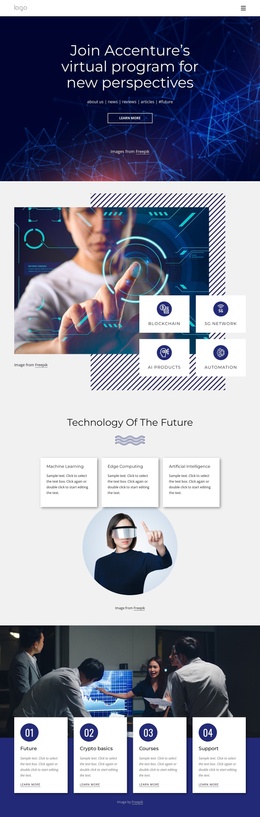
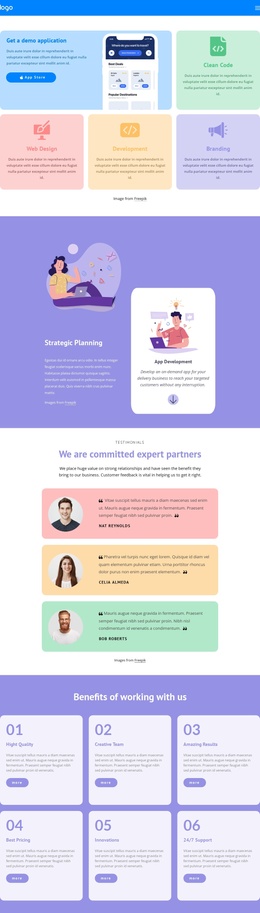
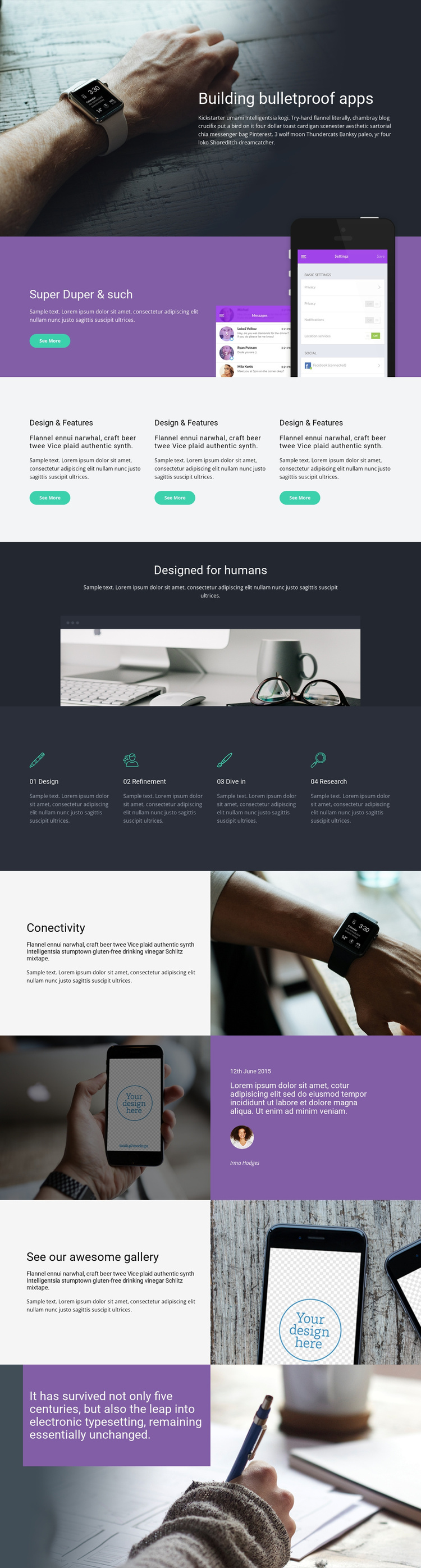
The four named capability areas give the page a particularly clear set of informational regions. Design, Refinement, Dive in, and Research are presented as parallel items, so a Joomla-managed implementation could preserve them as a coordinated service group while keeping each description distinct. The three earlier feature cards offer another repeated content pattern, but their role is to introduce highlights before the page moves into the more process-oriented capability row.
The Connectivity section adds a focused topic area that pairs explanatory text with a watch photograph. That relationship can work as a structured content region rather than as an isolated visual, especially when the site needs to maintain a common navigation path from the app showcase to supporting service information. The gallery-oriented section supplies a separate visual content area, while the phone image and purple testimonial-style panel provide a contrasting presentation for product use or supporting commentary.
Shared purple panels, the dark hero, and repeated image-text splits connect these regions into one recognizable site design. Navigation and contact-oriented actions can frame the content without changing the page’s central sequence. In a Joomla project, the value comes from mapping these real service, gallery, and contact areas into organized CMS content while retaining the visual relationships that make the app design page coherent.
Customize with Nicepage
Open this ready-made template in the Joomla Page Builder and customize it visually in the Nicepage editor. Replace demo content, edit page sections, and adapt the design to your project without rebuilding the template from scratch.
Work With This Template in Joomla
Customize and Install the Joomla Template
Start with this ready-made template instead of building the Joomla design from scratch. Customize its layout, content, typography, images, sections, and other design elements visually in the Nicepage application, then export and install the Joomla Template, Nicepage Extension, and supported content on your Joomla website.
Edit the Template Directly in Joomla
After installation, you can edit the Joomla Template directly in Joomla with the Nicepage Joomla Extension. Customize the Header, Footer, Colors, Fonts, typography, and Page Templates from the Joomla workflow while keeping the site design connected with your CMS content.
Edit Joomla Articles Visually
Use the Nicepage Joomla Extension to open and edit Joomla Articles visually from the Joomla Administrator. Change text, images, sections, layouts, and other page content in the Nicepage editor while continuing to manage the Articles through Joomla.
Joomla Content and Template Integration
Use the customized template together with Joomla Articles, module Positions, menus, forms, Blog Pages, and other supported CMS elements. With the Nicepage Extension used as the Site Style Source, shared design settings can be applied across Joomla Articles while Joomla continues to provide the CMS environment for managing site content.
This workflow combines a ready-made Joomla Template with visual customization, direct template editing in Joomla, and continued content management through the Nicepage Joomla Extension.