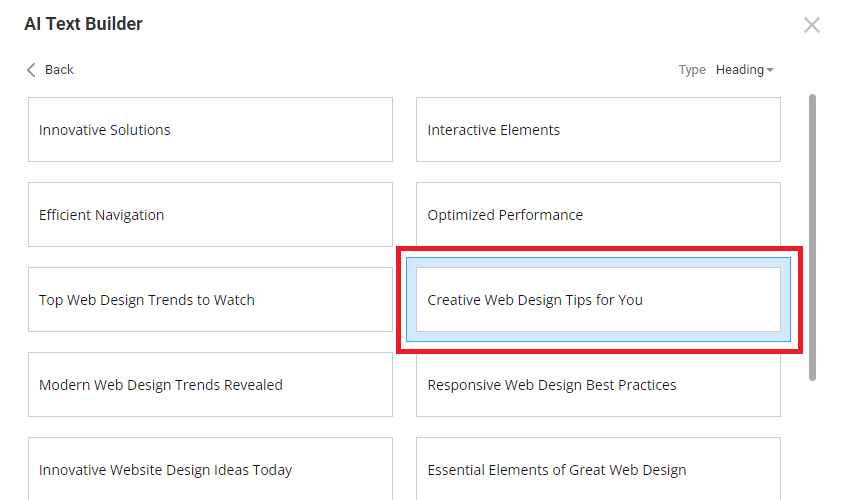
The AI Text Builder helps you generate text ideas for your design. These text ideas become a quick and easy start. Also, it is a good alternative to dummy text or Lorem Ipsum.

The process of text generation typically looks as follows. Please note that the Type depends on the Text Element you edit: Heading, Text, or Blockquote.
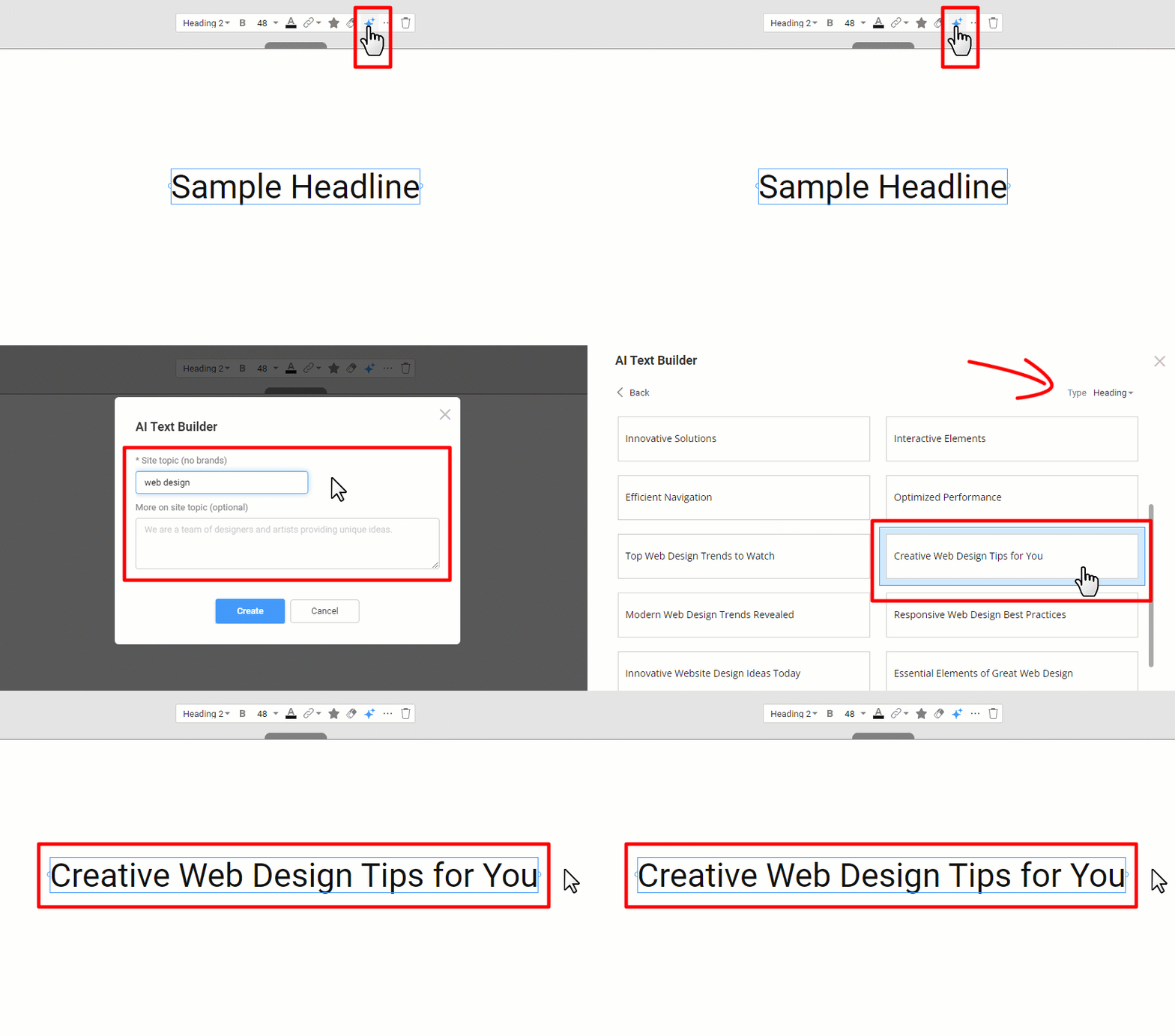
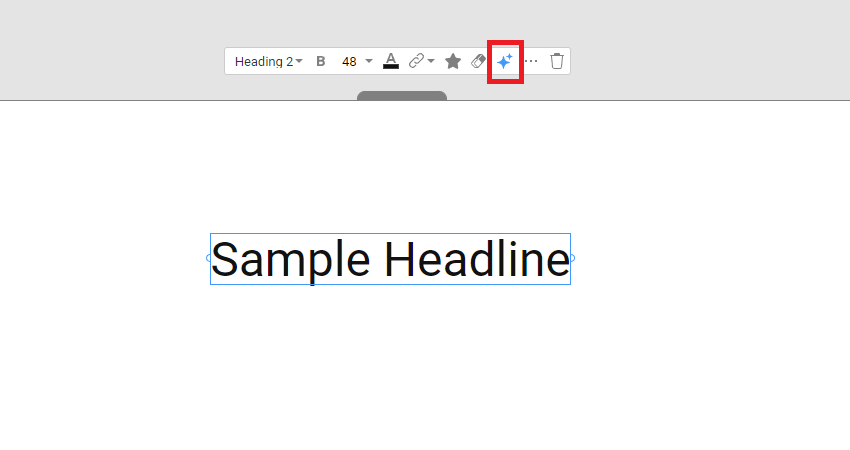
Start AI Text Builder
To run the AI Text Builder, add any Text Element and click the Suggest Text icon on the Context Panel.
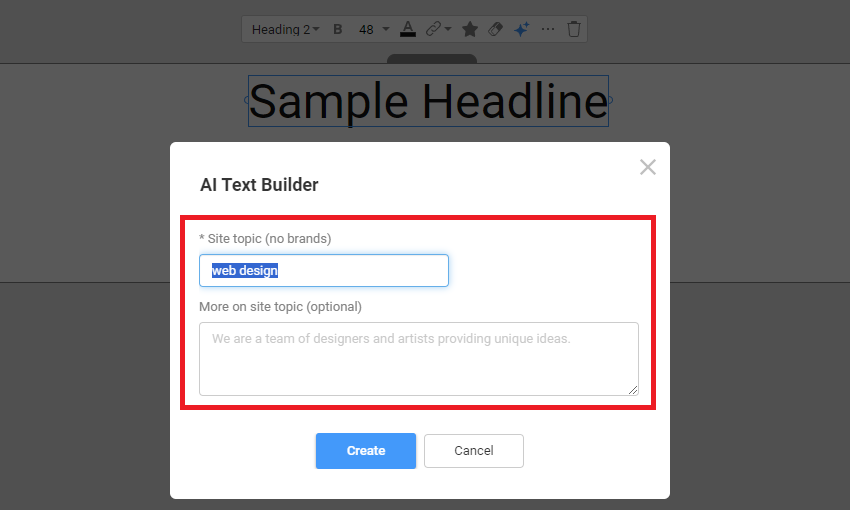
AI Text Builder Prompt
Type your site topic and optional description in the AI Text Builder prompt dialog to start the text generation.
Generated Text Type
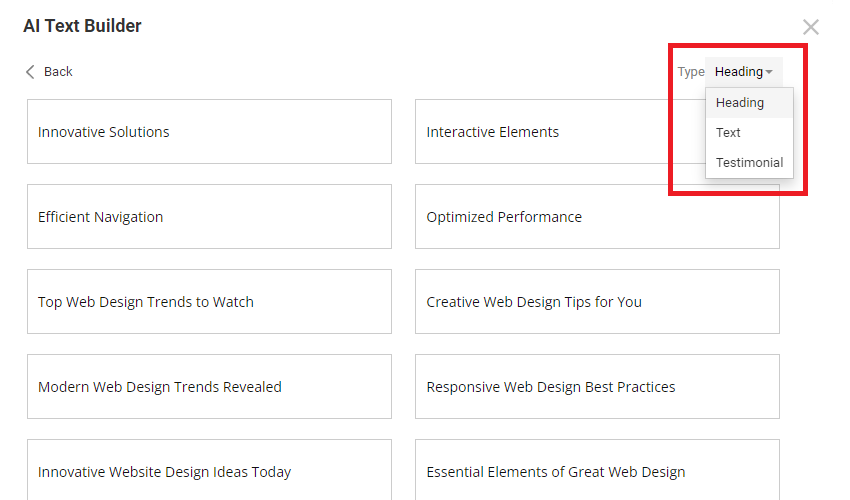
You can filter the generated ideas by the Text Type. This filter is applied automatically for the Text Element used: Heading, Text, or Blockquote.
Select Text Variant
Select and replace the default text by clicking the variant of the generated text ideas you like.