The Breadcrumbs Element reveals the current location on a website and lets you navigate pages efficiently.
Page Breadcrumbs
You can add Breadcrumbs to your Site Pages. It helps your visitors easily navigate between Pages and understand their location within the Site structure.

Product and Post Breadcrumbs
You can add it to Blog and Products Page Templates.

Add Breadcrumbs
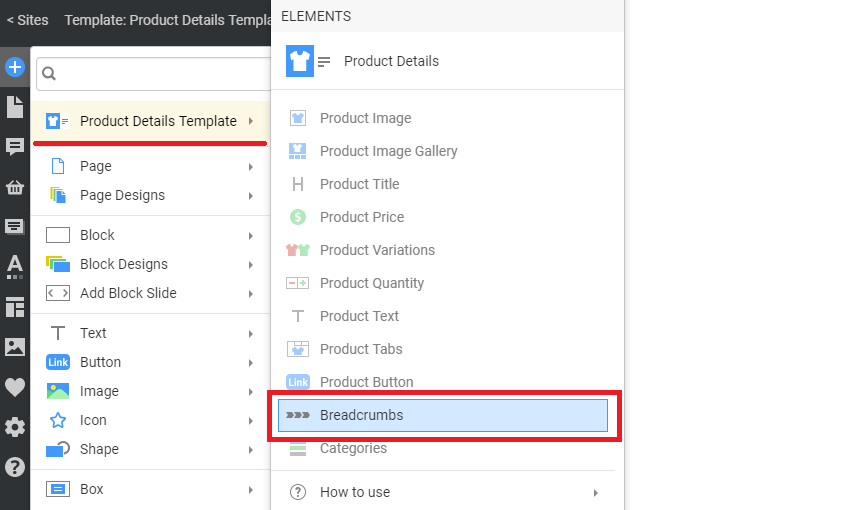
You can add the Breadcrumbs element from the Add Panel of the Quick Access Pane.
Breadcrumb Icon
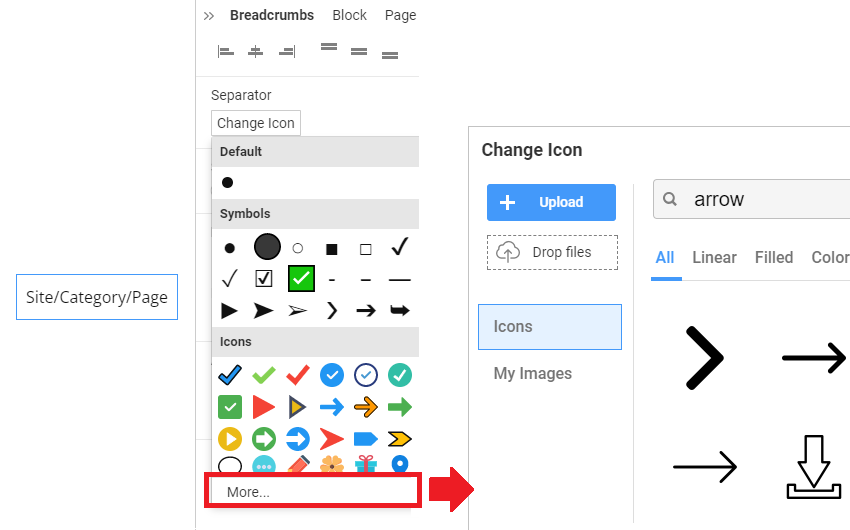
You can change the Separator for the Breadcrumbs by selecting the Icon in the Property Panel.
Breadcrumb Separator
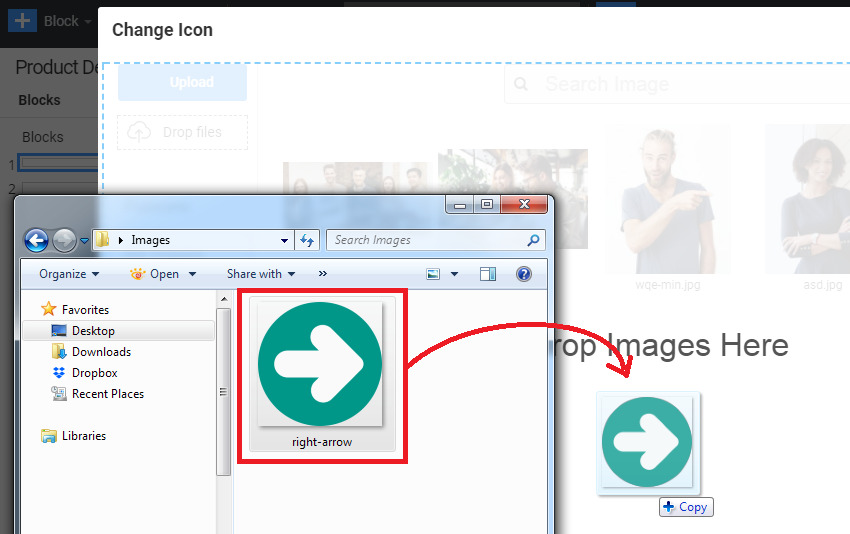
You can use Icons and Images as a Separator for the Breadcrumbs Element.
NOTE: Resize images before using them as a divider for your Breadcrumbs Element.
Show Breadcrumbs in Joomla
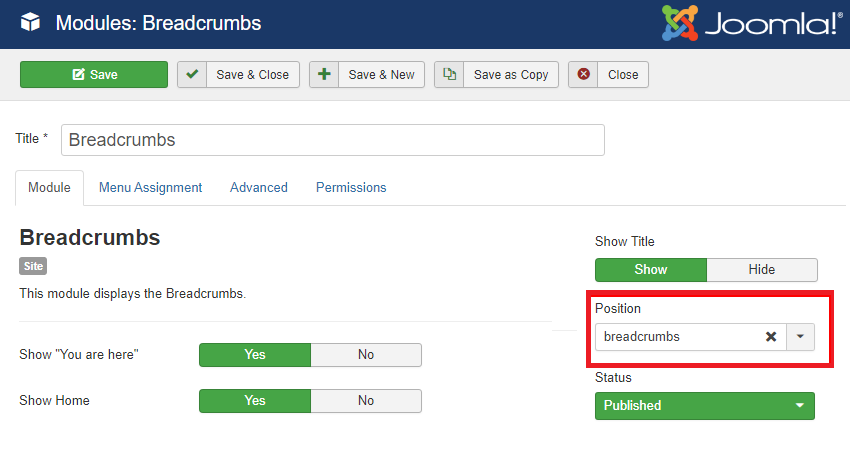
In the Joomla Template, you can find the breadcrumbs Module Position, where you should select and configure the built-in Joomla Breadcrumbs Module.