Nicepage is available for Windows and Mac OS as a WordPress Plugin and a Joomla Extension. Nicepage is also available online, and you can create a website and assign a custom domain. For Artisteer users, we provide up to a 50% discount.
Freehand Positioning
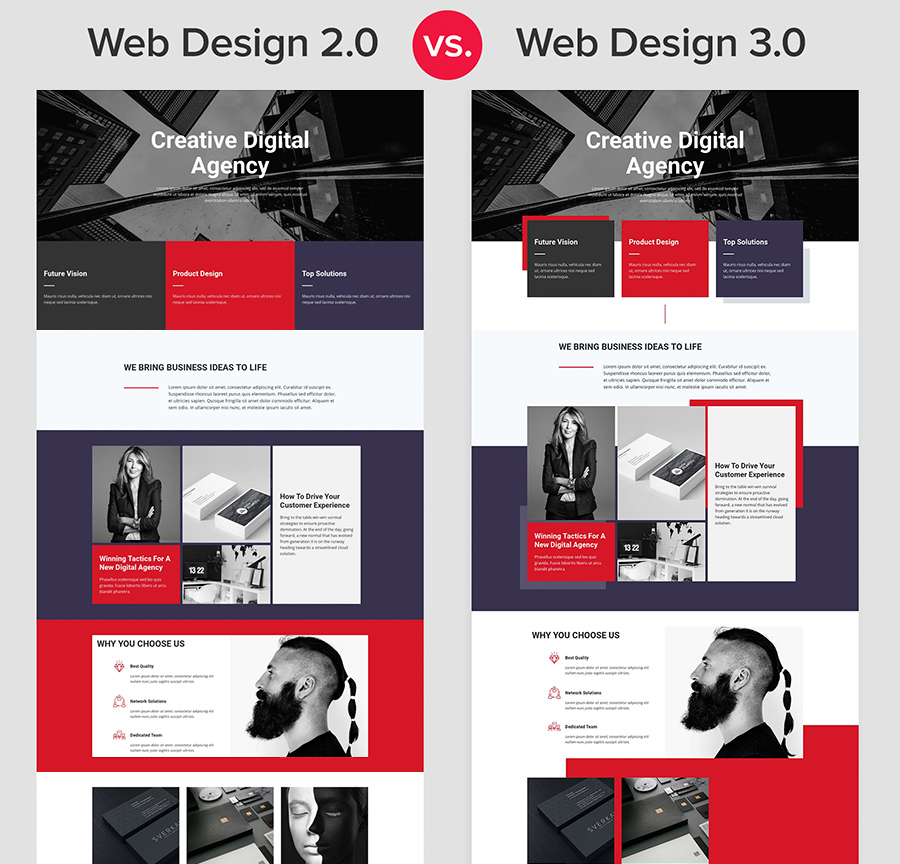
Nicepage allows the creation of almost any modern web design. After thoroughly analyzing thousands of the trendiest web designs on Pinterest, Behance, and Dribbble, we have created the new tool, Nicepage, to cover mainly the latest web design trends. The traditional website-building approach does not allow for matching modern Web Design trends.
Read more
Design Template Library
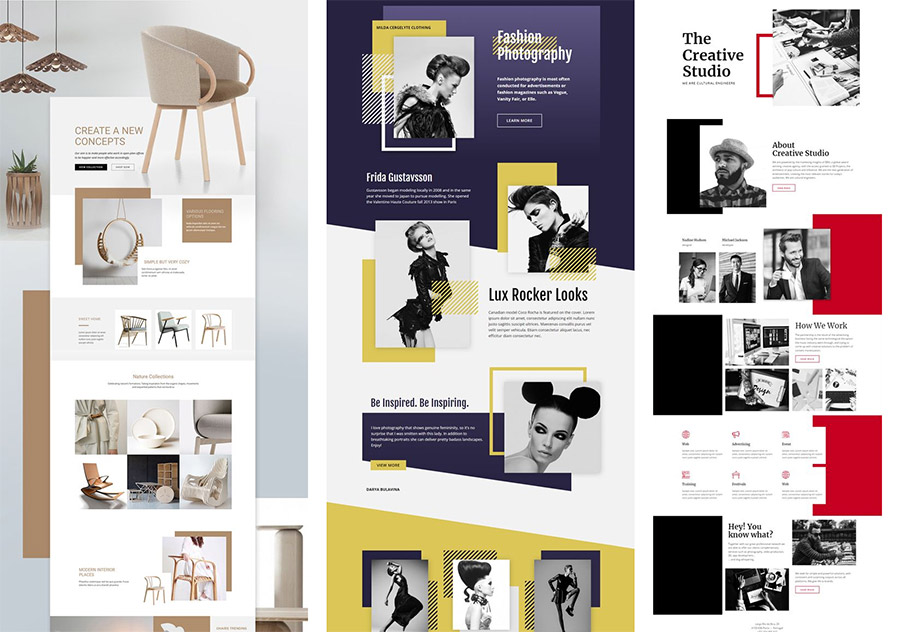
Nicepage offers the largest collection of ready-to-use sites and block templates. See all templates.
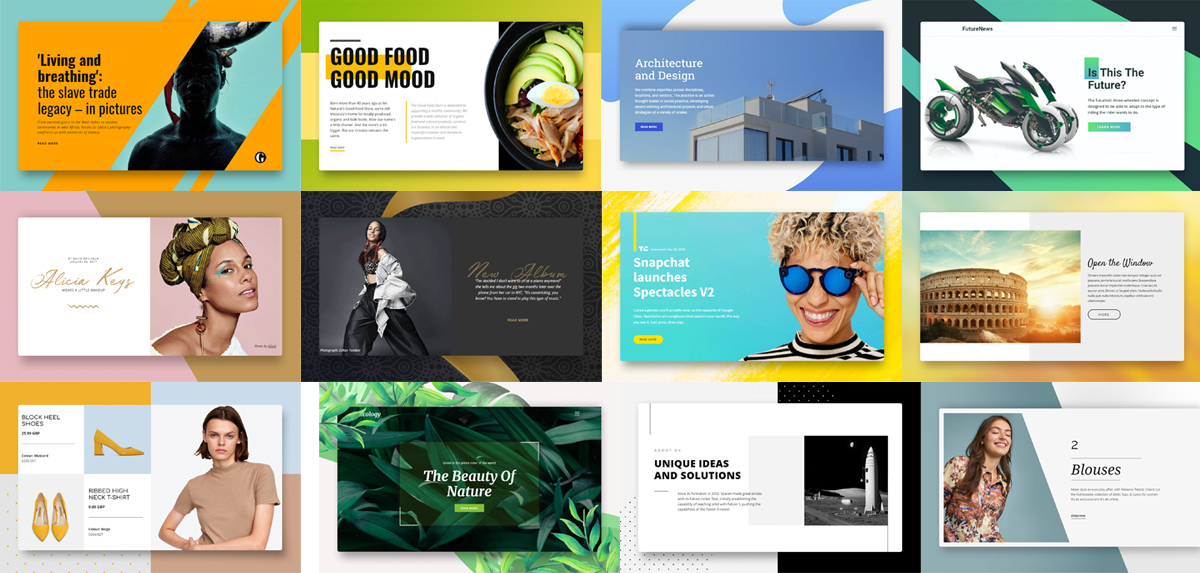
We have selected the most popular blocks, which are fully responsive and ready to use on any website.
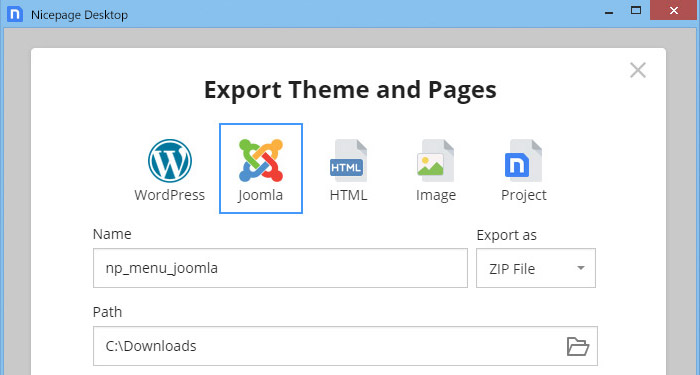
Export To HTML, WordPress, Joomla
Export projects as a zip or a folder. Save for WordPress, Joomla!™, HTML, or as an image for presentations.
Run On Windows, Mac OS, Online
Design awesome Windows and Mac OS websites, Joomla Extension, and WordPress Plugin, or run online.
Freehand Editing
Design and customize your design with our revolutionary freehand Editor. It is intuitive, visual, easy to use, freehand, and drag-and-drop. Using Nicepage is similar to working in Microsoft PowerPoint, Apple Keynote, and professional design systems such as Adobe Photoshop and Adobe XD.
For more, please watch Nicepage video tutorials.
WordPress, Joomla Themes
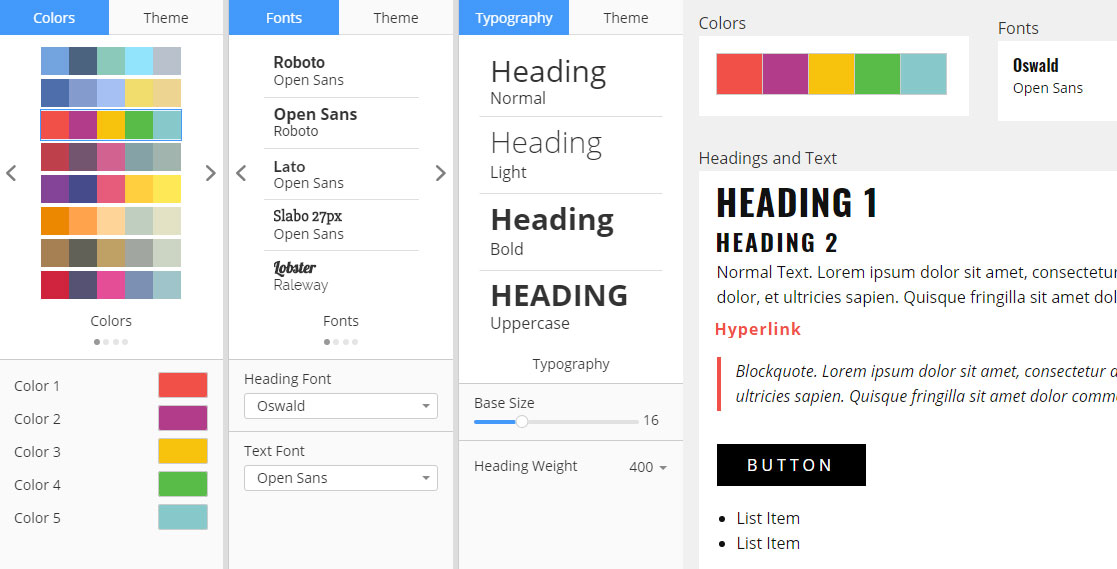
Design the trendiest themes and templates. Specify Colors, Fonts, Typography, Header, Footer, Blog, and Post Templates for your themes.
Automatic Mobile-Friendly
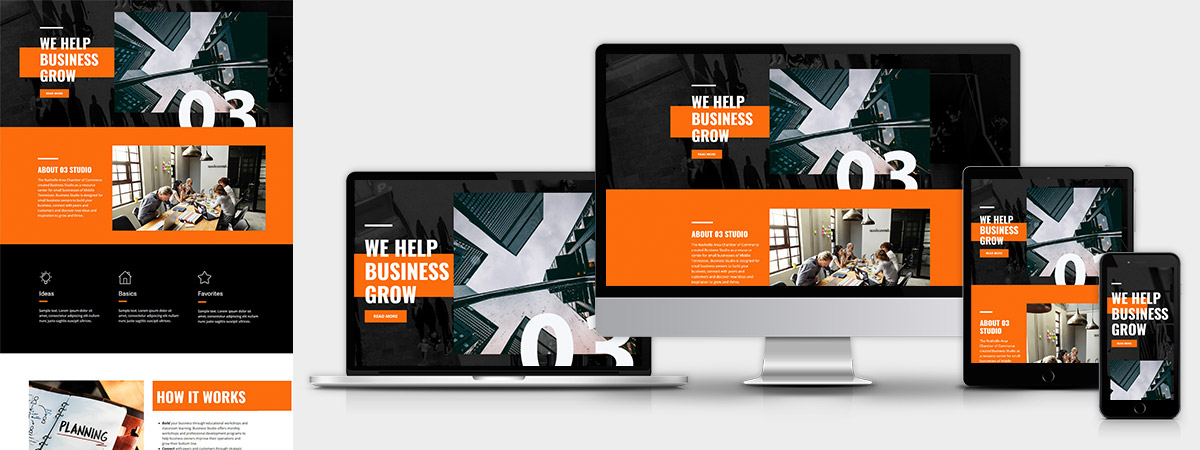
Build Responsive Web Designs easily. Allow your website visitors to read the content comfortably on all modern screens. Learn more
The Nicepage pages are mobile-friendly and displayed correctly on all Mobile Views.
Animation Effects
Apply Animation and motion to Nicepage controls. The Animation triggers page load, scroll, and slide change. The list of Animation effects includes basic animations like Swing, Jello, and many others, as well as motion animations like Slide or Fade. Motion animation reacts to page scroll and sliding.
Video Backgrounds
Add videos as background to Blocks, Groups, and Cells.
Magnetic Guides
Align your objects easily with the Magnetic Guides. See the distances in the boxes as you drag and drop.
All Blocks You Need and More
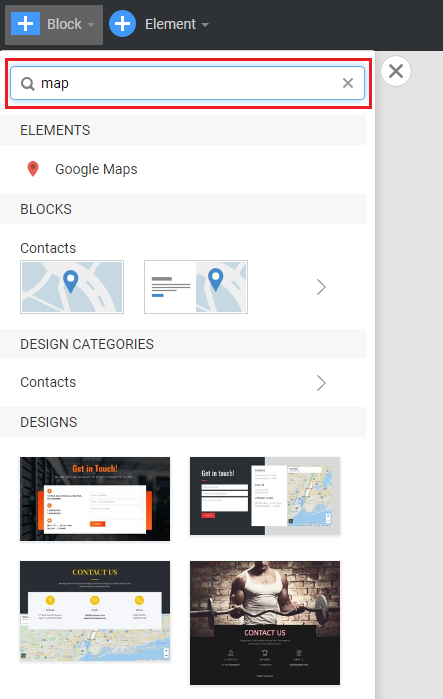
Select Blocks and Designs for your data: Introduction, Features, Team, Map, Contact, etc.
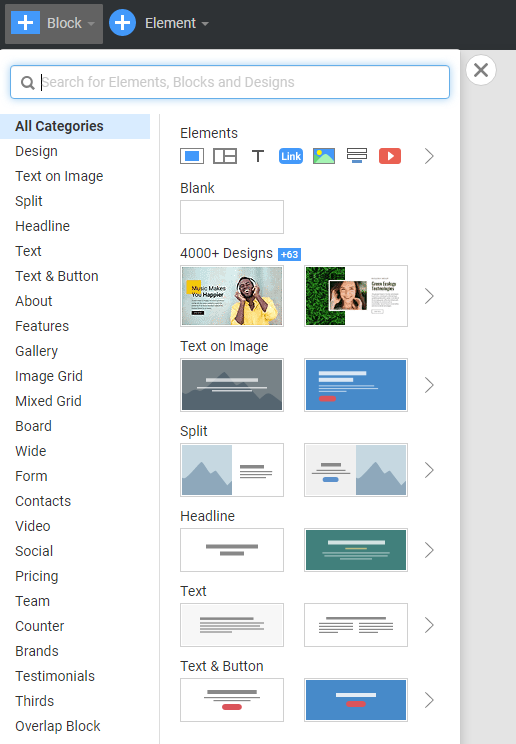
Easily search and filter Block styles and categories.
Modern Grid Layouts
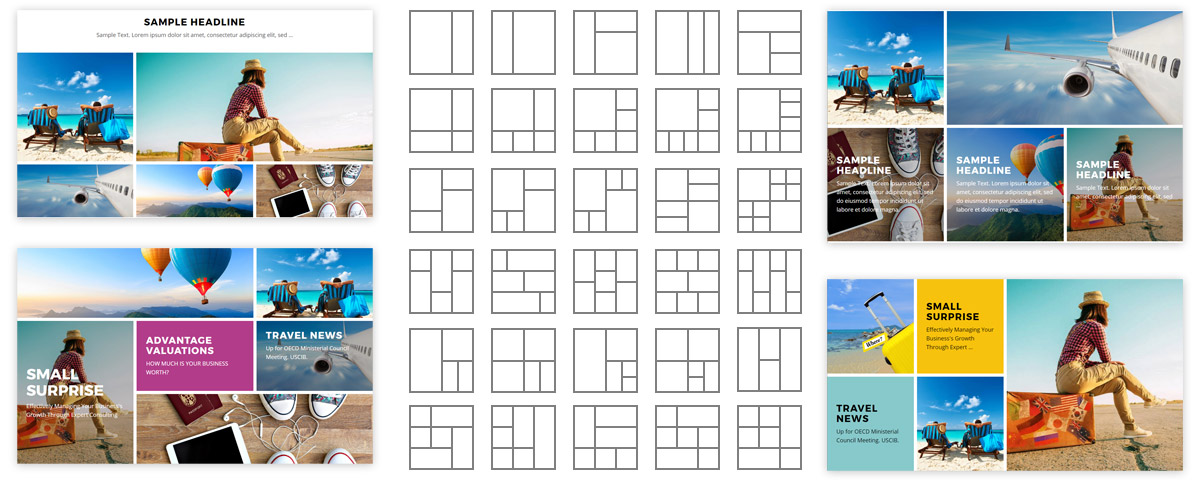
Create Blocks with any fancy grid structure.
Preset Grid Layouts
Use the Grid to place your images and text. Get the responsiveness automatically.
Move Blocks Easily
Switch Blocks in the Page Navigator to the left.
Resize Blocks
Naturally, modify Block Height in the Editor.
Flexible Group
Use Groups to organize your Headings, Texts, Buttons, Shapes, Images, and other Elements.
Intuitive Properties
Customize any Group or Element by tuning the parameters to match your web design expectations, bringing your precious ideas to life.
Handy Multi-Select
Select multiple objects to move and align easily.
Proportional Resize
Resize your images proportionally and as squares easily and quickly.
Image Fit And Expand
Fit the images to your designs and backgrounds. Expand and collapse images. Find the best image crop that suits your web design.
Dashboard And Pages
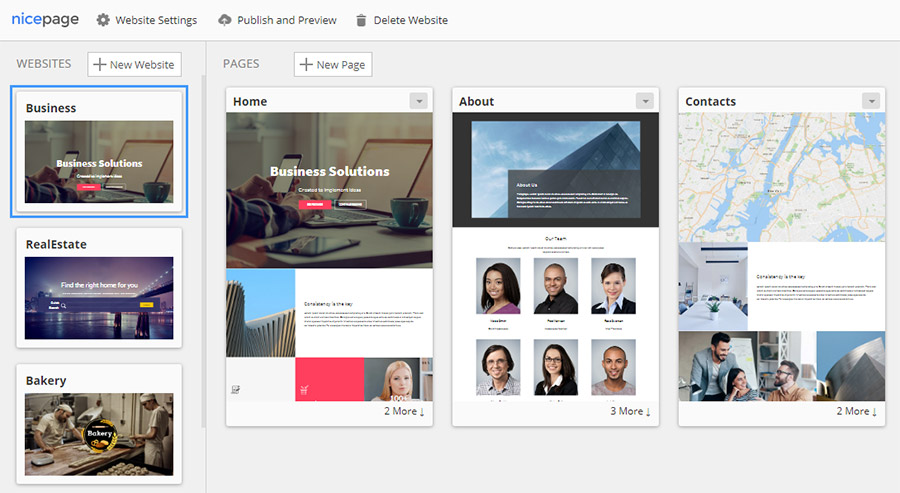
Create websites with many web pages, or build a one-page landing page.
Free and Stock Image Library
Get high-resolution, high-quality free stock images. We are among the top 10 contributors to Adobe Stock (formerly Fotolia) and Shutterstock. Also, you can use 1,700,000 free photos.