It all starts with details WordPress Theme


Heading, Image, and Long-Form Copy as Stable Page Content
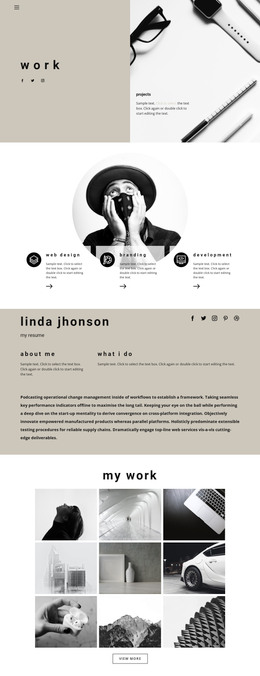
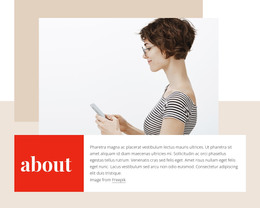
The short heading and upper-right image give this section a defined opening for page content. Their placement creates a visual introduction without requiring a separate media gallery or interactive component: one bright flat-lay image provides the visual reference, while the serif heading establishes the first textual emphasis. The lower row serves a different publishing purpose. Bold supporting text is isolated in a pale blush panel, and the longer paragraph remains in its own lighter text region, making the transition from summary to fuller explanation easy to follow.
For a WordPress-managed page, this content model fits stable information that should retain a consistent presentation as the surrounding site develops. The short heading can identify the subject of the section, the bold region can carry a lead statement, and the longer text can hold the fuller editorial explanation. Those roles are visually distinct without depending on a form, gallery, or other interactive component. The block therefore contributes a finished page-content region rather than a complete theme structure. Other WordPress-managed content can surround it, while this section preserves its own white canvas, pale blush accent, serif hierarchy, and generous spacing. Its value lies in keeping a substantial text passage visually composed instead of presenting it as an undifferentiated wall of copy.
Customize with Nicepage
Open this ready-made template in the WordPress Website Builder and customize it visually in the Nicepage editor. Replace demo content, edit page sections, and adapt the design to your project without rebuilding the template from scratch.
Edit Template Offline
2. Create a new page or select existing
3. Click Add new block, search for id 781788 and click enter
Edit Template Online
Create Awesome Websites


Free Nicepage Builder
Keywords
Use This Block in a WordPress-Managed Website
Keep the Block as Page Content
Use the block as one content/layout section inside a WordPress-oriented site rather than treating the Block ID as a complete WordPress Theme. Its verified text, images, repeated items, forms, galleries, or other elements can remain part of permanent page content while WordPress manages the wider site.
Work With Nicepage and WordPress
A Nicepage WordPress project can be installed using the WordPress Theme, Plugin, and Pages workflow. After installation, the same visual section can participate in WordPress-managed pages as part of the broader theme/site structure.
Continue Editing in WordPress
Nicepage supports editing the WordPress Theme directly in WordPress. Use WordPress Pages, Posts, Blog structures, and other CMS concepts only when they are relevant to the surrounding project; their existence must not be inferred from the analyzed block alone.
This workflow keeps the block's verified section function separate from the WordPress theme architecture while allowing it to participate in a CMS-managed website.