Coupon code popup WordPress Theme


A Stable Promotional Content Area for WordPress Pages
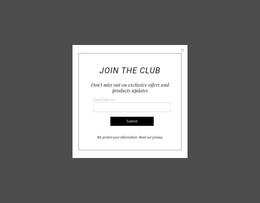
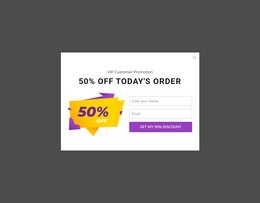
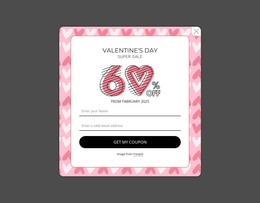
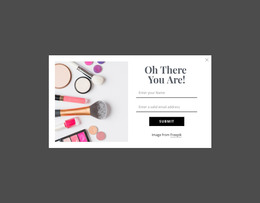
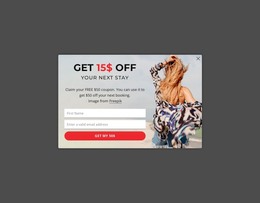
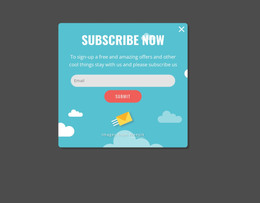
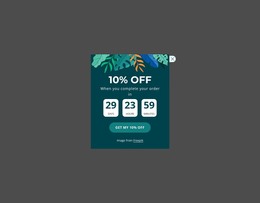
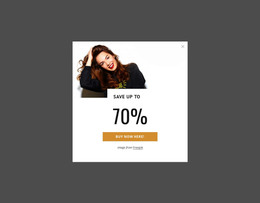
The modal’s content is organized as a concise promotional unit rather than as ongoing editorial material. The left-side artwork establishes the Valentine's Day context, while the right side keeps the SPECIAL OFFER heading, seasonal labels, Discount text, and 50% value together as one readable message. The direct-action button provides a single response point, and the visible close control gives the overlay an independent dismissal path. This separation makes the section easy to understand as page content with a specific campaign purpose.
In a WordPress-managed site, the block can occupy a promotional role around permanent page content, seasonal messaging, or a campaign presentation. The wider project would determine where the section appears, how the offer text is maintained, and what destination the button uses; those decisions belong to the surrounding site rather than the block itself. The darkened backdrop and centered rectangle help preserve the modal’s visual boundary when it is used alongside other content. Meanwhile, the pink and magenta artwork, white typography, and rounded outlined controls give the promotional area a consistent identity that can be retained when the surrounding WordPress-managed page changes. The result is a focused content section, not a complete theme or site structure.
Customize with Nicepage
Open this ready-made template in the WordPress Website Builder and customize it visually in the Nicepage editor. Replace demo content, edit page sections, and adapt the design to your project without rebuilding the template from scratch.
Edit Template Offline
2. Create a new page or select existing
3. Click Add new block, search for id 6548390 and click enter
Edit Template Online
Create Awesome Websites


Free Nicepage Builder
Keywords
Manage and Edit This Theme in WordPress
Customize and Install the WordPress Theme
Start with this ready-made theme instead of building the WordPress design from scratch. Customize its layout, content, typography, images, sections, and other design elements visually in Nicepage editor, then export and install the WordPress Theme, Plugin, and Pages on your WordPress site. The Nicepage WordPress Plugin lets you continue working with the site after installation.
Edit the Theme Directly in WordPress
After installation, you can edit the WordPress Theme directly in WordPress with the Nicepage WordPress Plugin. Use Site Style to customize site Colors, Fonts, Header, Footer, Blog, and Post Page Templates while working within your WordPress website.
Edit WordPress Pages Visually
Use the Nicepage WordPress Plugin to edit page content directly from the WordPress admin area. Open a WordPress Page with Nicepage and visually change its text, images, sections, and other page elements while continuing to manage the Page through WordPress.
WordPress Content and Theme Integration
Use the customized theme with WordPress Pages, Posts, Blog and Post Templates, menus, widgets, and other CMS-managed content. Shared theme elements such as Colors, Fonts, Header, Footer, Blog, and Post Page Templates can be managed as part of the overall site design, while WordPress provides the CMS environment for managing site content.
This workflow combines a ready-made WordPress Theme with visual customization, direct theme editing in WordPress, and continued content management through the Nicepage WordPress Plugin.