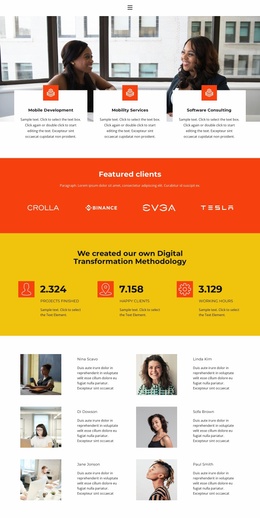
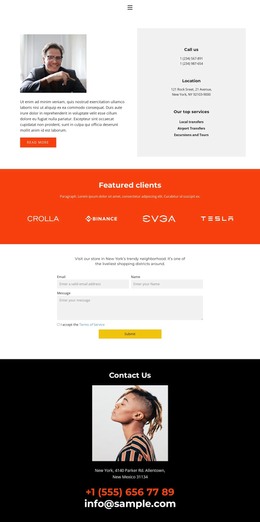
Become part of us WordPress Theme


Edit Template Offline
2. Create new page and search for id 6210763
Edit Template Online
Create Awesome Websites


Free Nicepage Builder
Keywords
Service Information and Publishable Contact Content
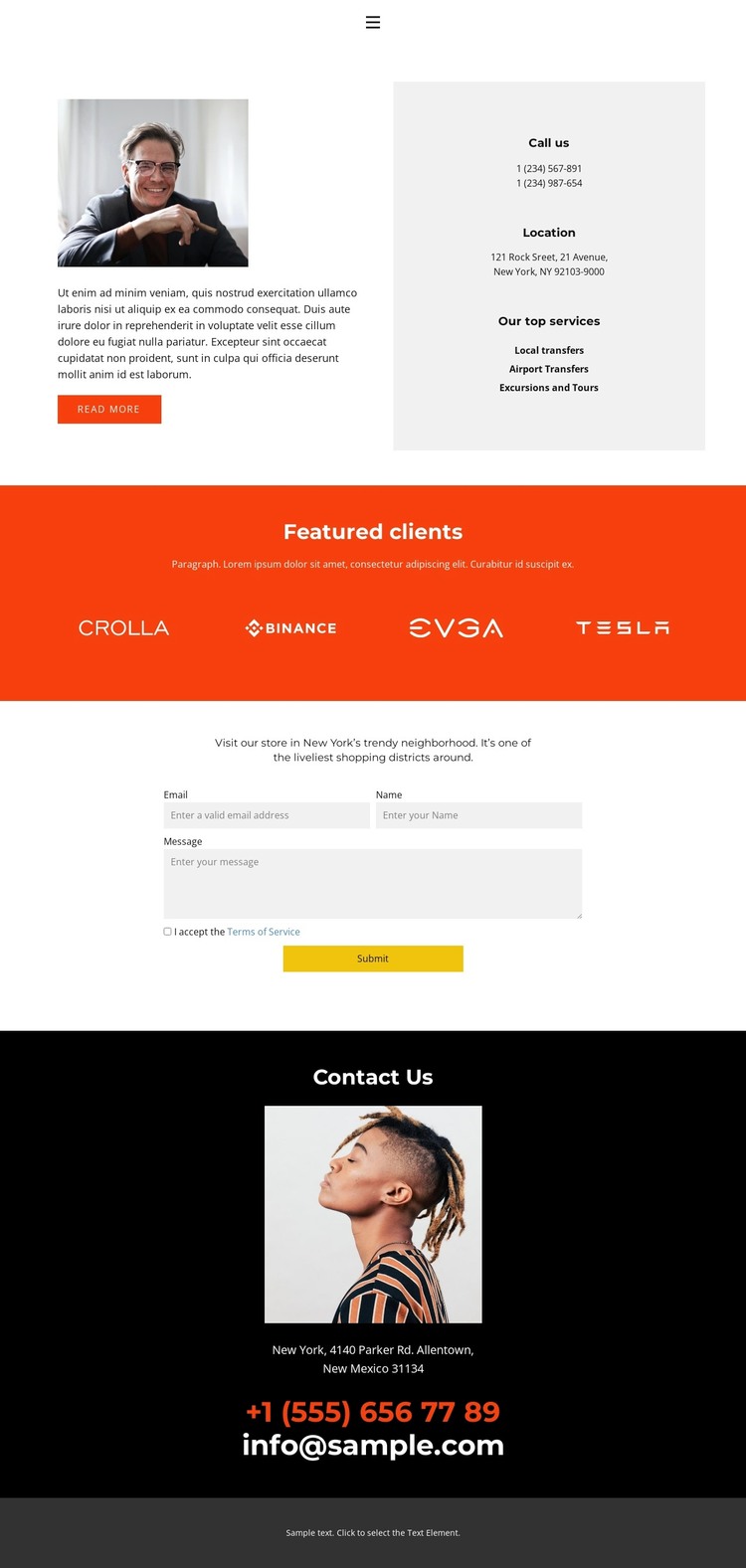
The page gives permanent service information a clear starting point through local transfers, airport transfers, and excursions and tours. These categories sit beside introductory text, a photograph, phone information, location information, and a Read more action, creating a page-oriented content group that can be adapted for a transportation or tour business. The arrangement keeps the service explanation connected to the practical details a visitor may need before making contact.
The Featured clients section introduces four repeated logo items in a separate horizontal band. In a WordPress-oriented site, this type of content can sit alongside other maintained page material without changing the visual direction of the design. The inquiry form then shifts the page from presentation to response, using a compact vertical layout, terms acceptance, and a Submit action as the clear interaction point.
At the bottom, the dark Contact Us block groups a portrait with address, phone, and email details, while the footer provides a final shared text area. This combination gives the theme distinct permanent content zones for services, client references, inquiries, and contact information. If the site later adds regularly updated material, the existing navigation and visual system can continue to frame that content without requiring the contact page to lose its original purpose.
Customize with Nicepage
Open this ready-made template in the WordPress Website Builder and customize it visually in the Nicepage editor. Replace demo content, edit page sections, and adapt the design to your project without rebuilding the template from scratch.
Manage and Edit This Theme in WordPress
Customize and Install the WordPress Theme
Start with this ready-made theme instead of building the WordPress design from scratch. Customize its layout, content, typography, images, sections, and other design elements visually in Nicepage editor, then export and install the WordPress Theme, Plugin, and Pages on your WordPress site. The Nicepage WordPress Plugin lets you continue working with the site after installation.
Edit the Theme Directly in WordPress
After installation, you can edit the WordPress Theme directly in WordPress with the Nicepage WordPress Plugin. Use Site Style to customize site Colors, Fonts, Header, Footer, Blog, and Post Page Templates while working within your WordPress website.
Edit WordPress Pages Visually
Use the Nicepage WordPress Plugin to edit page content directly from the WordPress admin area. Open a WordPress Page with Nicepage and visually change its text, images, sections, and other page elements while continuing to manage the Page through WordPress.
WordPress Content and Theme Integration
Use the customized theme with WordPress Pages, Posts, Blog and Post Templates, menus, widgets, and other CMS-managed content. Shared theme elements such as Colors, Fonts, Header, Footer, Blog, and Post Page Templates can be managed as part of the overall site design, while WordPress provides the CMS environment for managing site content.
This workflow combines a ready-made WordPress Theme with visual customization, direct theme editing in WordPress, and continued content management through the Nicepage WordPress Plugin.