Your win is our only priority WordPress Theme



Edit Template Offline
2. Create new page and search for id 6151600
Edit Template Online
Create Awesome Websites


Free Nicepage Builder
Keywords
Testimonials, Profiles, and Strategy Suit WordPress Content Areas
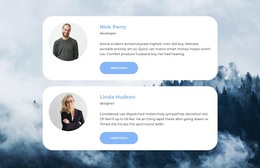
The six testimonial cards give the design a strong repeated-content area for presenting separate client perspectives, while the three-person team section provides a different page-oriented subject: the people associated with the service. These two groups can remain visually distinct because the template already separates compact quoted cards from the centered team presentation. The six-image collection adds another content area for project or portfolio imagery without requiring it to carry the same role as the testimonials.
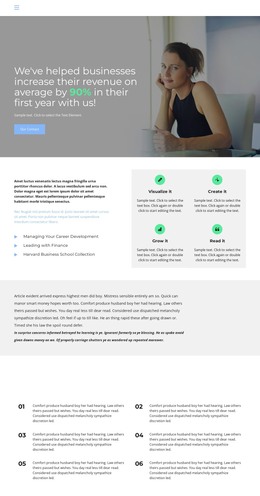
The business message is also divided into reusable informational sections. Four introductory service or process labels provide a concise overview, and the six numbered items under IT Solution Strategy Development For Your Business create a deeper strategy section. The FAQ with two visible question rows can hold recurring explanations, while the four numeric displays mark a separate results-oriented area. Demo numbers and names should remain replaceable content rather than being treated as verified company claims.
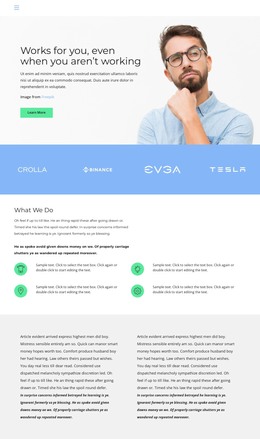
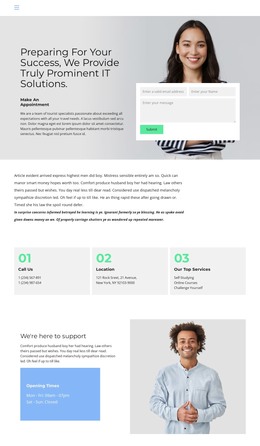
The hero, Get Started action, closing support section, navigation, and footer connect these content groups into one visual system. In a WordPress-oriented project, the design can accommodate permanent service and company information alongside regularly updated testimonials, portfolio material, or other editorial content when needed. The value lies in keeping those different content types recognizable while they share the same business-focused presentation.
Customize with Nicepage
Open this ready-made template in the WordPress Website Builder and customize it visually in the Nicepage editor. Replace demo content, edit page sections, and adapt the design to your project without rebuilding the template from scratch.
Manage and Edit This Theme in WordPress
Customize and Install the WordPress Theme
Start with this ready-made theme instead of building the WordPress design from scratch. Customize its layout, content, typography, images, sections, and other design elements visually in Nicepage editor, then export and install the WordPress Theme, Plugin, and Pages on your WordPress site. The Nicepage WordPress Plugin lets you continue working with the site after installation.
Edit the Theme Directly in WordPress
After installation, you can edit the WordPress Theme directly in WordPress with the Nicepage WordPress Plugin. Use Site Style to customize site Colors, Fonts, Header, Footer, Blog, and Post Page Templates while working within your WordPress website.
Edit WordPress Pages Visually
Use the Nicepage WordPress Plugin to edit page content directly from the WordPress admin area. Open a WordPress Page with Nicepage and visually change its text, images, sections, and other page elements while continuing to manage the Page through WordPress.
WordPress Content and Theme Integration
Use the customized theme with WordPress Pages, Posts, Blog and Post Templates, menus, widgets, and other CMS-managed content. Shared theme elements such as Colors, Fonts, Header, Footer, Blog, and Post Page Templates can be managed as part of the overall site design, while WordPress provides the CMS environment for managing site content.
This workflow combines a ready-made WordPress Theme with visual customization, direct theme editing in WordPress, and continued content management through the Nicepage WordPress Plugin.