Approaching interactive prototypes WordPress Theme


Edit Template Offline
2. Create new page and search for id 6070565
Edit Template Online
Create Awesome Websites


Free Nicepage Builder
Keywords
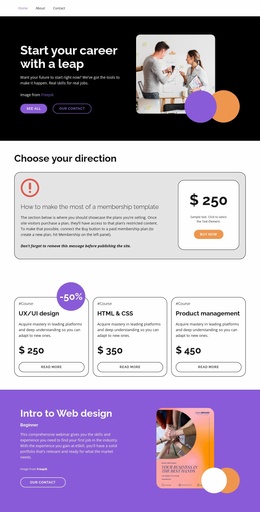
Training Benefits and Proof Create Clear WordPress Content Areas
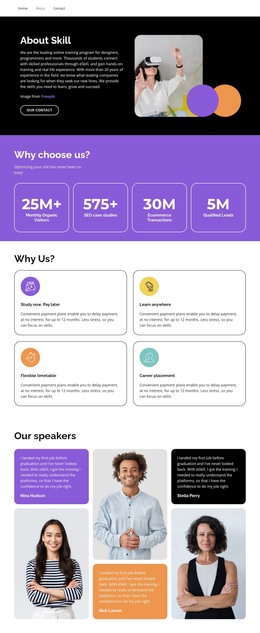
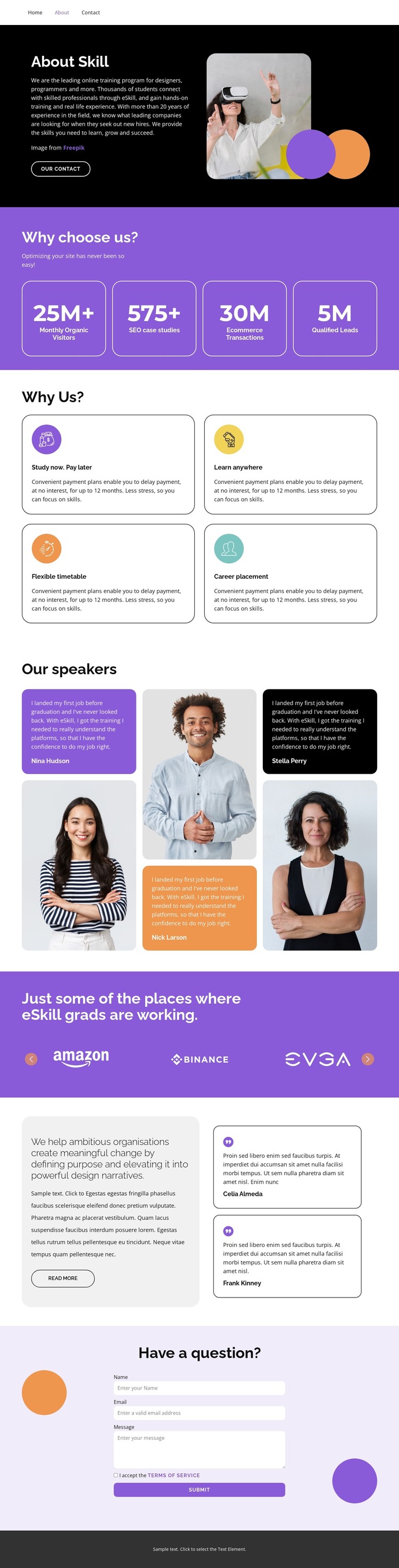
The four learner-support cards give this design a strong set of page-oriented content areas. “Study now. Pay later,” “Learn anywhere,” “Flexible timetable,” and “Career placement” can be treated as separate explanatory sections within a WordPress-managed page, each with a distinct message while retaining the same visual card system. The opening “About Skill” area supplies the lasting introductory context, combining training copy, a learner photograph, and an “Our Contact” button before visitors reach those benefits.
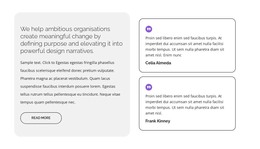
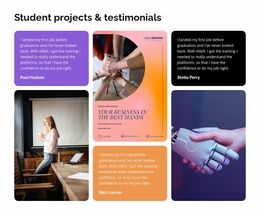
The testimonials and portrait photography provide another useful content relationship. They can support learner stories or speaker-focused information without being confused with the benefit cards, while the employer-logo showcase forms a separate outcomes area. Its horizontal controls give the logo content its own presentation rather than forcing all proof into one static grid. The mission block and two additional testimonial cards extend that editorial structure with purpose-led copy and supporting voices.
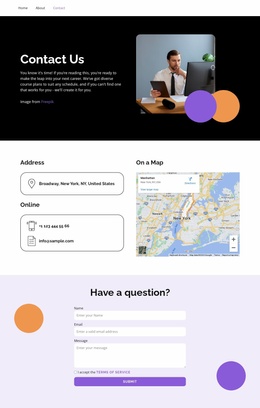
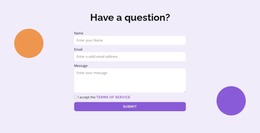
Navigation links for Home, About, and Contact define the main site paths, and the final form supplies a clear contact area with name, email, message, terms acceptance, and submit controls. In a WordPress Theme project, these distinct areas can organize permanent page content and future updates around one consistent design direction. The template therefore offers a content-ready foundation without requiring an unsupported claim that blog posts or other CMS-specific sections already exist.
Customize with Nicepage
Open this ready-made template in the WordPress Website Builder and customize it visually in the Nicepage editor. Replace demo content, edit page sections, and adapt the design to your project without rebuilding the template from scratch.
Manage and Edit This Theme in WordPress
Customize and Install the WordPress Theme
Start with this ready-made theme instead of building the WordPress design from scratch. Customize its layout, content, typography, images, sections, and other design elements visually in Nicepage editor, then export and install the WordPress Theme, Plugin, and Pages on your WordPress site. The Nicepage WordPress Plugin lets you continue working with the site after installation.
Edit the Theme Directly in WordPress
After installation, you can edit the WordPress Theme directly in WordPress with the Nicepage WordPress Plugin. Use Site Style to customize site Colors, Fonts, Header, Footer, Blog, and Post Page Templates while working within your WordPress website.
Edit WordPress Pages Visually
Use the Nicepage WordPress Plugin to edit page content directly from the WordPress admin area. Open a WordPress Page with Nicepage and visually change its text, images, sections, and other page elements while continuing to manage the Page through WordPress.
WordPress Content and Theme Integration
Use the customized theme with WordPress Pages, Posts, Blog and Post Templates, menus, widgets, and other CMS-managed content. Shared theme elements such as Colors, Fonts, Header, Footer, Blog, and Post Page Templates can be managed as part of the overall site design, while WordPress provides the CMS environment for managing site content.
This workflow combines a ready-made WordPress Theme with visual customization, direct theme editing in WordPress, and continued content management through the Nicepage WordPress Plugin.