Developing with a passion WordPress Theme



Edit Template Offline
2. Create new page and search for id 5737768
Edit Template Online
Create Awesome Websites


Free Nicepage Builder
Keywords
Portfolio Work and Repeated Service Content Fit a WordPress Theme Structure
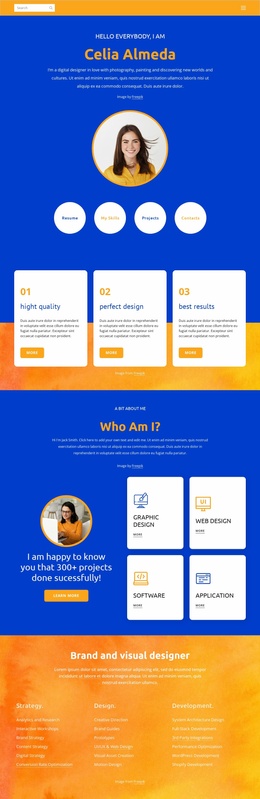
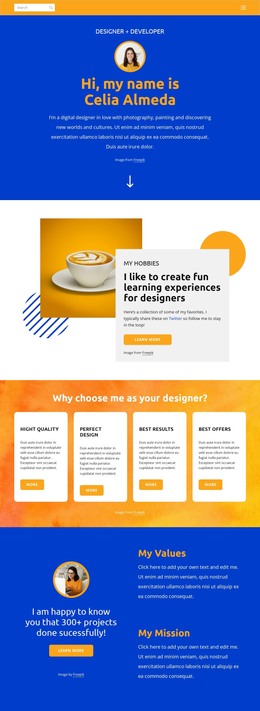
The service section gives the design four clearly separated content subjects: UX/UI Design, Digital Marketing, App Development, and Graphic Design. Positioned after the personal introduction, interests, feature cards, and values-and-mission content, these categories can function as stable page information for a WordPress-managed portfolio. The repeated white service controls keep related offerings visually consistent, while the surrounding blue and orange sections preserve the personal-brand presentation.
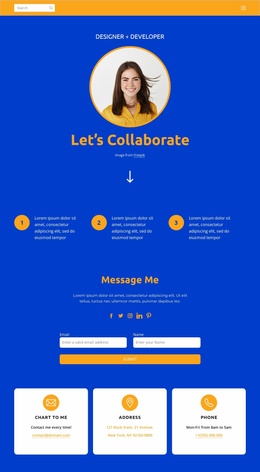
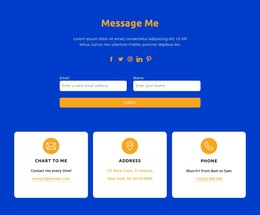
The six-image “My Works” area provides a strong project-content zone for presenting selected work, with the image grid supplying visual evidence that complements the written service categories. The newsletter section introduces name and email fields alongside social links, creating a separate communication area rather than blending subscription content into the portfolio gallery. Three contact cards for chat, address, and phone add a final group of practical contact details above the footer. This combination of permanent profile content, service information, portfolio imagery, subscription content, and contact channels gives a WordPress theme a clear content model without requiring unsupported claims about posts or blog sections. The design can retain its core visual character while these areas are adapted to the site’s actual editorial needs.
Customize with Nicepage
Open this ready-made template in the WordPress Website Builder and customize it visually in the Nicepage editor. Replace demo content, edit page sections, and adapt the design to your project without rebuilding the template from scratch.
Manage and Edit This Theme in WordPress
Customize and Install the WordPress Theme
Start with this ready-made theme instead of building the WordPress design from scratch. Customize its layout, content, typography, images, sections, and other design elements visually in Nicepage editor, then export and install the WordPress Theme, Plugin, and Pages on your WordPress site. The Nicepage WordPress Plugin lets you continue working with the site after installation.
Edit the Theme Directly in WordPress
After installation, you can edit the WordPress Theme directly in WordPress with the Nicepage WordPress Plugin. Use Site Style to customize site Colors, Fonts, Header, Footer, Blog, and Post Page Templates while working within your WordPress website.
Edit WordPress Pages Visually
Use the Nicepage WordPress Plugin to edit page content directly from the WordPress admin area. Open a WordPress Page with Nicepage and visually change its text, images, sections, and other page elements while continuing to manage the Page through WordPress.
WordPress Content and Theme Integration
Use the customized theme with WordPress Pages, Posts, Blog and Post Templates, menus, widgets, and other CMS-managed content. Shared theme elements such as Colors, Fonts, Header, Footer, Blog, and Post Page Templates can be managed as part of the overall site design, while WordPress provides the CMS environment for managing site content.
This workflow combines a ready-made WordPress Theme with visual customization, direct theme editing in WordPress, and continued content management through the Nicepage WordPress Plugin.