Modern photography gallery WordPress Theme


Three Image-and-Label Units Provide Stable WordPress Page Content
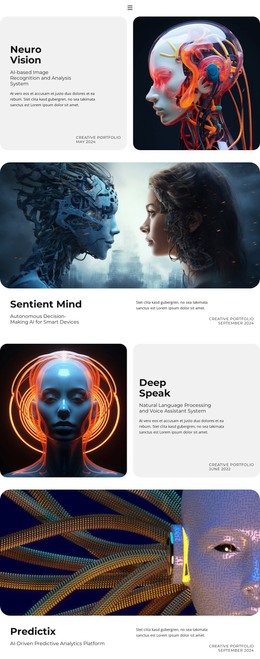
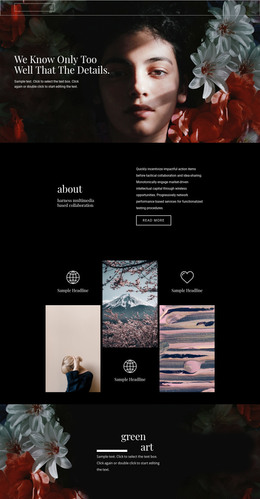
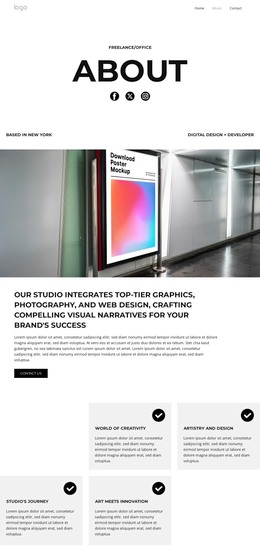
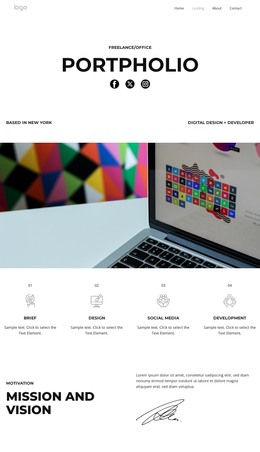
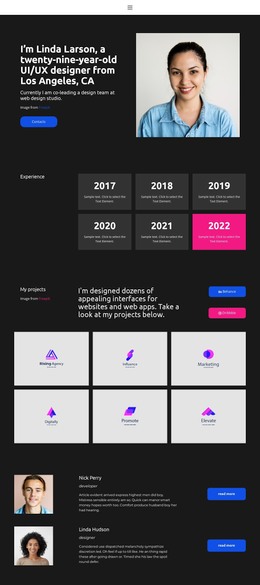
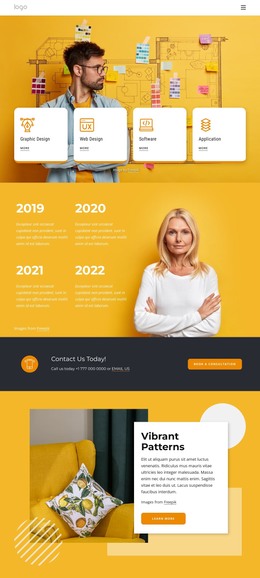
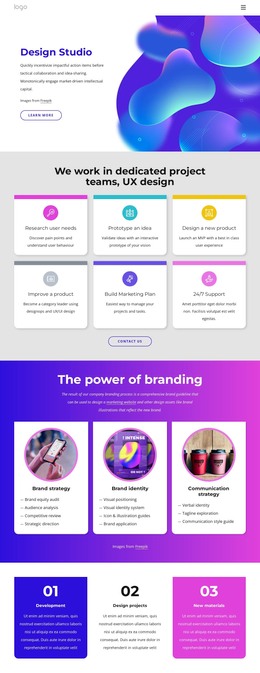
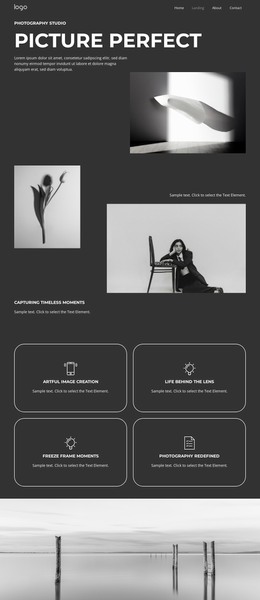
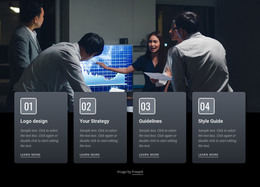
The three image panels and three repeated icon-and-label units form a compact content area that can fit naturally into a WordPress-managed page. The block reads as stable visual feature content: each column combines artwork with a concise labeled cue, allowing the section to present design highlights without depending on a post stream, category system, or other editorial structure. Its value is in the prepared relationship between visual material and short explanatory labels.
The black background supplies a consistent frame, while white icons and condensed uppercase labels maintain a repeatable treatment across the three units. The photographic and abstract artwork can vary with the project, but the alternating column pattern preserves the section's identity. In a WordPress-oriented theme project, this makes the block suitable for permanent page content that sits alongside other managed areas. The section itself remains one reusable visual component rather than a complete WordPress Theme. Since interaction is static, visitors read the content through the order, contrast, and balance of the columns. Related pages or other CMS-managed content can expand the surrounding project while this block continues to provide a focused visual-features region. Its page-oriented role comes from the clarity of the three paired units, not from assuming any unconfirmed WordPress content type.
Customize with Nicepage
Open this ready-made template in the WordPress Website Builder and customize it visually in the Nicepage editor. Replace demo content, edit page sections, and adapt the design to your project without rebuilding the template from scratch.
Edit Template Offline
2. Create a new page or select existing
3. Click Add new block, search for id 56646 and click enter
Edit Template Online
Create Awesome Websites


Free Nicepage Builder
Keywords
Manage and Edit This Theme in WordPress
Customize and Install the WordPress Theme
Start with this ready-made theme instead of building the WordPress design from scratch. Customize its layout, content, typography, images, sections, and other design elements visually in Nicepage editor, then export and install the WordPress Theme, Plugin, and Pages on your WordPress site. The Nicepage WordPress Plugin lets you continue working with the site after installation.
Edit the Theme Directly in WordPress
After installation, you can edit the WordPress Theme directly in WordPress with the Nicepage WordPress Plugin. Use Site Style to customize site Colors, Fonts, Header, Footer, Blog, and Post Page Templates while working within your WordPress website.
Edit WordPress Pages Visually
Use the Nicepage WordPress Plugin to edit page content directly from the WordPress admin area. Open a WordPress Page with Nicepage and visually change its text, images, sections, and other page elements while continuing to manage the Page through WordPress.
WordPress Content and Theme Integration
Use the customized theme with WordPress Pages, Posts, Blog and Post Templates, menus, widgets, and other CMS-managed content. Shared theme elements such as Colors, Fonts, Header, Footer, Blog, and Post Page Templates can be managed as part of the overall site design, while WordPress provides the CMS environment for managing site content.
This workflow combines a ready-made WordPress Theme with visual customization, direct theme editing in WordPress, and continued content management through the Nicepage WordPress Plugin.