Always trusted WordPress Theme


Edit Template Offline
2. Create new page and search for id 5023863
Edit Template Online
Create Awesome Websites


Free Nicepage Builder
Keywords
Gallery content and inquiry sections suit a WordPress-managed theme
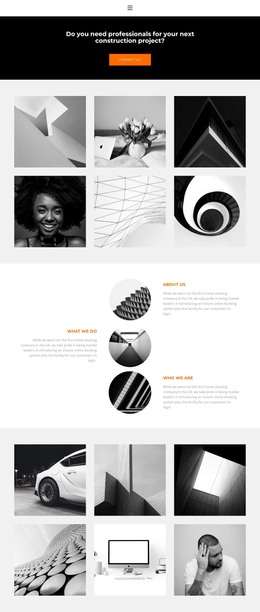
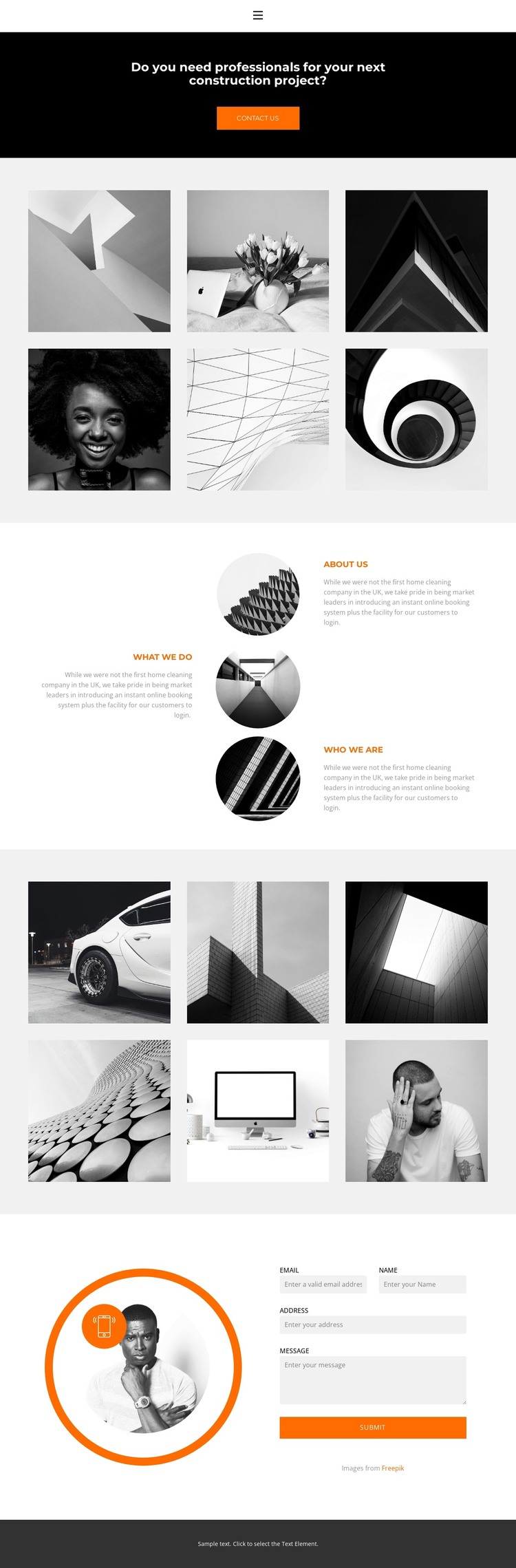
The two six-image galleries give this design a strong page-oriented content structure for a construction website. One gallery can present an initial group of project images, while the second creates a separate visual area for additional work or a different stage of presentation. Their repeated monochrome treatment keeps the image content within one recognizable theme direction rather than making each content group feel unrelated.
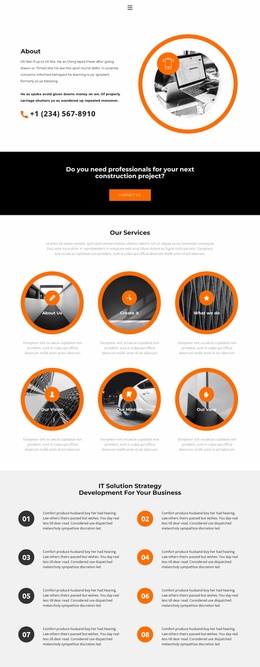
The three labeled areas—About Us, What We Do, and Who We Are—provide distinct permanent page content around the galleries. Their alternating text-and-circular-image arrangement gives organizational information a different role from the larger image showcases, while the navigation links connect those areas with Home, Landing, Gallery, and Contact destinations. This separation can help a WordPress project maintain clear page content as text and images are replaced or expanded, without claiming that posts, categories, or blog structures already exist in the template.
At the end, the circular image beside the vertically stacked contact form creates a focused contact region, supported by the Submit button. The black opening band and orange Contact Us action establish a consistent entry and response language. Together, these page sections give a WordPress theme a concrete content framework for managing construction presentation, identity information, gallery material, and inquiries within the same visual system.
Customize with Nicepage
Open this ready-made template in the WordPress Website Builder and customize it visually in the Nicepage editor. Replace demo content, edit page sections, and adapt the design to your project without rebuilding the template from scratch.
Manage and Edit This Theme in WordPress
Customize and Install the WordPress Theme
Start with this ready-made theme instead of building the WordPress design from scratch. Customize its layout, content, typography, images, sections, and other design elements visually in Nicepage editor, then export and install the WordPress Theme, Plugin, and Pages on your WordPress site. The Nicepage WordPress Plugin lets you continue working with the site after installation.
Edit the Theme Directly in WordPress
After installation, you can edit the WordPress Theme directly in WordPress with the Nicepage WordPress Plugin. Use Site Style to customize site Colors, Fonts, Header, Footer, Blog, and Post Page Templates while working within your WordPress website.
Edit WordPress Pages Visually
Use the Nicepage WordPress Plugin to edit page content directly from the WordPress admin area. Open a WordPress Page with Nicepage and visually change its text, images, sections, and other page elements while continuing to manage the Page through WordPress.
WordPress Content and Theme Integration
Use the customized theme with WordPress Pages, Posts, Blog and Post Templates, menus, widgets, and other CMS-managed content. Shared theme elements such as Colors, Fonts, Header, Footer, Blog, and Post Page Templates can be managed as part of the overall site design, while WordPress provides the CMS environment for managing site content.
This workflow combines a ready-made WordPress Theme with visual customization, direct theme editing in WordPress, and continued content management through the Nicepage WordPress Plugin.