We believe in customer satisfaction WordPress Theme


Six Structured Capability Items Suit Stable Page Content
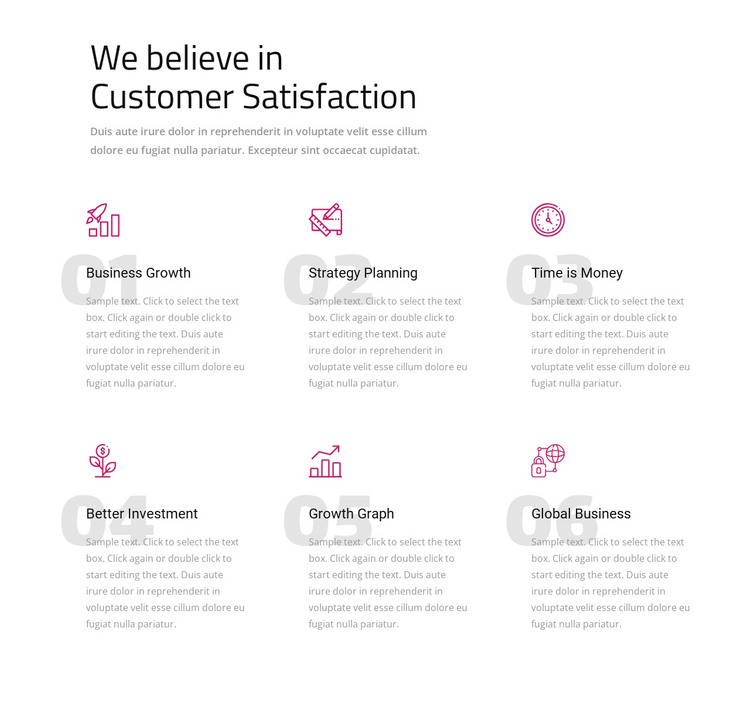
The heading and supporting paragraph establish a durable informational section before the six repeated items begin. Business Growth, Strategy Planning, Time is Money, Better Investment, Growth Graph, and Global Business can be read as stable capability content within a WordPress-managed page, rather than as a time-sensitive list of posts. The block gives each topic a defined place while preserving one shared visual arrangement for the surrounding page design.
Each item contains four recognizable parts: a pink line-style icon, an ordinal label from 01 to 06, a dark title, and muted descriptive copy. The three-column, two-row grid allows all six topics to remain visible together, which suits page content that visitors may scan as a group. The white background, large heading, and generous vertical spacing separate the introduction from the feature area and keep the repeated descriptions from merging into a dense text panel.
In a WordPress-oriented project, this section can remain a reusable visual region on a services, capabilities, or business-information page while the broader site manages other content around it. The block does not need to be treated as a standalone theme; its value is the organized page content and consistent presentation it contributes. If the topics later need different publishing behavior, that decision belongs to the surrounding project, while this section preserves its six-item structure and visual hierarchy.
Customize with Nicepage
Open this ready-made template in the WordPress Website Builder and customize it visually in the Nicepage editor. Replace demo content, edit page sections, and adapt the design to your project without rebuilding the template from scratch.
Edit Template Offline
2. Create a new page or select existing
3. Click Add new block, search for id 487425 and click enter
Edit Template Online
Create Awesome Websites


Free Nicepage Builder
Keywords
Manage and Edit This Theme in WordPress
Customize and Install the WordPress Theme
Start with this ready-made theme instead of building the WordPress design from scratch. Customize its layout, content, typography, images, sections, and other design elements visually in Nicepage editor, then export and install the WordPress Theme, Plugin, and Pages on your WordPress site. The Nicepage WordPress Plugin lets you continue working with the site after installation.
Edit the Theme Directly in WordPress
After installation, you can edit the WordPress Theme directly in WordPress with the Nicepage WordPress Plugin. Use Site Style to customize site Colors, Fonts, Header, Footer, Blog, and Post Page Templates while working within your WordPress website.
Edit WordPress Pages Visually
Use the Nicepage WordPress Plugin to edit page content directly from the WordPress admin area. Open a WordPress Page with Nicepage and visually change its text, images, sections, and other page elements while continuing to manage the Page through WordPress.
WordPress Content and Theme Integration
Use the customized theme with WordPress Pages, Posts, Blog and Post Templates, menus, widgets, and other CMS-managed content. Shared theme elements such as Colors, Fonts, Header, Footer, Blog, and Post Page Templates can be managed as part of the overall site design, while WordPress provides the CMS environment for managing site content.
This workflow combines a ready-made WordPress Theme with visual customization, direct theme editing in WordPress, and continued content management through the Nicepage WordPress Plugin.