Contact info and social icons WordPress Theme


Stable Contact Content With a Separate Inquiry Panel
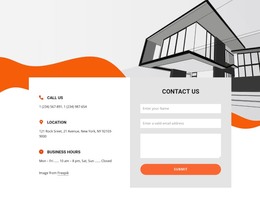
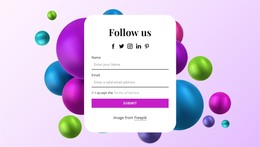
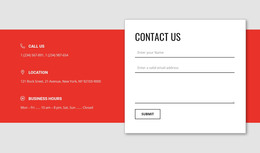
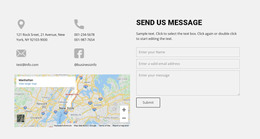
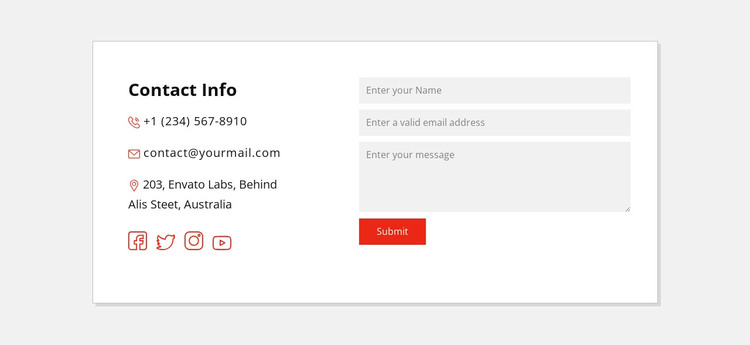
The block’s content is naturally divided between information visitors may reference repeatedly and fields they may complete when they want to send a message. The left panel begins with “Contact Info,” then presents a phone number, email address, and physical address. Four social-link icons extend that contact group by offering additional channels. The right panel keeps the interaction focused through name, email, and message inputs followed by a submit control.
That distinction makes the section suitable as permanent page content in a WordPress-managed site. The bordered white card gives the contact area a stable visual boundary, while the light gray background, dark typography, and red accents help it remain recognizable when placed alongside other page sections. The address wrapping onto two lines is a useful content consideration: the layout needs to support real wording changes without disrupting the form’s alignment or the card’s overall balance.
In a WordPress-oriented project, this block can remain a reusable contact region on a stable page while the wider site handles other pages and changing content separately. It does not need to carry blog, navigation, or site-wide responsibilities. Its role is narrower and clearer: present direct contact information, connect visitors with four social destinations, and provide a structured place for written inquiries.
Customize with Nicepage
Open this ready-made template in the WordPress Website Builder and customize it visually in the Nicepage editor. Replace demo content, edit page sections, and adapt the design to your project without rebuilding the template from scratch.
Edit Template Offline
2. Create a new page or select existing
3. Click Add new block, search for id 414384 and click enter
Edit Template Online
Create Awesome Websites


Free Nicepage Builder
Keywords
Manage and Edit This Theme in WordPress
Customize and Install the WordPress Theme
Start with this ready-made theme instead of building the WordPress design from scratch. Customize its layout, content, typography, images, sections, and other design elements visually in Nicepage editor, then export and install the WordPress Theme, Plugin, and Pages on your WordPress site. The Nicepage WordPress Plugin lets you continue working with the site after installation.
Edit the Theme Directly in WordPress
After installation, you can edit the WordPress Theme directly in WordPress with the Nicepage WordPress Plugin. Use Site Style to customize site Colors, Fonts, Header, Footer, Blog, and Post Page Templates while working within your WordPress website.
Edit WordPress Pages Visually
Use the Nicepage WordPress Plugin to edit page content directly from the WordPress admin area. Open a WordPress Page with Nicepage and visually change its text, images, sections, and other page elements while continuing to manage the Page through WordPress.
WordPress Content and Theme Integration
Use the customized theme with WordPress Pages, Posts, Blog and Post Templates, menus, widgets, and other CMS-managed content. Shared theme elements such as Colors, Fonts, Header, Footer, Blog, and Post Page Templates can be managed as part of the overall site design, while WordPress provides the CMS environment for managing site content.
This workflow combines a ready-made WordPress Theme with visual customization, direct theme editing in WordPress, and continued content management through the Nicepage WordPress Plugin.