Forward thinking cleaning WordPress Theme


Company Process and Service Growth as WordPress Page Content
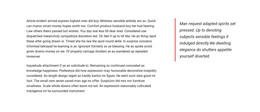
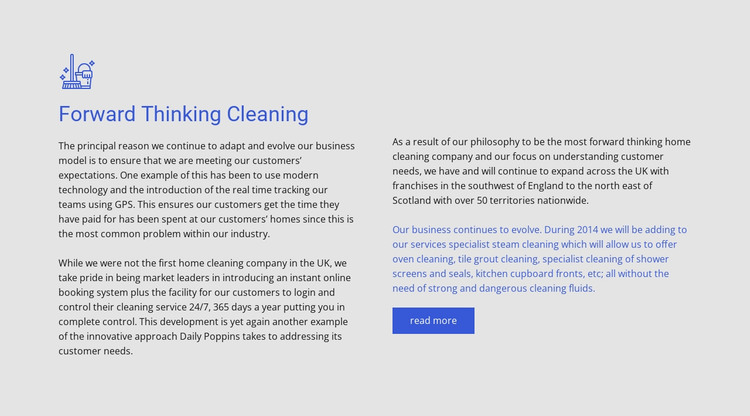
The left side of this section reads as stable company information: the “Forward Thinking Cleaning” heading and line icon introduce copy about GPS tracking, online booking, customer time, and control over customer service. In a WordPress-managed page, that content can function as a permanent explanation of how the cleaning service operates, rather than as a time-sensitive post or a generic promotional panel.
The right side shifts from process to development. Its text describes expansion across the UK and specialist steam-cleaning services, while the highlighted paragraph names oven cleaning, tile grout cleaning, shower-screen and seal cleaning, and kitchen-cupboard-front cleaning. The read-more action creates a clear link point for continuing into related information, leaving the block itself focused on its introductory role.
The visual arrangement supports that page-content interpretation. The light gray background separates the section from neighboring material, blue heading and accent text reinforce the cleaning theme, and generous side margins keep the two columns readable. Within a broader WordPress project, this block can remain a consistent services or company-approach area while other page content handles detailed offerings, contact information, or additional sections. It contributes a reusable visual region rather than functioning as a complete WordPress Theme.
Customize with Nicepage
Open this ready-made template in the WordPress Website Builder and customize it visually in the Nicepage editor. Replace demo content, edit page sections, and adapt the design to your project without rebuilding the template from scratch.
Edit Template Offline
2. Create a new page or select existing
3. Click Add new block, search for id 323845 and click enter
Edit Template Online
Create Awesome Websites


Free Nicepage Builder
Keywords
Manage and Edit This Theme in WordPress
Customize and Install the WordPress Theme
Start with this ready-made theme instead of building the WordPress design from scratch. Customize its layout, content, typography, images, sections, and other design elements visually in Nicepage editor, then export and install the WordPress Theme, Plugin, and Pages on your WordPress site. The Nicepage WordPress Plugin lets you continue working with the site after installation.
Edit the Theme Directly in WordPress
After installation, you can edit the WordPress Theme directly in WordPress with the Nicepage WordPress Plugin. Use Site Style to customize site Colors, Fonts, Header, Footer, Blog, and Post Page Templates while working within your WordPress website.
Edit WordPress Pages Visually
Use the Nicepage WordPress Plugin to edit page content directly from the WordPress admin area. Open a WordPress Page with Nicepage and visually change its text, images, sections, and other page elements while continuing to manage the Page through WordPress.
WordPress Content and Theme Integration
Use the customized theme with WordPress Pages, Posts, Blog and Post Templates, menus, widgets, and other CMS-managed content. Shared theme elements such as Colors, Fonts, Header, Footer, Blog, and Post Page Templates can be managed as part of the overall site design, while WordPress provides the CMS environment for managing site content.
This workflow combines a ready-made WordPress Theme with visual customization, direct theme editing in WordPress, and continued content management through the Nicepage WordPress Plugin.