We create digital solutions WordPress Theme


Edit Template Offline
2. Create new page and search for id 1996500
Edit Template Online
Create Awesome Websites


Free Nicepage Builder
Keywords
Service pages and portfolio content fit a managed agency site
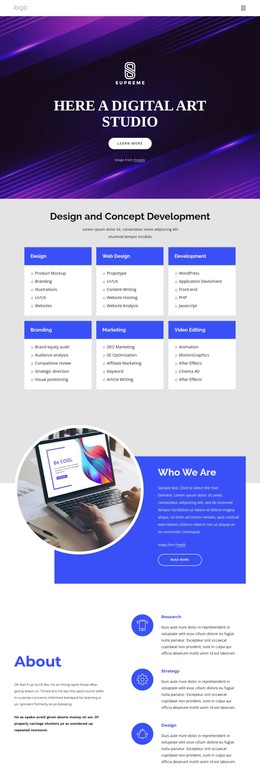
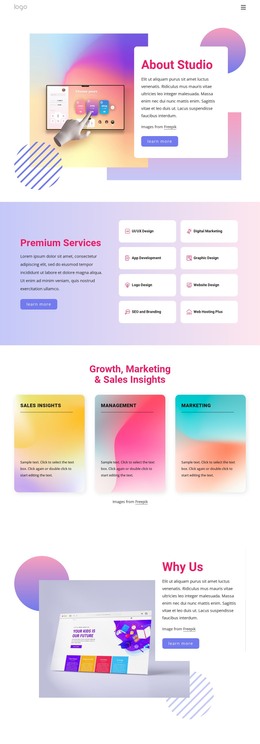
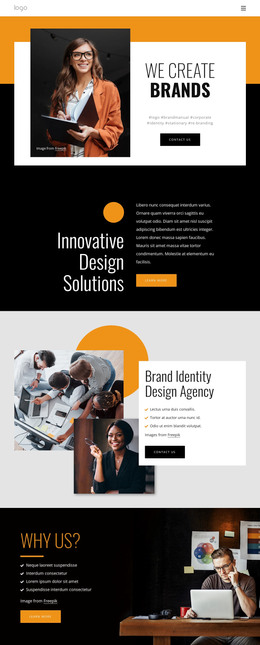
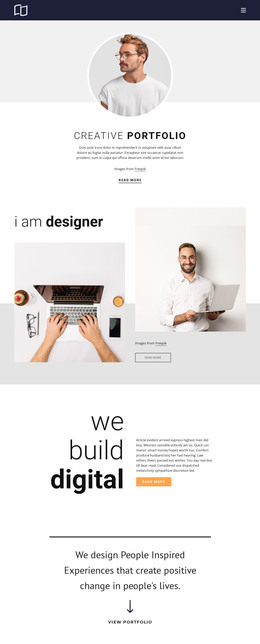
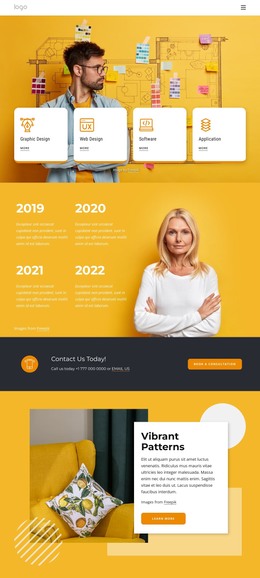
The four capability cards give the design a strong page-oriented content structure. Design, Digital & Mobile, Development, and Social Marketing are presented as separate service groups, each with its own visual space and supporting list. In a WordPress-managed project, that separation can guide permanent service content while the shared orange, coral, white, and charcoal direction keeps related pages visually connected.
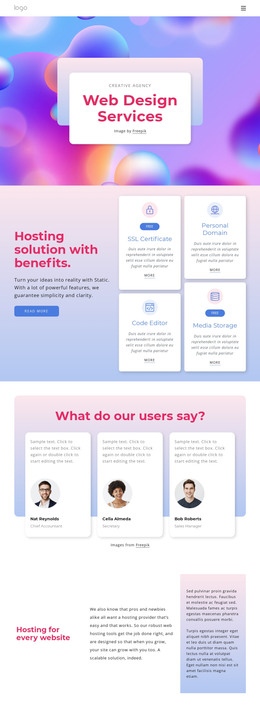
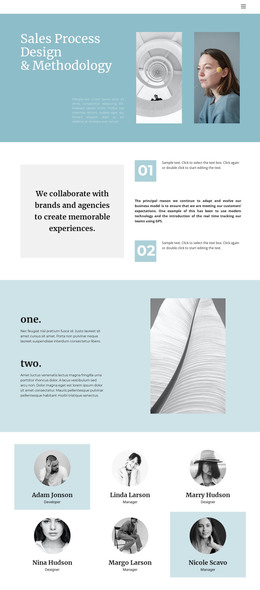
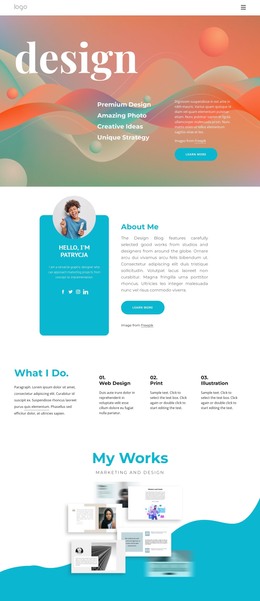
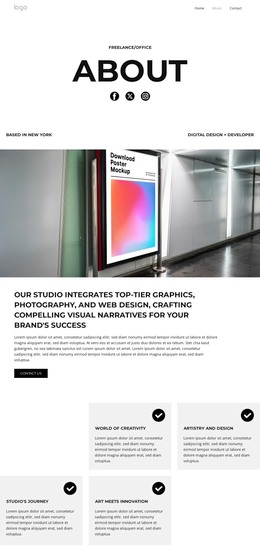
The page also includes several content areas that can be treated differently according to how the agency communicates. The Digital Marketing block works as a focused explanatory section, the What we Do area summarizes five creative offerings, and the three numbered cards introduce a process-style narrative. The four-person team section provides a people-focused content area, while the digital design and industrial design cards distinguish studio disciplines. These relationships make the design suitable for combining stable agency information with content that may be expanded over time.
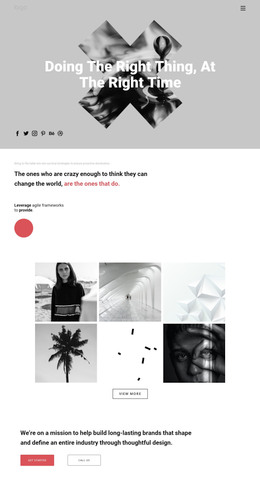
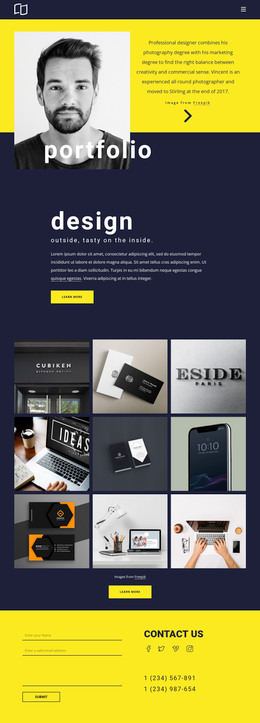
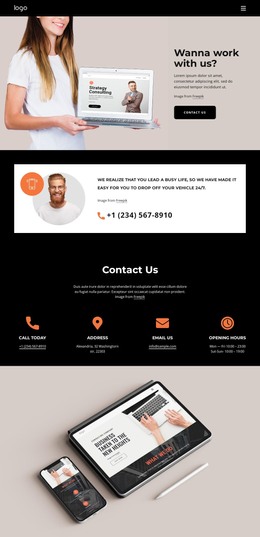
The six-image portfolio gallery is especially useful as a visual project area. It can represent selected work or branding examples within the same overall theme, while the surrounding headings and contact actions preserve the page’s agency context. The final Contact Us block adds a form and three contact-information cards, giving visitors a clear place to send inquiries. The result is a WordPress theme concept grounded in recognizable page content: services, process, people, disciplines, work, and contact, rather than a CMS label applied without reference to the design.
Customize with Nicepage
Open this ready-made template in the WordPress Website Builder and customize it visually in the Nicepage editor. Replace demo content, edit page sections, and adapt the design to your project without rebuilding the template from scratch.
Manage and Edit This Theme in WordPress
Customize and Install the WordPress Theme
Start with this ready-made theme instead of building the WordPress design from scratch. Customize its layout, content, typography, images, sections, and other design elements visually in Nicepage editor, then export and install the WordPress Theme, Plugin, and Pages on your WordPress site. The Nicepage WordPress Plugin lets you continue working with the site after installation.
Edit the Theme Directly in WordPress
After installation, you can edit the WordPress Theme directly in WordPress with the Nicepage WordPress Plugin. Use Site Style to customize site Colors, Fonts, Header, Footer, Blog, and Post Page Templates while working within your WordPress website.
Edit WordPress Pages Visually
Use the Nicepage WordPress Plugin to edit page content directly from the WordPress admin area. Open a WordPress Page with Nicepage and visually change its text, images, sections, and other page elements while continuing to manage the Page through WordPress.
WordPress Content and Theme Integration
Use the customized theme with WordPress Pages, Posts, Blog and Post Templates, menus, widgets, and other CMS-managed content. Shared theme elements such as Colors, Fonts, Header, Footer, Blog, and Post Page Templates can be managed as part of the overall site design, while WordPress provides the CMS environment for managing site content.
This workflow combines a ready-made WordPress Theme with visual customization, direct theme editing in WordPress, and continued content management through the Nicepage WordPress Plugin.