Weight loss challenge WordPress Theme


Centered Fitness Content for a WordPress-Managed Page
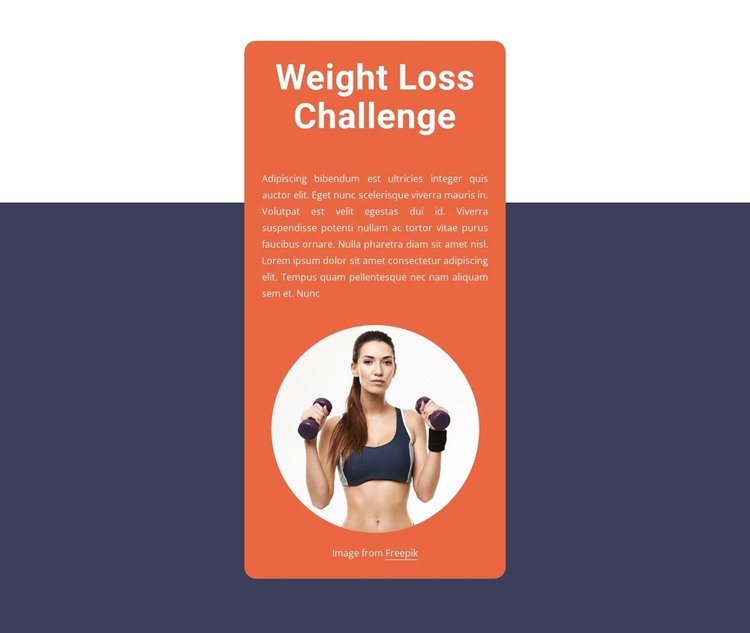
The centered heading “Weight Loss Challenge” and the paragraph beneath it form stable informational content that can fit naturally within a WordPress-managed page. The circular portrait of a woman holding dumbbells adds a visual reference to exercise, but it remains subordinate to the written introduction because it follows the paragraph. This order makes the section suitable for presenting a challenge overview before other page content expands on the subject.
The rounded orange card gives the content a defined visual area, while the dark navy full-width background separates that area from neighboring page sections. White typography maintains contrast inside the card, with the large heading establishing the first reading level and the smaller paragraph providing supporting detail. Generous vertical spacing keeps the heading, copy, and portrait from collapsing into one dense group. These relationships are part of the section’s reusable presentation and can remain consistent when the surrounding WordPress-managed page grows.
In a WordPress-oriented project, the block can serve as permanent page content for a fitness or wellness presentation, with other sections handling program details, schedules, testimonials, or contact information. The section itself remains a single static content region rather than a complete theme or site. Its value lies in giving the page a defined introductory moment: a direct challenge title, room for explanatory copy, and a relevant portrait that closes the visual sequence.
Customize with Nicepage
Open this ready-made template in the WordPress Website Builder and customize it visually in the Nicepage editor. Replace demo content, edit page sections, and adapt the design to your project without rebuilding the template from scratch.
Edit Template Offline
2. Create a new page or select existing
3. Click Add new block, search for id 1807177 and click enter
Edit Template Online
Create Awesome Websites


Free Nicepage Builder
Keywords
Manage and Edit This Theme in WordPress
Customize and Install the WordPress Theme
Start with this ready-made theme instead of building the WordPress design from scratch. Customize its layout, content, typography, images, sections, and other design elements visually in Nicepage editor, then export and install the WordPress Theme, Plugin, and Pages on your WordPress site. The Nicepage WordPress Plugin lets you continue working with the site after installation.
Edit the Theme Directly in WordPress
After installation, you can edit the WordPress Theme directly in WordPress with the Nicepage WordPress Plugin. Use Site Style to customize site Colors, Fonts, Header, Footer, Blog, and Post Page Templates while working within your WordPress website.
Edit WordPress Pages Visually
Use the Nicepage WordPress Plugin to edit page content directly from the WordPress admin area. Open a WordPress Page with Nicepage and visually change its text, images, sections, and other page elements while continuing to manage the Page through WordPress.
WordPress Content and Theme Integration
Use the customized theme with WordPress Pages, Posts, Blog and Post Templates, menus, widgets, and other CMS-managed content. Shared theme elements such as Colors, Fonts, Header, Footer, Blog, and Post Page Templates can be managed as part of the overall site design, while WordPress provides the CMS environment for managing site content.
This workflow combines a ready-made WordPress Theme with visual customization, direct theme editing in WordPress, and continued content management through the Nicepage WordPress Plugin.