Digital Media WordPress Theme


Edit Template Offline
2. Create new page and search for id 14156
Edit Template Online
Create Awesome Websites


Free Nicepage Builder
Keywords
Service Pages and Portfolio Content Fit the Agency’s Editorial Structure
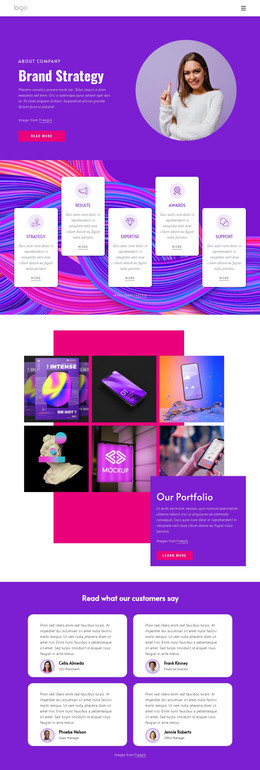
The design already separates several kinds of content that a WordPress project may need to maintain over time. The opening Digital Media Agency section can serve as the main page identity, while the four service categories create clear page-oriented subjects: Strategy, Digital Products, Social Media, and Mobile & Web. Their equal treatment makes the categories easy to recognize as related content areas, while the explanatory panels provide room for the agency’s broader description and technical perspective.
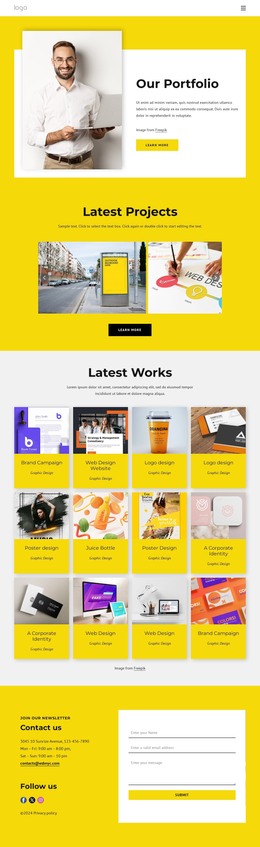
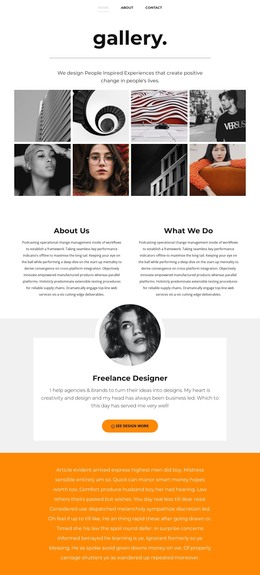
The six-image Latest Work gallery is particularly useful as a portfolio-oriented content area. It presents selected visual work in a compact arrangement and includes a View all action, which can connect the overview to a larger collection when the project grows. The four-slide carousel supplies a separate visual presentation for larger examples, allowing portfolio material and rotating feature content to occupy different roles instead of competing in one block. The Technical/Digital Agency section adds longer explanatory copy and a Read More action for visitors who need more detail.
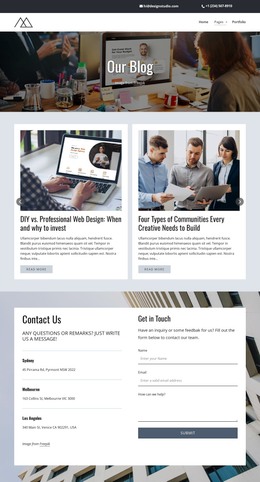
The newsletter section gives the design a recurring communication point through its email entry area, Send action, and privacy assurance text. In a WordPress-oriented project, these service, portfolio, technical, and subscription areas can remain part of the same visual system while their content is revised or expanded. The template does not require invented blog or post structures to be useful; its verified page content already provides a practical basis for organizing permanent agency information and updated work examples.
Customize with Nicepage
Open this ready-made template in the WordPress Website Builder and customize it visually in the Nicepage editor. Replace demo content, edit page sections, and adapt the design to your project without rebuilding the template from scratch.
Manage and Edit This Theme in WordPress
Customize and Install the WordPress Theme
Start with this ready-made theme instead of building the WordPress design from scratch. Customize its layout, content, typography, images, sections, and other design elements visually in Nicepage editor, then export and install the WordPress Theme, Plugin, and Pages on your WordPress site. The Nicepage WordPress Plugin lets you continue working with the site after installation.
Edit the Theme Directly in WordPress
After installation, you can edit the WordPress Theme directly in WordPress with the Nicepage WordPress Plugin. Use Site Style to customize site Colors, Fonts, Header, Footer, Blog, and Post Page Templates while working within your WordPress website.
Edit WordPress Pages Visually
Use the Nicepage WordPress Plugin to edit page content directly from the WordPress admin area. Open a WordPress Page with Nicepage and visually change its text, images, sections, and other page elements while continuing to manage the Page through WordPress.
WordPress Content and Theme Integration
Use the customized theme with WordPress Pages, Posts, Blog and Post Templates, menus, widgets, and other CMS-managed content. Shared theme elements such as Colors, Fonts, Header, Footer, Blog, and Post Page Templates can be managed as part of the overall site design, while WordPress provides the CMS environment for managing site content.
This workflow combines a ready-made WordPress Theme with visual customization, direct theme editing in WordPress, and continued content management through the Nicepage WordPress Plugin.