Picturesque streets Template


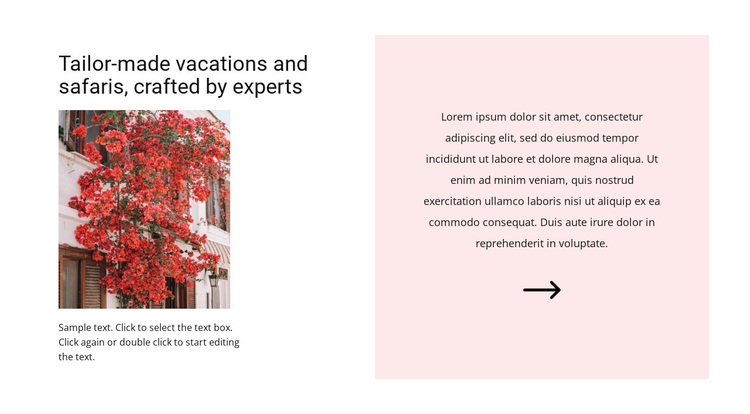
A Portrait Image and Pale Pink Text Panel Create a Distinctive Travel Section
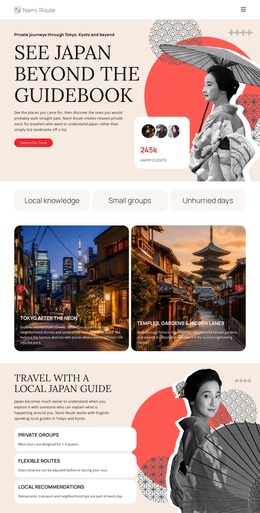
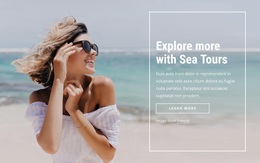
The section pairs a specific message—“Tailor-made vacations and safaris, crafted by experts”—with a composition that gives the content more visual presence than a simple text column. On the left, the heading sits above a portrait-oriented travel photograph and supporting copy. This creates a compact introduction that can communicate the subject quickly while allowing the image to carry part of the travel context.
The right side changes the rhythm through a large centered text area on a pale pink panel. Instead of repeating the same visual treatment on both sides, the block uses contrast between a white field and the colored panel to separate the introductory material from the larger descriptive statement. The arrow icon beneath the panel text adds a recognizable detail and helps finish the vertical alignment.
This is a useful ready-made choice when a page needs an About-style travel section with a strong editorial image-and-text relationship. It can present vacations and safaris in a composed, spacious format while leaving other blocks to handle destinations, itineraries, booking information, or contact details. The design is distinctive because its content coverage and visual balance work together without depending on sliders, tabs, or repeated cards.
Customize with Nicepage
Open this ready-made template in the Template Builder and customize it visually in the Nicepage editor. Replace demo content, edit page sections, and adapt the design to your project without rebuilding the template from scratch.
Edit Template Offline
2. Create a new page or select existing
3. Click Add new block, search for id 863800 and click enter
Edit Template Online
Create Awesome Websites


Free Nicepage Builder
Keywords
Start With a Ready-Made Template
Choose a Design for a New Page
Use a ready-made template as a starting point instead of creating every page from a blank canvas. When adding a new page in Nicepage, browse available designs, compare different layouts, and choose an option that already fits the general purpose and visual direction of your project.
Browse Different Page Designs
Explore Page Designs using search, thematic categories, Design Sets, and full-page previews. The collection includes layouts for different subjects and page purposes, making it easier to compare alternatives before selecting a design to customize.
Customize the Selected Template
After choosing a design, create the page and continue editing it visually in Nicepage. Replace the demo content, adjust images, typography, colors, sections, and other elements, and adapt the ready-made layout to your own content instead of rebuilding the design from the beginning.
Explore More Design Directions
If the first option does not match your project closely enough, return to the design collection and compare other templates before committing to a layout. This makes the template library useful not only for faster page creation, but also for exploring different visual approaches and finding a suitable starting point for a new project.
This workflow gives you access to a broad collection of ready-made designs that can be selected, compared, and customized according to the needs of each new page or project.