Wellness center help and answers Template


Edit Template Offline
2. Create new page and search for id 6561442
Edit Template Online
Create Awesome Websites


Free Nicepage Builder
Keywords
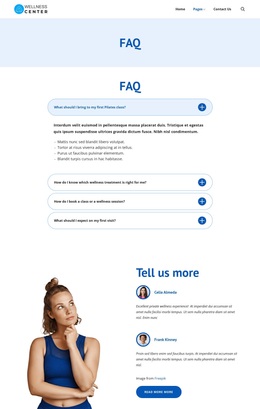
Four Wellness Questions Supported by Testimonials and Contact Details
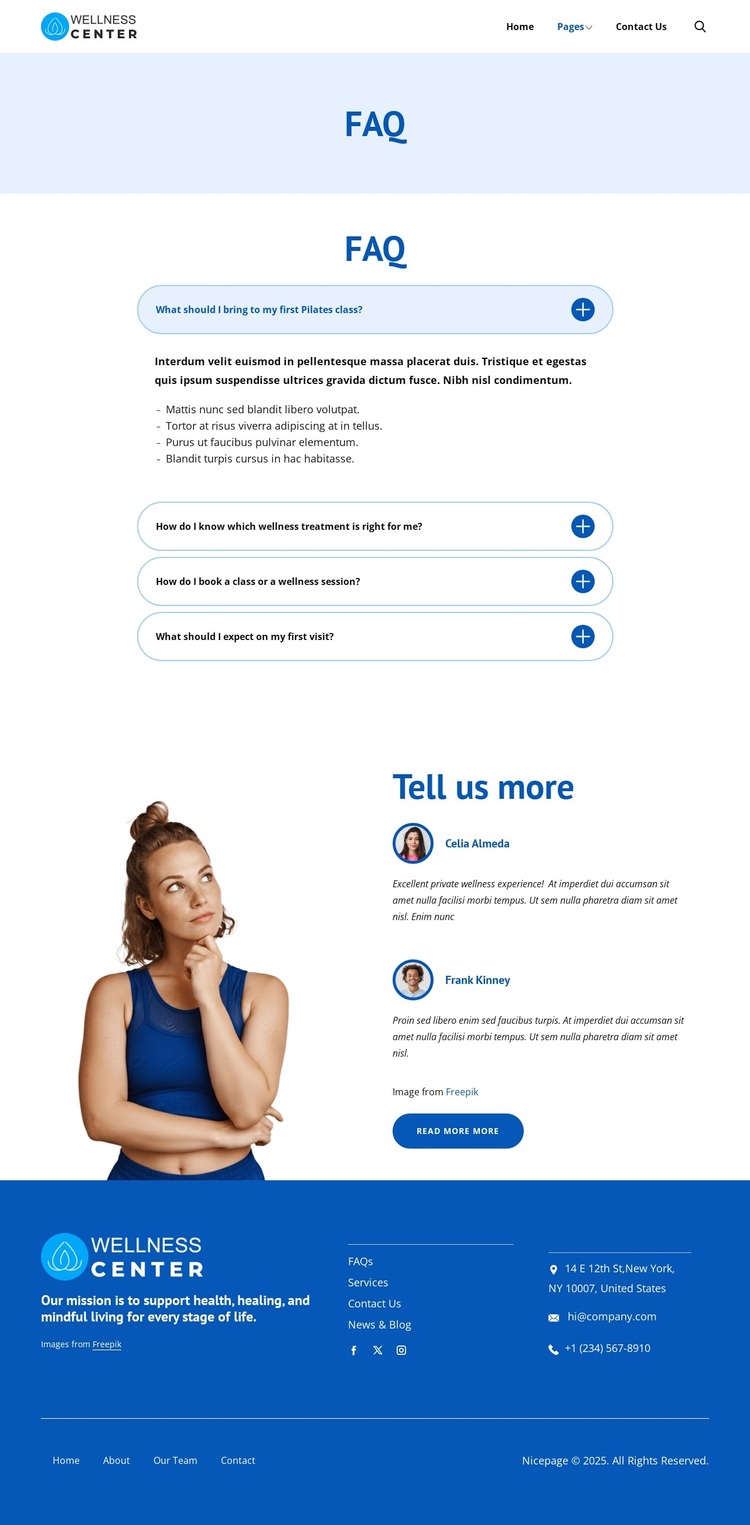
Four focused questions give this design a clear reason to be chosen: visitors can find guidance about bringing items to a first Pilates class, selecting a wellness treatment, booking a class or session, and understanding a first visit. The accordion keeps those related answers together while allowing each topic to remain a separate point of entry. This is a useful content emphasis for a wellness project where practical preparation and service orientation matter as much as the introductory message.
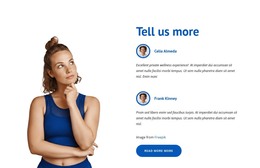
The design also includes supporting content rather than relying on the FAQ alone. Two testimonial entries sit beside a wellness photograph, and a read-more button creates a transition from direct answers to additional information. That combination gives the page both an informative center and a human-oriented secondary section. The header search control adds another way to locate information, while the footer gathers help links, social links, and contact channels into a visible closing area.
The blue and light-blue palette, white content surfaces, rounded controls, centered typography, and generous spacing reinforce a calm, approachable direction without overwhelming the questions. Choose this design when a wellness center needs a ready-made page that explains common concerns, adds supporting visitor perspectives, and keeps contact information easy to find. Demo names, addresses, and contact values should be replaced with verified project details.
Customize with Nicepage
Open this ready-made template in the Template Builder and customize it visually in the Nicepage editor. Replace demo content, edit page sections, and adapt the design to your project without rebuilding the template from scratch.
Start With a Ready-Made Template
Choose a Design for a New Page
Use a ready-made template as a starting point instead of creating every page from a blank canvas. When adding a new page in Nicepage, browse available designs, compare different layouts, and choose an option that already fits the general purpose and visual direction of your project.
Browse Different Page Designs
Explore Page Designs using search, thematic categories, Design Sets, and full-page previews. The collection includes layouts for different subjects and page purposes, making it easier to compare alternatives before selecting a design to customize.
Customize the Selected Template
After choosing a design, create the page and continue editing it visually in Nicepage. Replace the demo content, adjust images, typography, colors, sections, and other elements, and adapt the ready-made layout to your own content instead of rebuilding the design from the beginning.
Explore More Design Directions
If the first option does not match your project closely enough, return to the design collection and compare other templates before committing to a layout. This makes the template library useful not only for faster page creation, but also for exploring different visual approaches and finding a suitable starting point for a new project.
This workflow gives you access to a broad collection of ready-made designs that can be selected, compared, and customized according to the needs of each new page or project.