Privacy that works for you Template


Edit Template Offline
2. Create new page and search for id 6542710
Edit Template Online
Create Awesome Websites


Free Nicepage Builder
Keywords
Candidate data, user rights, and a vivid policy presentation
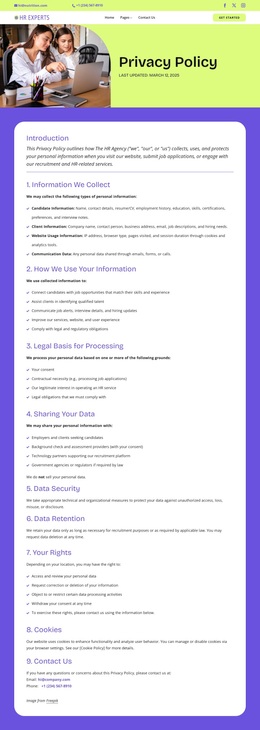
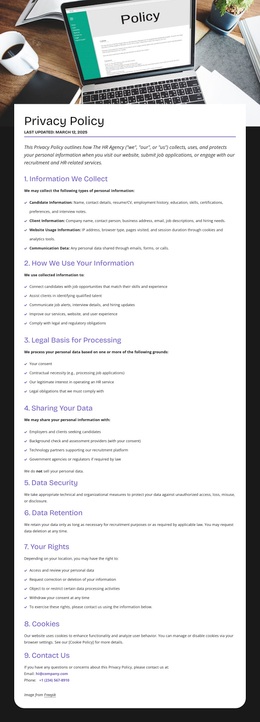
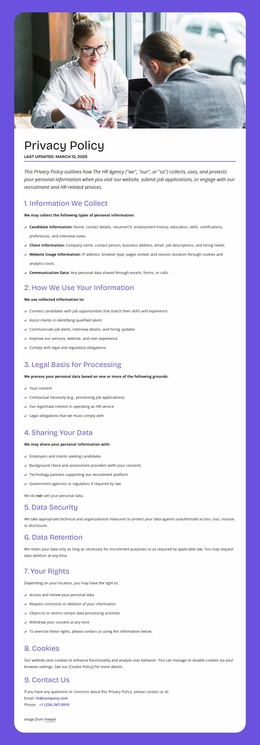
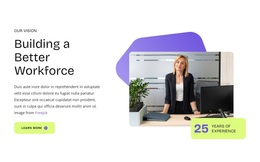
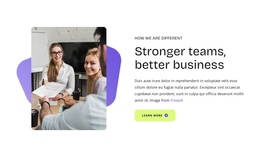
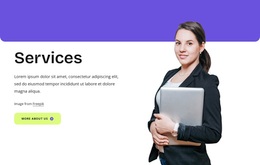
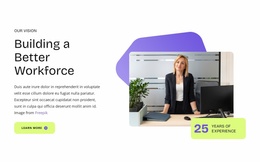
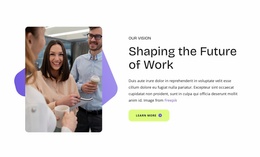
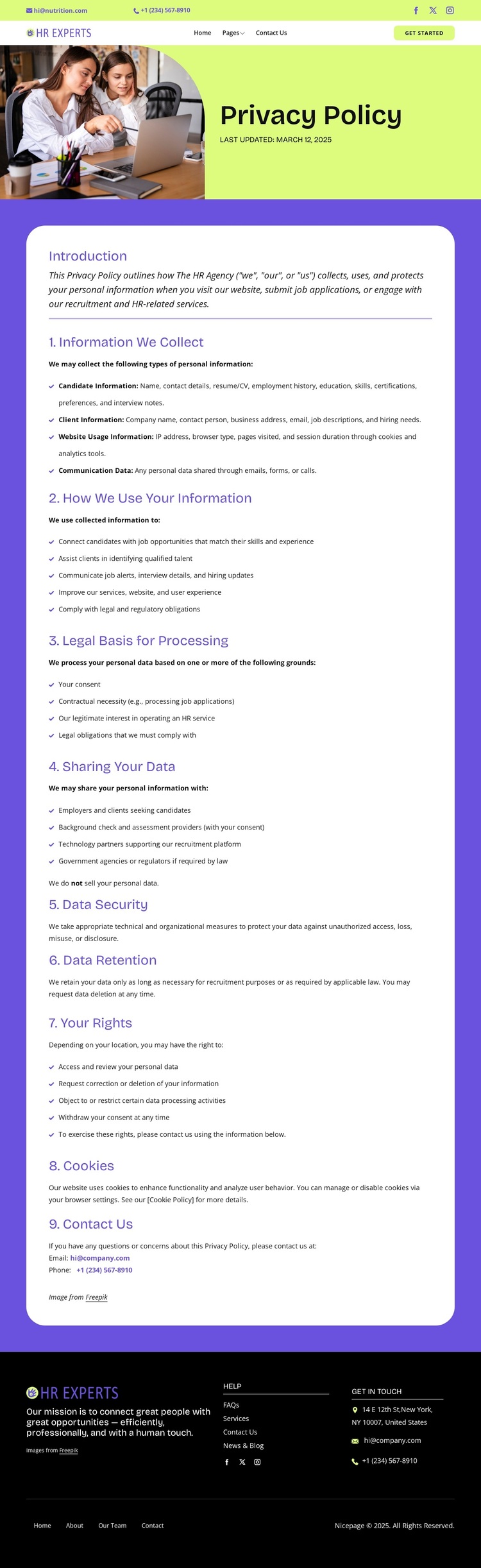
The page is a distinctive choice for projects that need to explain privacy practices without presenting the information as an undifferentiated legal document. Its workplace photograph and bright lime-and-purple hero immediately connect the policy to an HR and recruitment setting, while the title and update date establish the document’s purpose. The introduction then leads into nine clearly named provisions, covering candidate, client, website-usage, and communication data before addressing use, legal basis, sharing, security, retention, rights, cookies, and contact.
That combination gives the design useful content coverage as well as a recognizable visual direction. Rounded white panels create focused reading surfaces for dense policy text, numbered headings make the progression easy to follow, and generous spacing separates related provisions without breaking the document into disconnected fragments. The page also states that personal data is not sold and identifies rights such as access, correction or deletion, objection or restriction, and withdrawal of consent, giving the layout a clear subject range for privacy-focused communication. The dark footer adds mission messaging, help links, social links, and contact channels, so practical routes remain visible after the policy content. This makes the template worth considering when a project needs legal information to feel connected to an approachable organization rather than isolated from the rest of the site.
Customize with Nicepage
Open this ready-made template in the Template Builder and customize it visually in the Nicepage editor. Replace demo content, edit page sections, and adapt the design to your project without rebuilding the template from scratch.
Start With a Ready-Made Template
Choose a Design for a New Page
Use a ready-made template as a starting point instead of creating every page from a blank canvas. When adding a new page in Nicepage, browse available designs, compare different layouts, and choose an option that already fits the general purpose and visual direction of your project.
Browse Different Page Designs
Explore Page Designs using search, thematic categories, Design Sets, and full-page previews. The collection includes layouts for different subjects and page purposes, making it easier to compare alternatives before selecting a design to customize.
Customize the Selected Template
After choosing a design, create the page and continue editing it visually in Nicepage. Replace the demo content, adjust images, typography, colors, sections, and other elements, and adapt the ready-made layout to your own content instead of rebuilding the design from the beginning.
Explore More Design Directions
If the first option does not match your project closely enough, return to the design collection and compare other templates before committing to a layout. This makes the template library useful not only for faster page creation, but also for exploring different visual approaches and finding a suitable starting point for a new project.
This workflow gives you access to a broad collection of ready-made designs that can be selected, compared, and customized according to the needs of each new page or project.

Design Set (28)
-

-
-
-
-
-
-
-
-
-
Free Website Builder SoftwareDownload
-
-
-
-
-
-
-
-