Social Media Management Template


Edit Template Offline
2. Create new page and search for id 6284215
Edit Template Online
Create Awesome Websites


Free Nicepage Builder
Keywords
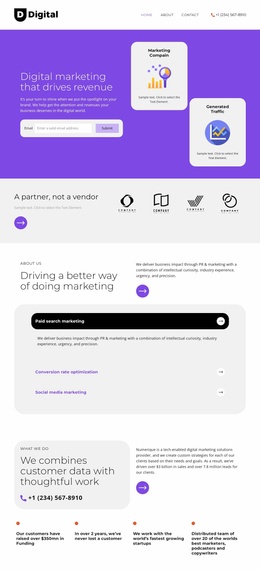
A contact-led choice with service coverage and a free-audit offer
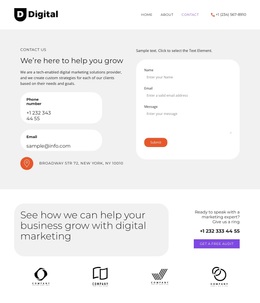
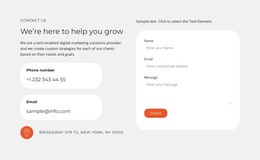
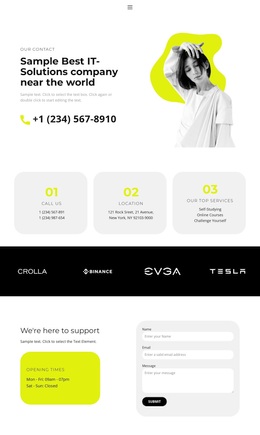
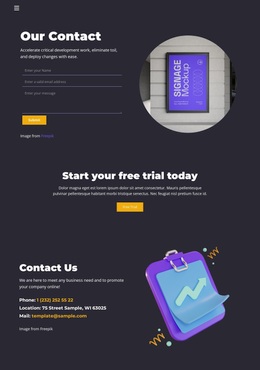
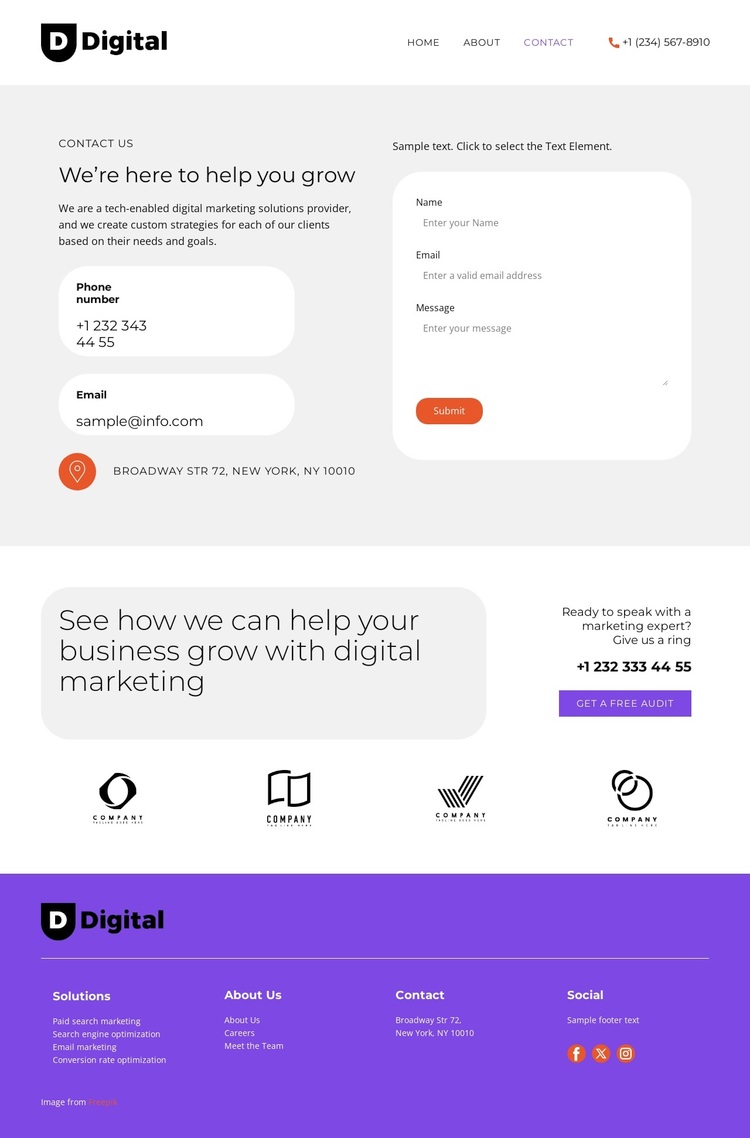
The strongest reason to choose this design is the way it concentrates several digital marketing signals around a practical contact presentation. The opening block does not rely on a generic hero alone: it places introductory copy and contact details beside an inquiry form, making the provider’s purpose visible while preserving a direct route to conversation. That arrangement suits projects where prospective clients need enough context to understand the offer before submitting a request.
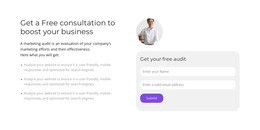
The second block adds a distinctive offer structure. Its growth-focused message is paired with a Marketing expert phone callout and a Get a Free Audit action, then followed by four client logo cards. This combination gives the page more range than a simple contact form because it introduces a specific next step and a repeated visual proof area. The footer reinforces the subject through links for paid search marketing, search engine optimization, email marketing, and conversion rate optimization.
As a ready-made design option, the page is most appropriate for a digital marketing provider that wants service coverage and response opportunities in a compact presentation. The purple footer and orange accents give the contact experience a clear visual endpoint, while the form, audit action, phone callout, and social links offer several related ways to continue the conversation. It is a focused choice rather than a broad, content-heavy corporate layout.
Customize with Nicepage
Open this ready-made template in the Template Builder and customize it visually in the Nicepage editor. Replace demo content, edit page sections, and adapt the design to your project without rebuilding the template from scratch.
Start With a Ready-Made Template
Choose a Design for a New Page
Use a ready-made template as a starting point instead of creating every page from a blank canvas. When adding a new page in Nicepage, browse available designs, compare different layouts, and choose an option that already fits the general purpose and visual direction of your project.
Browse Different Page Designs
Explore Page Designs using search, thematic categories, Design Sets, and full-page previews. The collection includes layouts for different subjects and page purposes, making it easier to compare alternatives before selecting a design to customize.
Customize the Selected Template
After choosing a design, create the page and continue editing it visually in Nicepage. Replace the demo content, adjust images, typography, colors, sections, and other elements, and adapt the ready-made layout to your own content instead of rebuilding the design from the beginning.
Explore More Design Directions
If the first option does not match your project closely enough, return to the design collection and compare other templates before committing to a layout. This makes the template library useful not only for faster page creation, but also for exploring different visual approaches and finding a suitable starting point for a new project.
This workflow gives you access to a broad collection of ready-made designs that can be selected, compared, and customized according to the needs of each new page or project.